Fake AI installers run a hidden miner: Check Point explains the Yoba campaign
Source report: 2026-10-27 · Editorial analysis published: 2026-10-30
The October 27 investigation found fake GitHub AI applications packaging malware beside genuine signed binaries. The observed final payload was XMRig, installed without the user choosing to mine.
A convincing download can carry someone else’s mining job
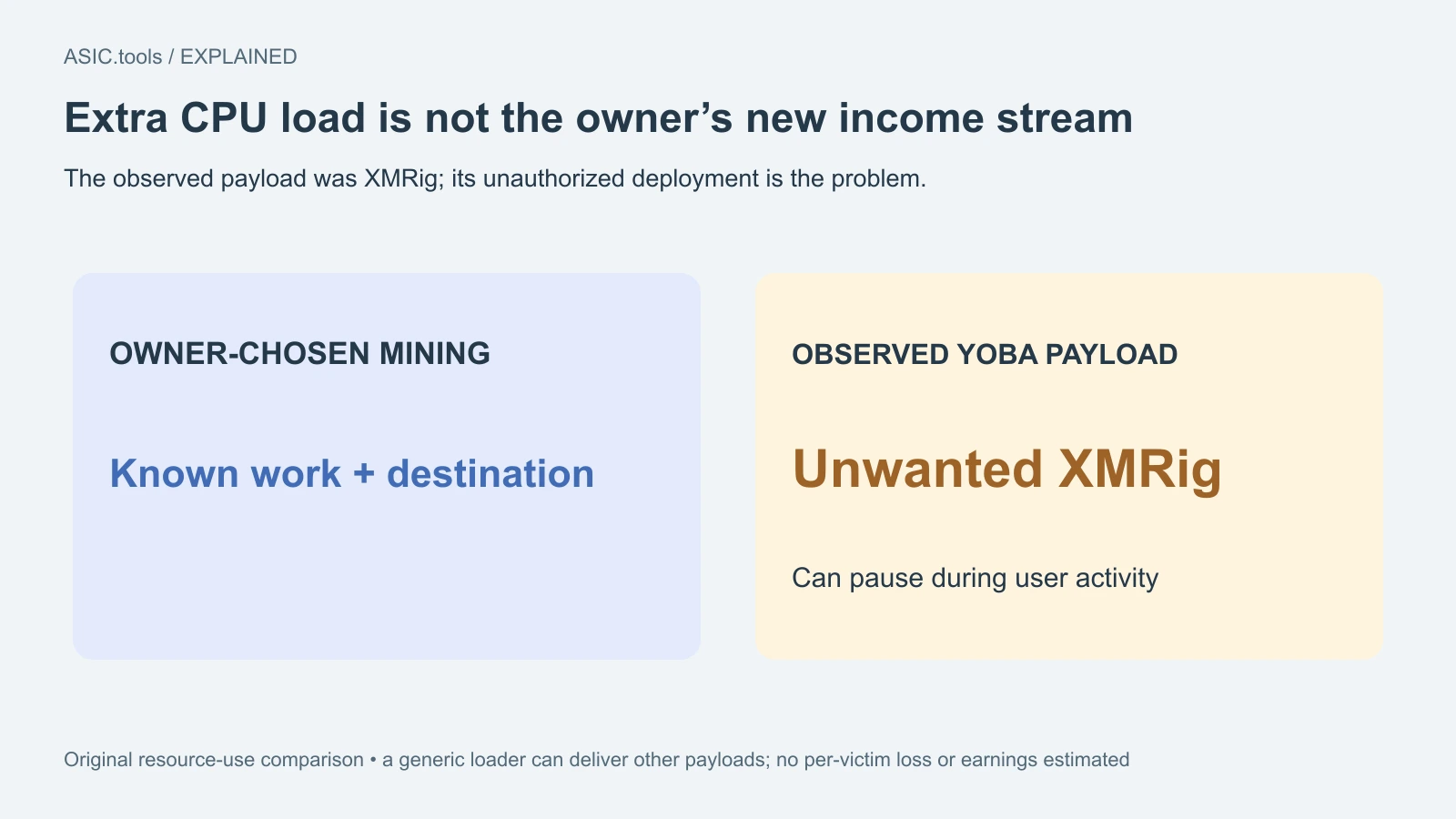
Check Point Research’s October 27 report describes Yoba, a campaign distributing fake AI desktop applications through GitHub projects and GitHub Pages. The researchers observed a chain that ultimately ran an XMRig cryptocurrency miner on the victim’s Windows computer. The direct mining link is unauthorized use of the owner’s computing resources, not a new income opportunity offered to that owner.
The research describes activity tracked over the preceding months. October 27 is the disclosure date, not proof that every infection happened that day, and later coverage does not make it a new October 30 discovery. The useful new evidence is how credible software names, real hosting infrastructure and signed files were combined to make an unwanted mining installation look ordinary.
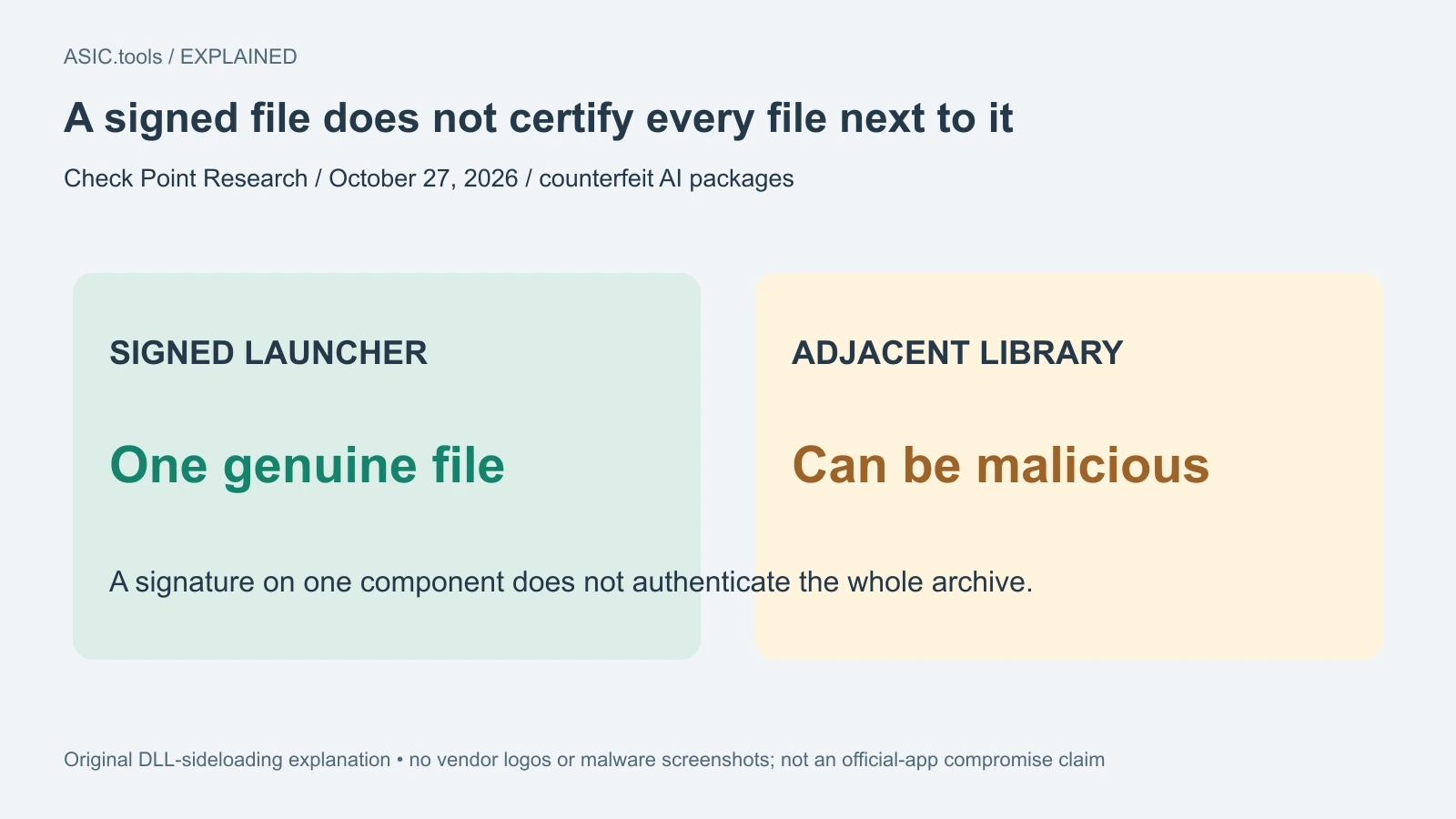
A signature covers a file, not every neighbour in an archive
The attackers placed malicious components beside genuine signed OpenAI and Anthropic executables. When launched, those legitimate programs could indirectly load a nearby malicious dynamic library, a method called DLL sideloading. A dynamic library is code a program loads while running; the signed launcher and the adjacent library need not have the same author or trustworthiness.
That explains why checking one file’s signature cannot establish that the entire downloaded archive is safe. The report concerns counterfeit packages, not evidence that the official ChatGPT or Claude application itself was distributed by its developer with a miner inside. A familiar product name, a valid signature on one component and a real github.com address answer different questions; none alone authenticates the package’s publisher.
The observed payload mined quietly
Check Point identified XMRig 6.26.0 as the observed final payload, running inside a Windows host process and using Tor for its mining connection. The configuration could pause mining when the person was active. An apparently quiet machine while someone moves the mouse therefore does not rule out work resuming when the computer is left idle.
XMRig also exists as legitimate mining software. The problem here is who installed it, whose job it performs and whether the computer owner consented. The researchers describe a generic loader capable of delivering other payloads later, so the finding should not be reduced to a guarantee that the only possible consequence is extra electricity consumption. The report does not establish that every affected user’s wallet credentials were stolen, either.
Administrator prompts and regional checks do not make it safe
The investigated dropper asked to be rerun with administrator privileges when it lacked them. It also used system-language checks, with Ukrainian explicitly excepted from the set of keyboard language IDs excluded by recent versions. That is an observed filter, not reliable protection based on language or location. Changing a keyboard setting is not a security fix, and Ukrainian readers should not infer they were automatically outside the campaign.
For a person who also manages miners, the workstation may hold pool account access, monitoring tools and wallet software. Installing an unrelated helper there can therefore affect the environment used to supervise mining as well as consume resources. Keep software provenance clear: start from the actual developer’s distribution channel and verify the repository owner and project links instead of treating a high search ranking as approval.
Check the installation path without running a suspect sample
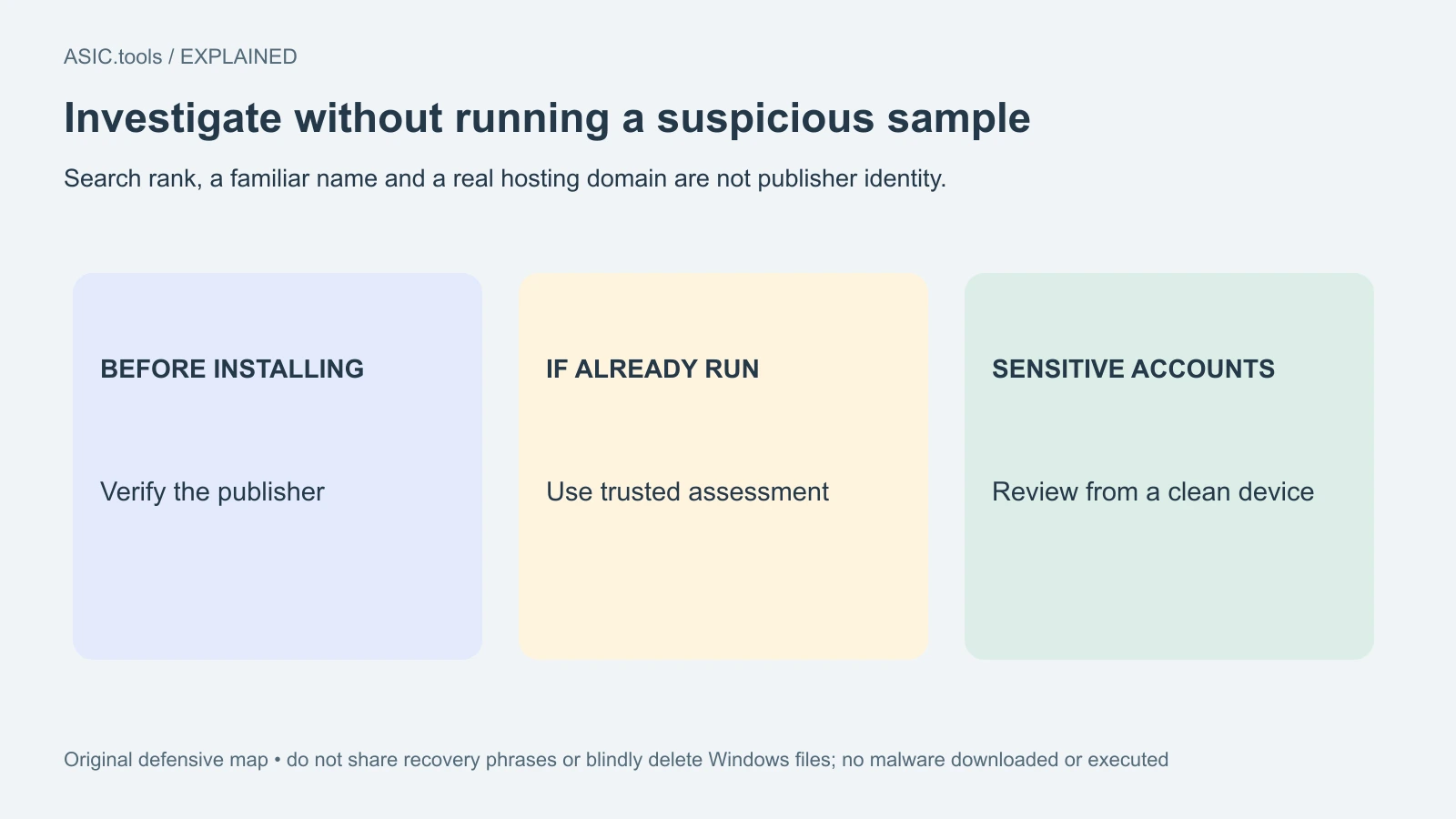
For defensive review, the researchers list indicators such as a ProgramData directory named WMProcess and persistence through scheduled tasks. These are clues to investigate with trusted security tools, not instructions to delete Windows components based on a name alone. Normal Windows host processes are used by legitimate software too. A single process name or a hot laptop is not a complete diagnosis.
If a suspect installer has already run, stop using that environment for sensitive mining-account or wallet administration until it has been assessed. Use a clean, trusted device to review important accounts through their established channels and obtain appropriate security help. Do not type a recovery phrase into a supposed cleanup page or download a second unverified tool that promises to repair the first installation.
The research publishes indicators for defenders, but readers do not need to visit malicious repositories, contact the miner’s endpoint or execute a sample to understand the risk. We reviewed the documentary report only and did not download or run its malware. The practical lesson is the gap between a credible-looking package and a verified distribution source; the hidden miner is the consequence of crossing that gap without checking.
For a mining-cost comparison, keep authorized work separate from unwanted background activity. Extra CPU load can distort electricity measurements and leave less resource for intended tasks, yet it is not evidence that the owner has gained a second paid mining stream. Check which software was deliberately installed, which worker and destination it uses, and whether the system remains under the owner’s control before interpreting a higher power reading as a productive change.
Source: Check Point Research ↗
Mining calculator ↗