BzMiner 100.60 improves Pearl mining and tunes Quantus for RTX 5000 cards
Source report: 2026-10-30 · Editorial analysis published: 2026-11-01
The October 30 release targets several NVIDIA and AMD GPU families. Its published benchmarks also show why power limits and measured consumption must be read separately.
A GPU update with specific targets
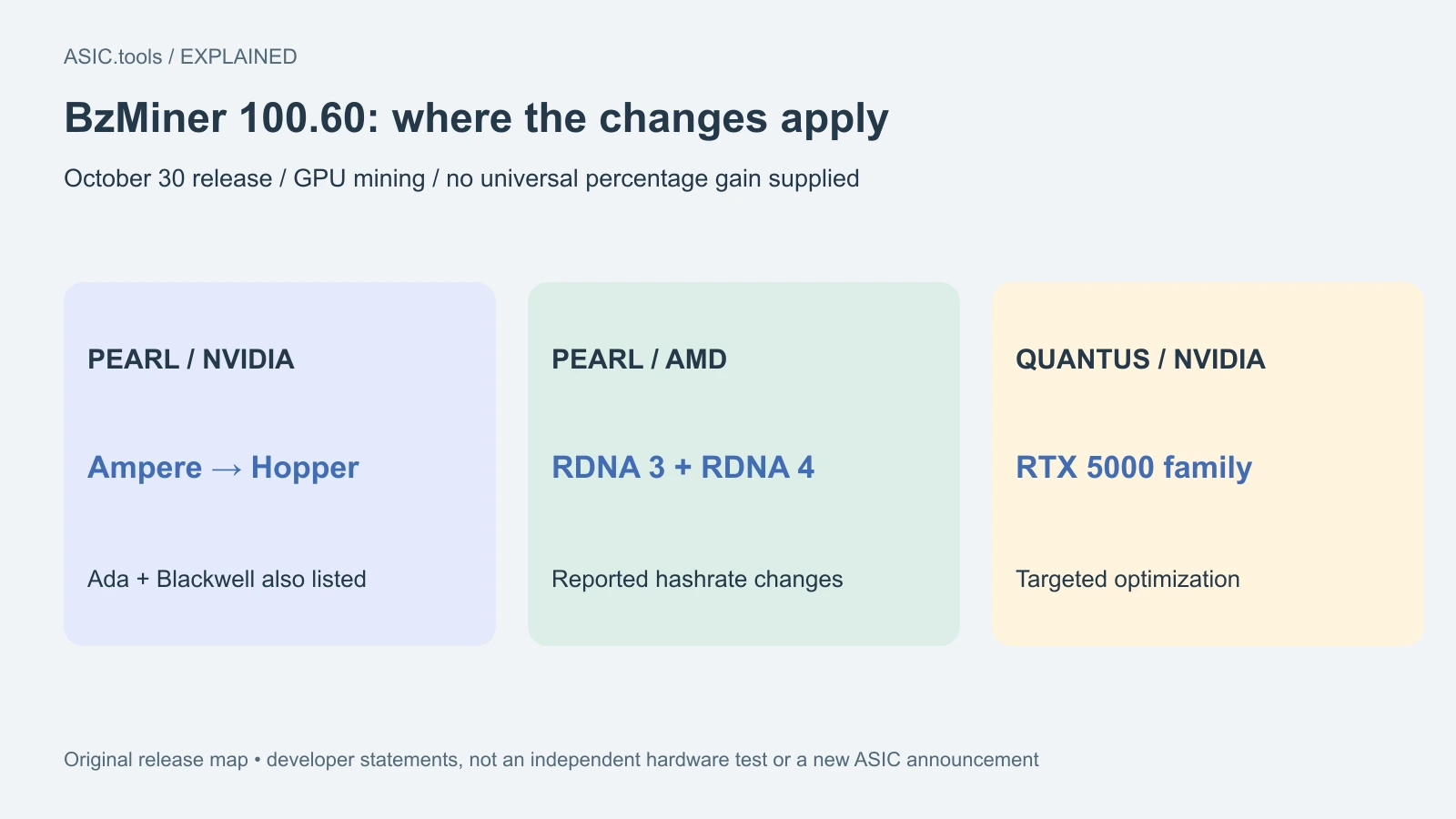
BzMiner released version 100.60 on October 30, with changes aimed at Pearl and Quantus mining. The release notes report higher Pearl hashrates on NVIDIA Ampere, Ada, Blackwell and Hopper hardware, as well as AMD RDNA 3 and RDNA 4. Quantus optimization specifically targets NVIDIA's RTX 5000 family. For an existing GPU rig, the useful question is whether the changes improve its own accepted work and electricity use.
This follows the earlier 100.52 release covered on ASIC.tools, but is a separate software update. It does not announce a new ASIC or supply a universal percentage improvement. Pearl's quoted terahashes describe work for that algorithm; they cannot be compared directly with a Bitcoin ASIC's SHA-256 terahashes to decide which earns more.
What the developer measured
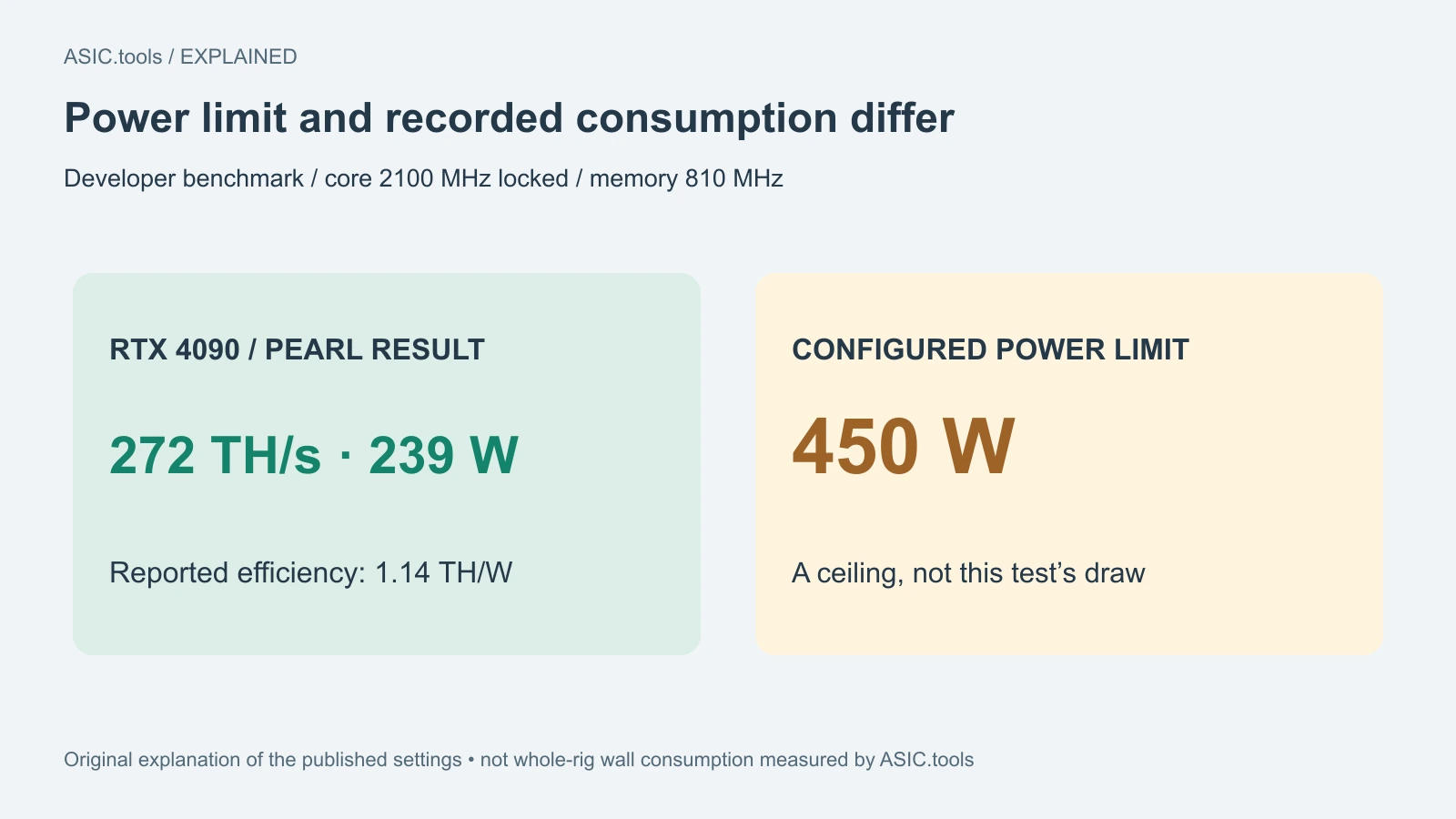
The release publishes a Pearl result of 272 TH/s at 239 W for an RTX 4090, with reported efficiency of 1.14 TH/W. The configuration locks the core at 2100 MHz, sets memory to 810 MHz and uses a 450 W power limit. That last number is a ceiling, not the consumption recorded in the benchmark. Treating 450 W as the test's draw would distort the comparison.
Other examples include an RTX 5060 Ti at 84 TH/s and 84 W, and an RTX 3080 at 103 TH/s and 143 W. These are the developer's examples under the listed settings, not our measurements or guaranteed results on every board. The notes do not establish a controlled before-and-after test against 100.52, so the table cannot support an invented upgrade percentage.
For AMD, the listed RX 9070 XT result is 141.64 TH/s at about 317 W; the RX 7900 XTX is 57.98 TH/s at about 327 W. Differences between cards, settings and cooling matter. A faster card on this table is not automatically a better purchase once purchase cost, whole-rig electricity and actual pool earnings are included.
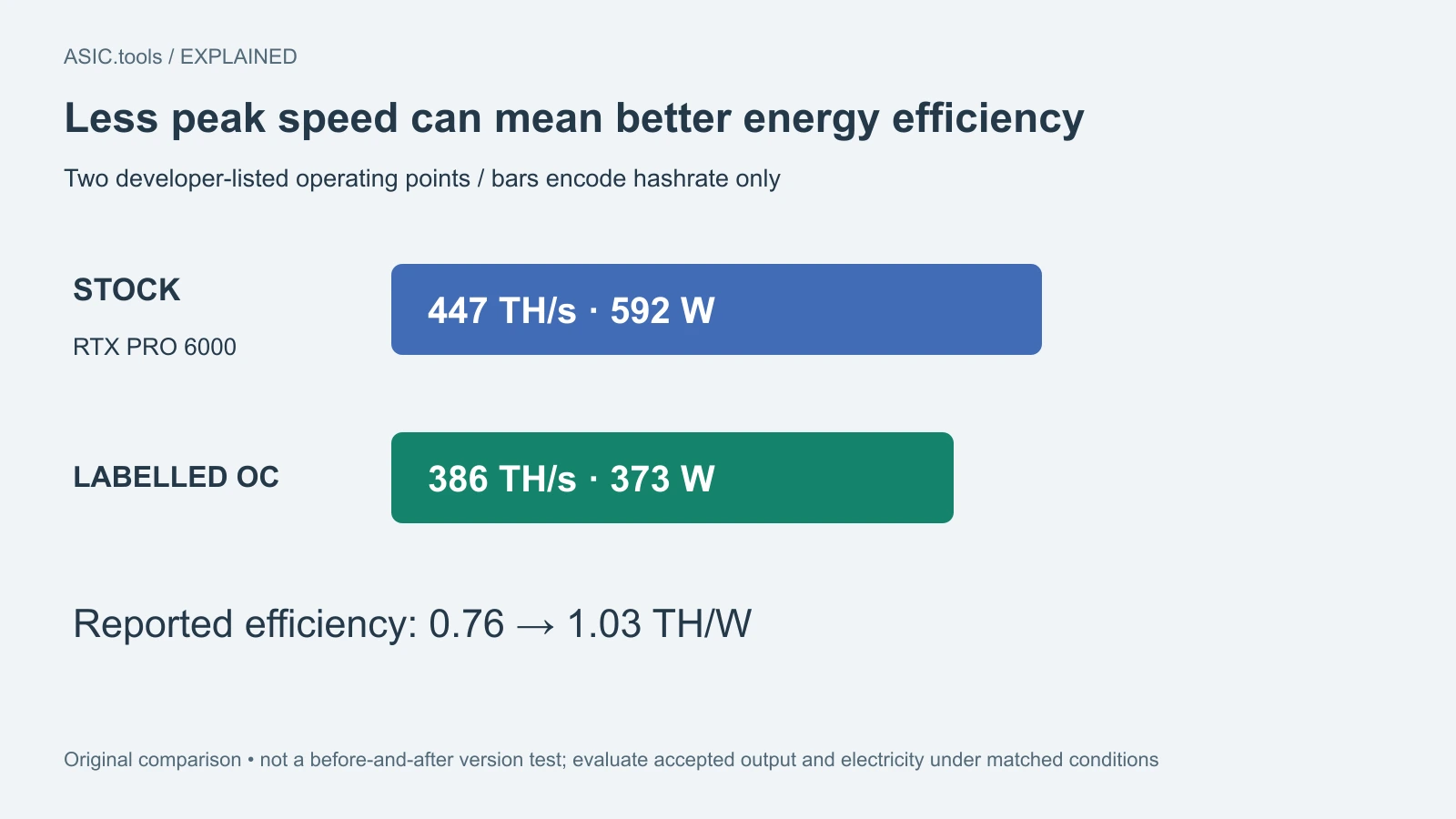
The RTX PRO 6000 examples make the tradeoff especially clear: the stock result is 447 TH/s at 592 W, while the entry labelled OC gives 386 TH/s at 373 W. That is less absolute speed but better reported efficiency, 1.03 rather than 0.76 TH/W. The OC label alone does not tell you which row has the higher hashrate. Choosing between such operating points requires considering the value of the extra accepted output against the extra electricity, using the same accounting boundary.
Dual mining needs two separate accounts
The developers also report optimization of dual-algorithm operation when combined percentages exceed 100. Dual mining means one device works on two algorithms. The percentages describe how the software divides or uses available resources; a total above 100 is not a promise of twice the revenue, and it is not permission to add unrelated hashrate units together.
To judge a dual setup, compare the two streams of accepted work, their actual pool proceeds and the total electricity bill over the same interval. A miner's local counter reports work attempted; the pool's accepted work is closer to what gets credited. More displayed hashes can be a poor trade if rejected work, crashes or power draw rise with them.
Packages and settings still matter
The release offers packages for Windows, Linux, macOS, Hive custom integration and Docker. The Hive package includes an adapter and status reporting intended to fit that environment. Choose the package matching the host rather than treating an operating-system archive as ASIC firmware. Included example pool addresses or wallets are examples to replace with the operator's own configuration.
The release also supplies SHA-256 checksums for downloads. A checksum helps confirm that a file matches the published file; it is not a performance test or a blanket security certification. Configuration can come from a file or command-line options, and command-line values override file values. When checking an unexpected result, inspect the settings actually applied rather than only the saved file.
Make an upgrade earn its place
A useful comparison keeps the card, pool, algorithm and measurement window consistent. Record the previous version and working settings, then compare accepted output, rejected shares, stability and electricity at the wall. The wall reading includes more of the rig than a GPU-only reading, so use the same measurement boundary on both runs. No download or mining executable was run for this report.
Version 100.60 gives owners of supported GPU families a concrete update to evaluate, especially for Pearl and RTX 5000 Quantus setups. Its benchmark table is most useful as a description of tested settings and the speed-versus-power tradeoff. It does not replace an earnings comparison based on the operator's own tariff, pool results and equipment.
Source: BzMiner ↗ · Earlier BzMiner release coverage ↗
Mining calculator ↗