Suprminer 1.9.52 restarts after GPU failures and fixes NEB’s startup table
Source report: 2026-11-21 · Editorial analysis published: 2026-11-22
The overnight stable release adds ccminer-style monitoring and a full first-model table. The preceding 1.9.51 brings tables to H100 and CMP 170HX; benchmark gains depend on hardware and model.
A miner that can recover from an unusable GPU session
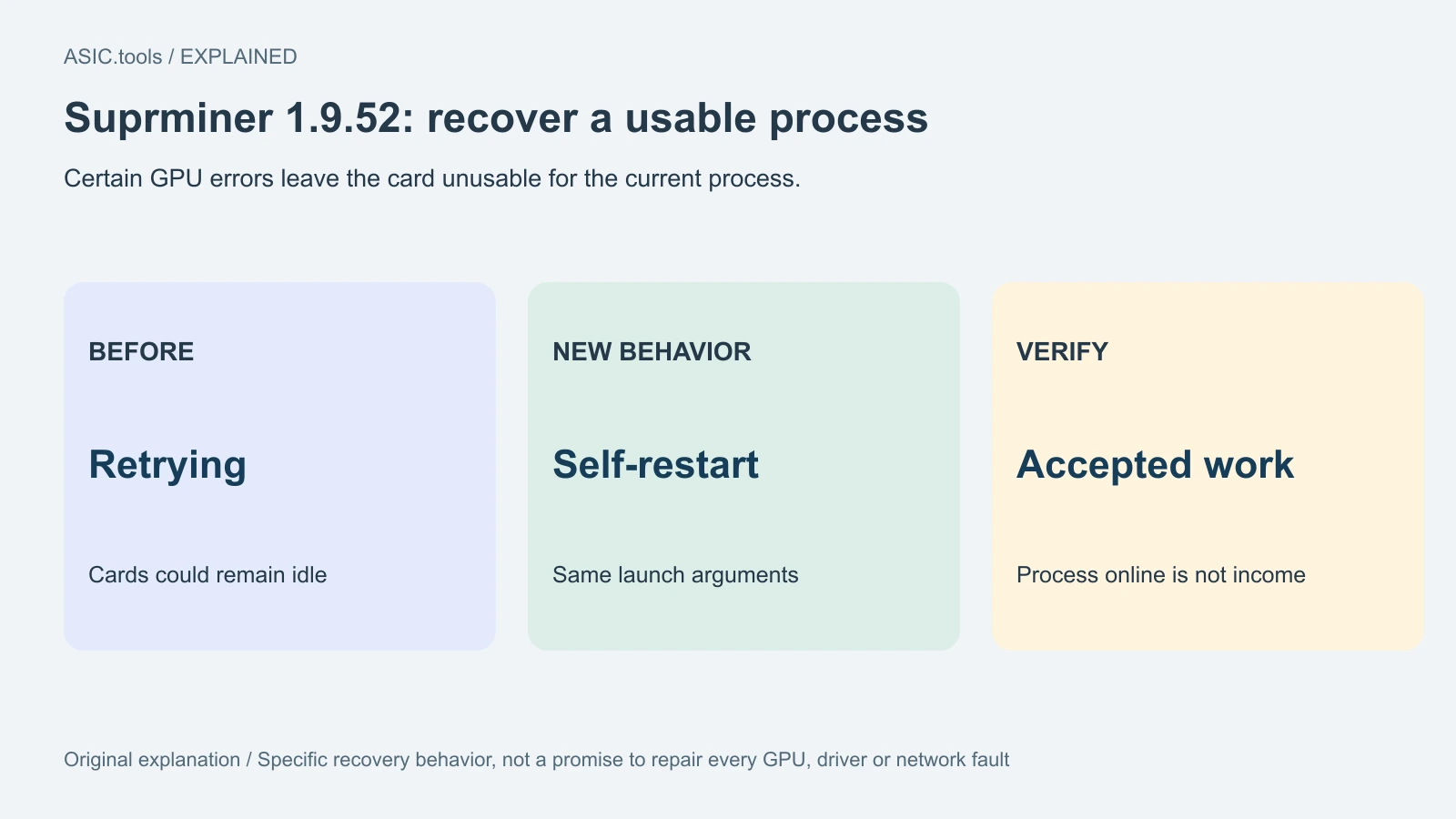
Suprminer 1.9.52 now restarts itself after certain GPU failures instead of endlessly retrying with idle cards. It also fixes a smaller-than-intended NEB result table at the beginning of a session and adds a familiar monitoring switch. The stable release was published on November 21 at 23:27:30 UTC, already 01:27:30 on November 22 in Kyiv.
For someone leaving a rig unattended, recovery and monitoring are the practical changes. This follows 1.9.51, published earlier that evening, which extended the faster table method to H100 and CMP 170HX hardware. These are new changes after the previously covered AMD and RTX-memory updates; the release does not announce a new NEB network or change the command for choosing the neb algorithm.
Restarting a process is different from repairing a card
The restart applies to errors that leave a GPU unusable for the running process, such as illegal memory access or a launch failure. The miner starts itself again with the same arguments. Previously it could continue retrying while cards remained idle. The point is to resume a usable process rather than keep an apparently running application that is doing no work.
That is a recovery behavior, not a promise that every hardware, driver, cooling or network fault is fixed. After a restart, the useful observation is whether the pool accepts work again. Keep the error and restart timestamps when reviewing an unattended interval; a process that has restarted is not by itself proof that the whole interval produced income.
Monitoring gets a ccminer-style switch
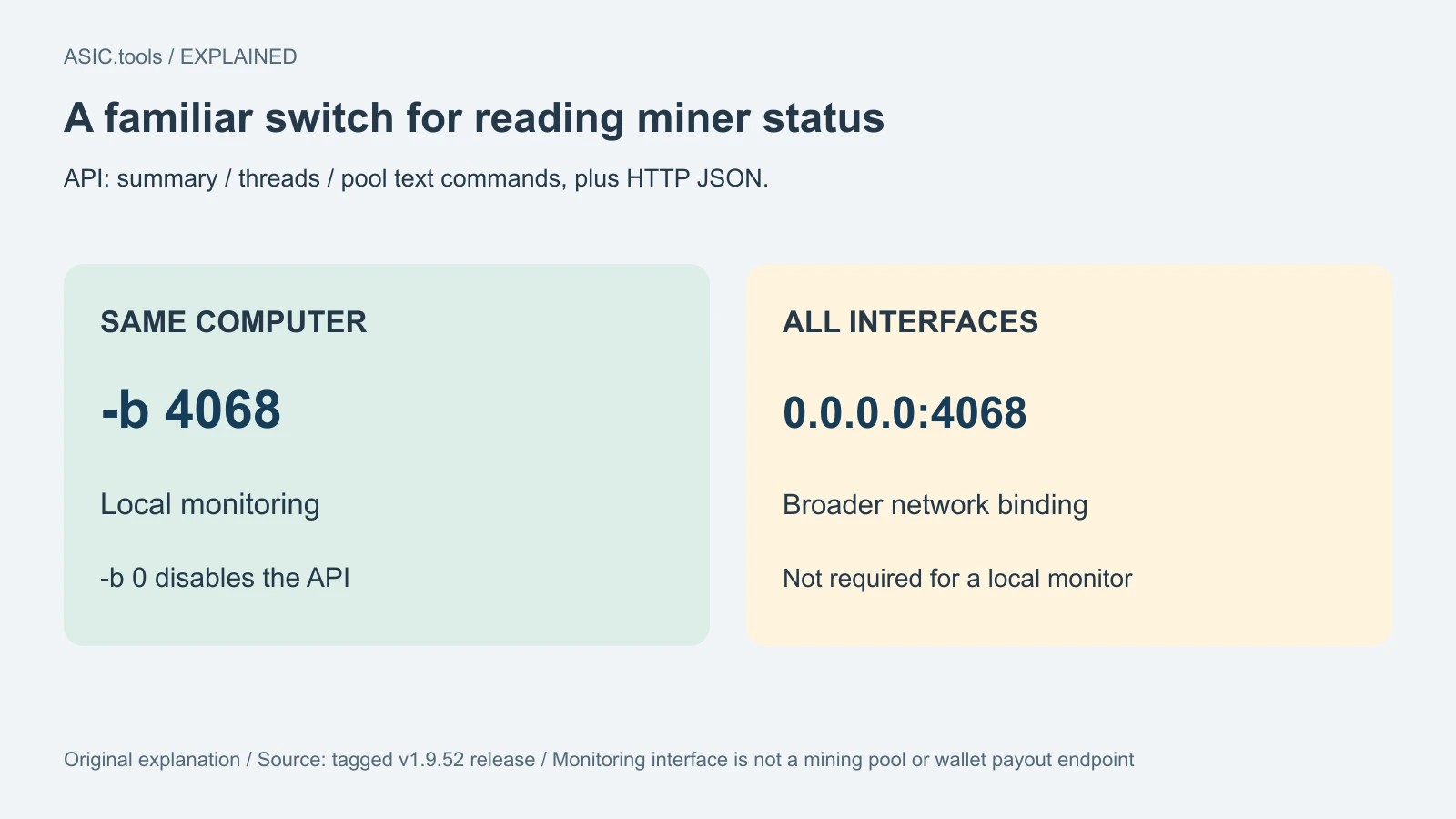
The new -b switch, also called --api-bind, enables the monitoring interface. An API is a way for another program to ask the miner for structured status. With -b 4068 it listens only on the same computer, while -b 0 disables it. The release also supports an explicit address; binding 0.0.0.0:4068 listens on all interfaces, which is a different exposure from local-only monitoring.
The interface answers the ccminer text commands summary, threads and pool, and retains HTTP JSON for HiveOS, mmpOS and SMOS. This helps a management tool read status without interpreting the on-screen log. It is not a new mining pool or a wallet payout endpoint. For a local monitor, the same-computer binding avoids unnecessarily making the port available on every network interface.
The first NEB table now has its intended size
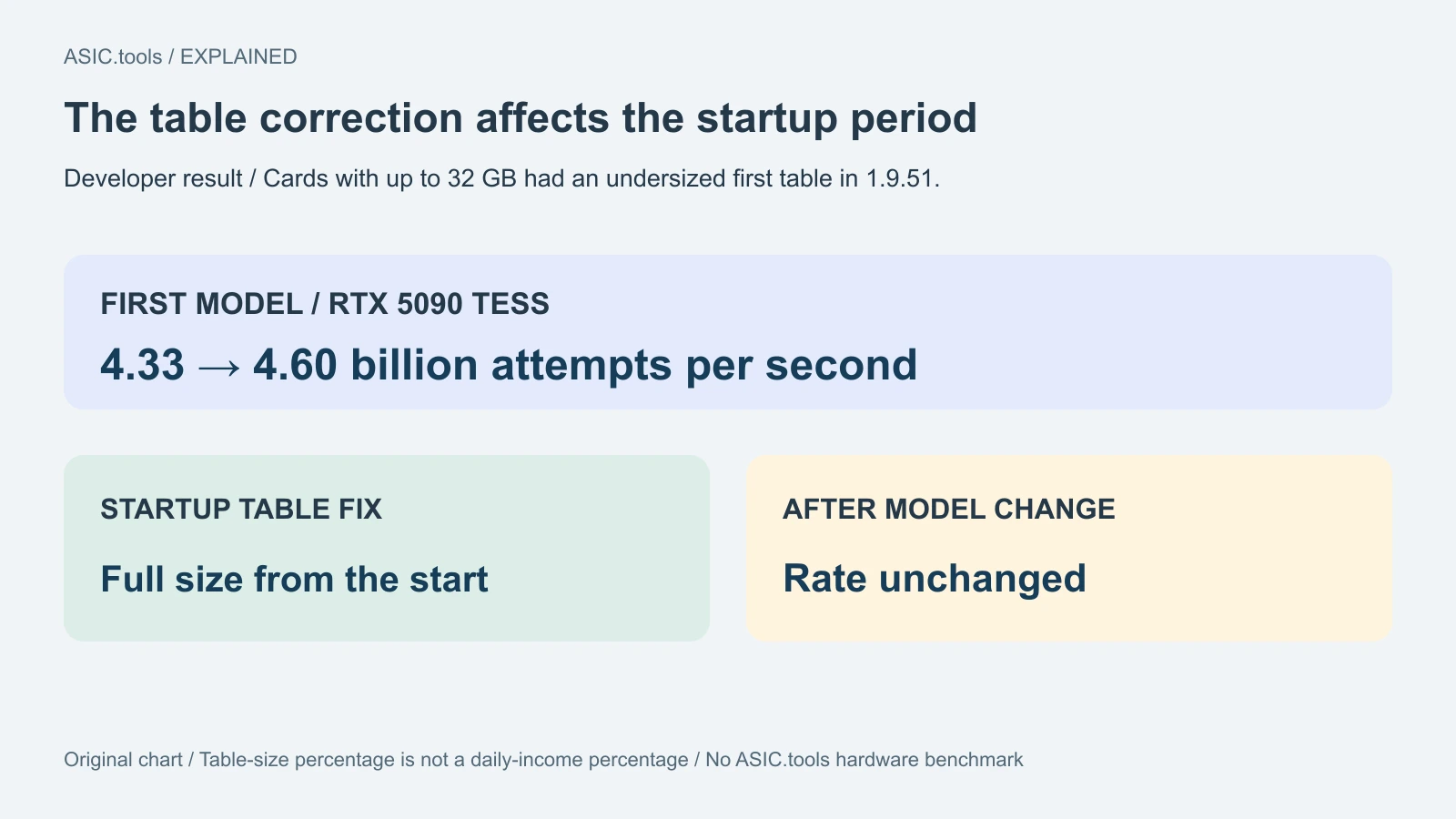
NEB, Neural Engine Byte, uses proof-of-training: mining attempts perform exact integer work on a small neural-network model. Suprminer keeps exact results in graphics memory to avoid repeating expensive work. In 1.9.51 the first model's table was about ten percent too small on cards with up to 32 GB until the next model change. Version 1.9.52 fixes that startup period.
The developer's RTX 5090 TESS observation rose from 4.33 to 4.60 billion evaluated attempts per second during that period; the rate after the next model change is unchanged. Table size and measured speed are different quantities. The note therefore does not support a ten-percent daily-income claim or the assumption that every card gains the same amount throughout a session.
The previous evening's change reaches different GPUs
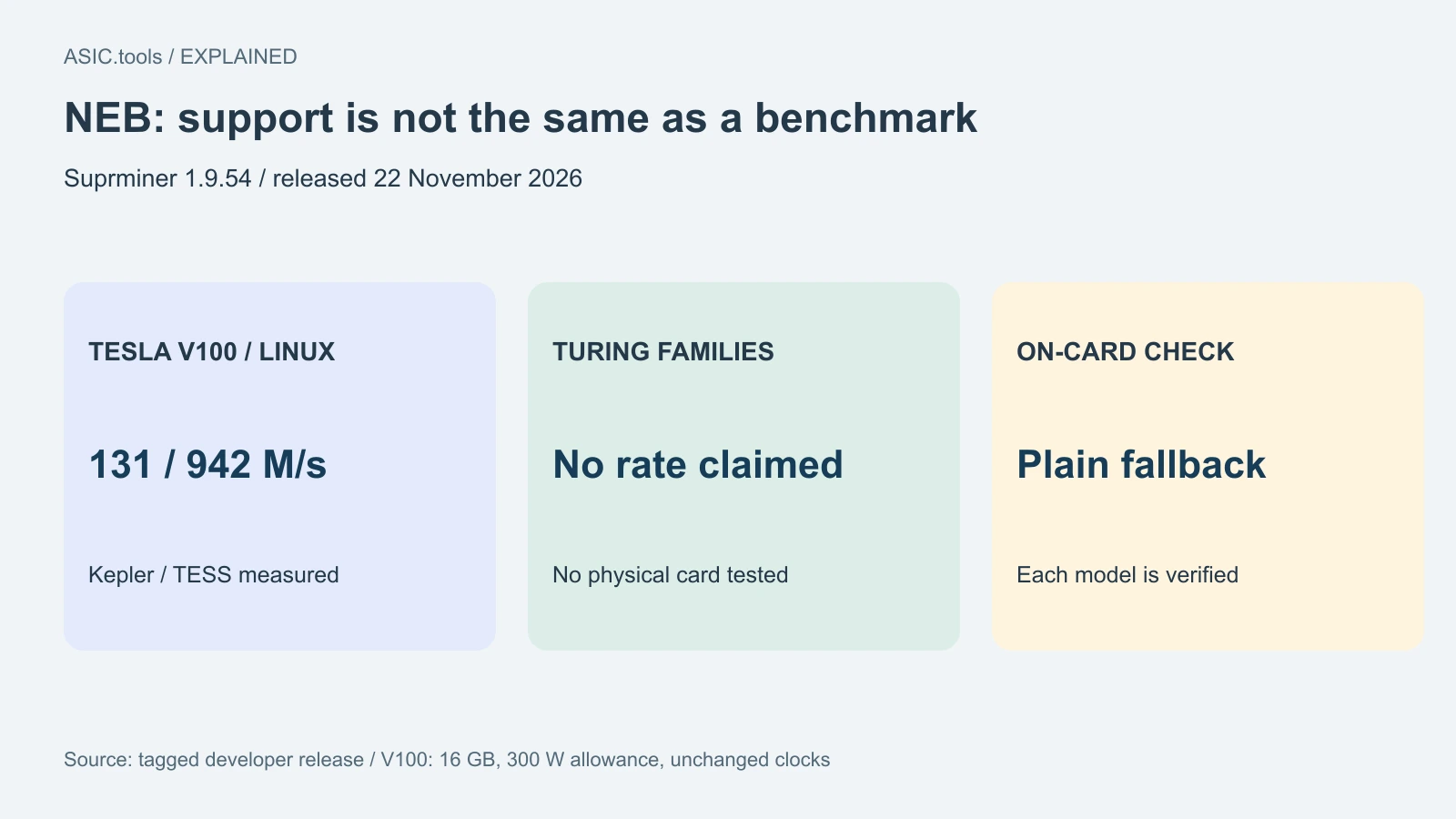
Version 1.9.51 enabled the result-table method on H100 and CMP 170HX cards. A card with enough spare memory can also retain a second table for Kepler while the other model uses the first. The developer's paired H100 test went from 92 to 533 million attempts per second on Kepler and from 76 million to 3.68 billion on TESS, using the same fixed models for both versions.
Those large ratios should not be transferred to a home RTX card: the paired RTX 5090 result was within run variation. Default cards with up to 32 GB already use their memory for one large table. The optional follow policy rebuilds that table at each model change; the developer found that alternating network models reduced both rates in that test, so the policy remains off by default.
Read the conditions beside the benchmark
The 1.9.52 table includes an A100 80 GB at 305 million Kepler and 2.10 billion TESS attempts per second. It reports a 400 W power allowance, not a measured whole-system electricity bill. The release re-ran the RTX 5090; other listed rates come from 1.9.51, with some large-card measurements made on a development build using the same kernels. These are attributed developer results, not ASIC.tools tests.
The 1.9.51 paired runs were 90 seconds per model on Linux. The memory-unlocked CMP 170HX had 48 GB free, another program held 16 GB and the card ran at 84–85°C. Those are test conditions, not a recommended shared-GPU configuration. The developer says returned shares passed an independent CPU reference with none rejected; model-specific attempt rates are not pool payouts and cannot be compared across changing days' models.
Keep the update's scope clear
Use the package for the GPU vendor and operating system. The default tables consume free graphics memory; the configurable memory reserve matters when sharing the card. AMD OpenCL and other algorithms are unchanged from 1.9.51, while physical Windows GPU execution remains unqualified. The stated zero miner fee does not remove a pool's own fee or electricity expenses.
ASIC.tools checked the tagged releases and guide without installing the program on users' equipment. Our original diagrams show restart behavior, local versus all-interface monitoring and the temporary startup-table correction. For an existing user, the useful comparison is whether accepted work resumes and the monitor reads correctly, not whether a headline multiplier can be applied to every graphics card or converted directly into a promised daily profit.
Source: Suprminer ↗ · Preceding Suprminer 1.9.51 release and paired measurements ↗ · Tagged NEB release guide ↗ · Earlier ASIC.tools report on AMD and RTX memory changes ↗
Mining calculator ↗