SRBMiner 3.8.9 fixes Pearl mining startup on newer AMD Windows drivers
Source report: 2026-11-17 · Editorial analysis published: 2026-11-18
The stable November 17 release also adds Linux AMD RDNA controls and a voltage-offset option. NVIDIA efficiency improvements remain developer claims without a published percentage.
A fix for a miner that would not start
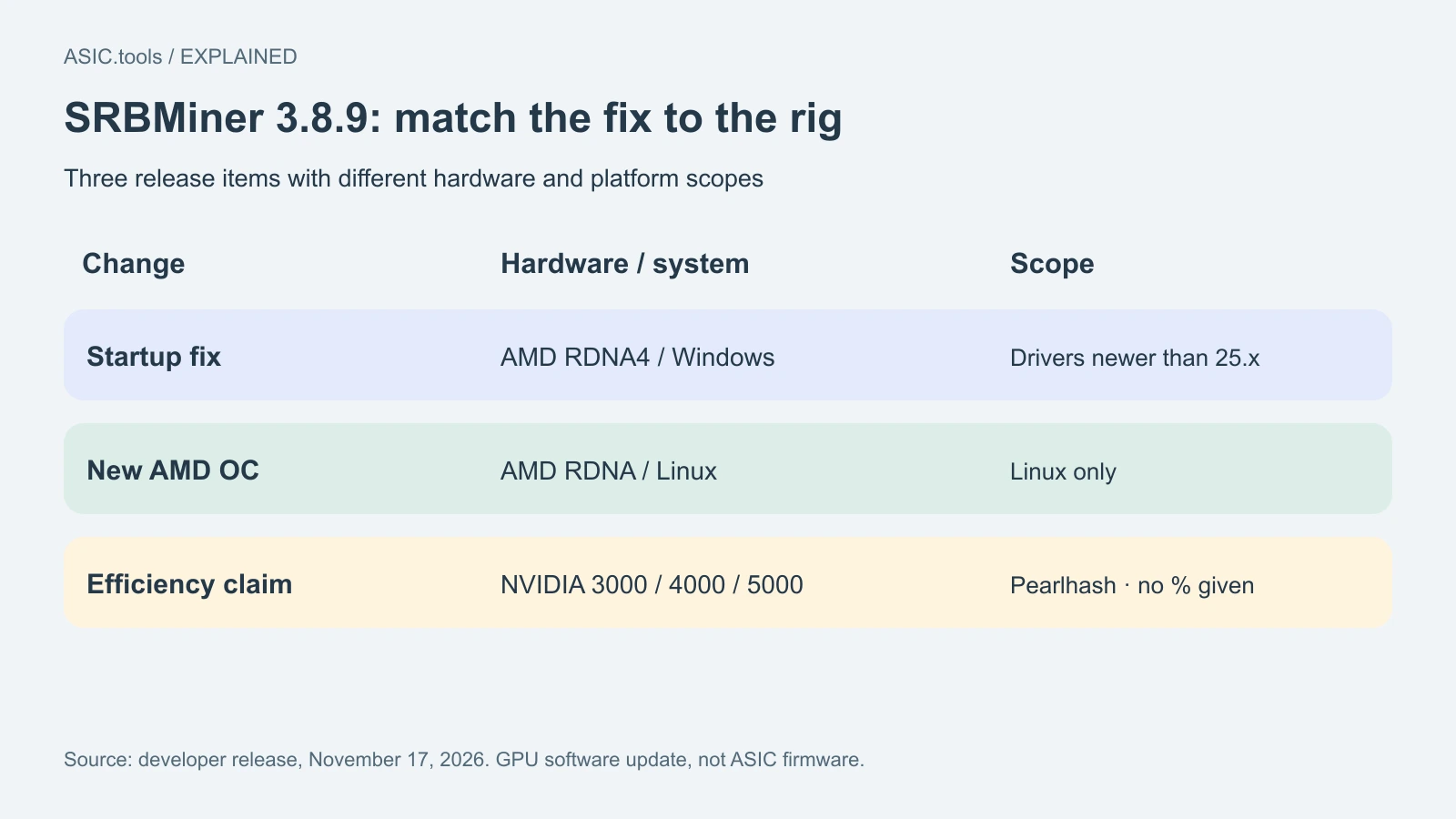
SRBMiner-Multi released stable version 3.8.9 on November 17 at 14:03 UTC. One of its most practical changes fixes pearlhash failing to start on Windows with AMD RDNA4 cards and drivers newer than the 25.x series. For a rig affected by that combination, the issue is getting mining work to run at all. The release also brings more GPU controls and further efficiency changes for selected NVIDIA cards.
Pearlhash is the mining algorithm used for Pearl. This update concerns GPU mining software, not a new ASIC model or a change to Bitcoin’s SHA-256 algorithm. The Windows fix is described for a specific GPU generation, driver condition and algorithm. A machine running another combination needs its own check; the notes do not say that all startup problems on AMD or Windows share this cause.
What changes for older NVIDIA hardware
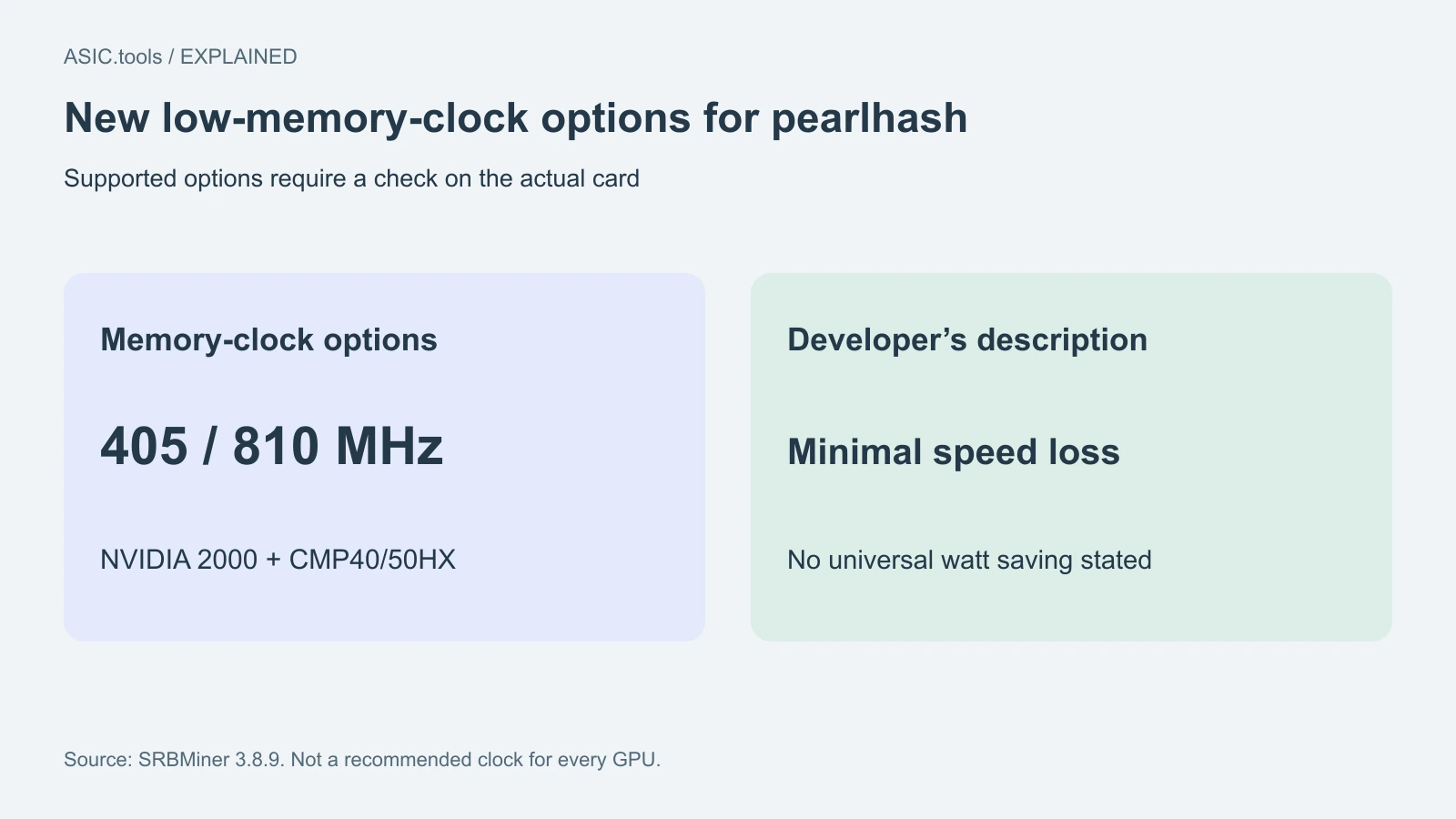
The developer says NVIDIA 2000-series cards and CMP40/50HX devices can now use memory clocks of 405 or 810 MHz for pearlhash with minimal hashrate loss. These are supported operating options in the release description, not settings that every reader should copy. A memory clock controls how quickly the GPU’s memory runs. Its useful value depends on the algorithm, device and the rest of the configuration, not merely on how large the number is.
A lower memory setting can be interesting when the aim is reducing power rather than maximizing a single speed reading. Compare stable accepted work with measured electricity use on the same card before and after a change. The release publishes no universal watt saving or return for these options. A dashboard’s instantaneous hashrate, a driver-reported power value and the complete wall-power bill are different measurements and should not be substituted for one another.
NVIDIA improvements without a new percentage
Version 3.8.9 also lists minor pearlhash efficiency improvements for NVIDIA 3000, 4000 and 5000 series. The wording is the developer’s claim, with no percentage or common benchmark specified in the notes. It follows earlier changes in 3.8.8, but that history does not provide a numeric gain for the new version. Avoid adding a percentage from a different release or a different card to this announcement.
Efficiency asks how much useful mining work a unit of energy buys. A card can report a little less speed while spending enough less power to make the trade worthwhile, or keep similar speed without a meaningful change at the wall. The way to distinguish those outcomes is to retain a stable baseline and compare equal periods. Include rejected work, restarts and cooling conditions rather than choosing the most attractive brief reading from either run.
AMD controls have an operating-system boundary
The changelog adds built-in overclocking control for AMD RDNA on Linux. Overclocking is the common name for adjusting operating clocks and related settings; a control can also be used to reduce a setting. The Linux qualifier matters: it should not be read as the same new AMD control support on Windows. The Windows startup fix and Linux control addition are separate items with different scopes.
The release also introduces the gpu-vddc-offset parameter for NVIDIA and AMD, which changes core voltage relative to its baseline. Voltage, clock and watt limit are different controls. The developer’s current parameter documentation should be read for the exact platform and card requirements before using it. That documentation was checked on November 18; it has more detail than the Parameters file retained at the release tag, so a copied older command is not a substitute for the current explanation.
A setting being accepted is only the first check
If testing a new control, verify the intended device and the value actually reported while it is working. Several tools can manage a GPU’s clocks, so keep track of which tool owns the configuration during the comparison. A miner accepting an option does not by itself establish a stable operating point. Repeated errors, low accepted work or restarts can undo an apparent saving even when the power number looks smaller.
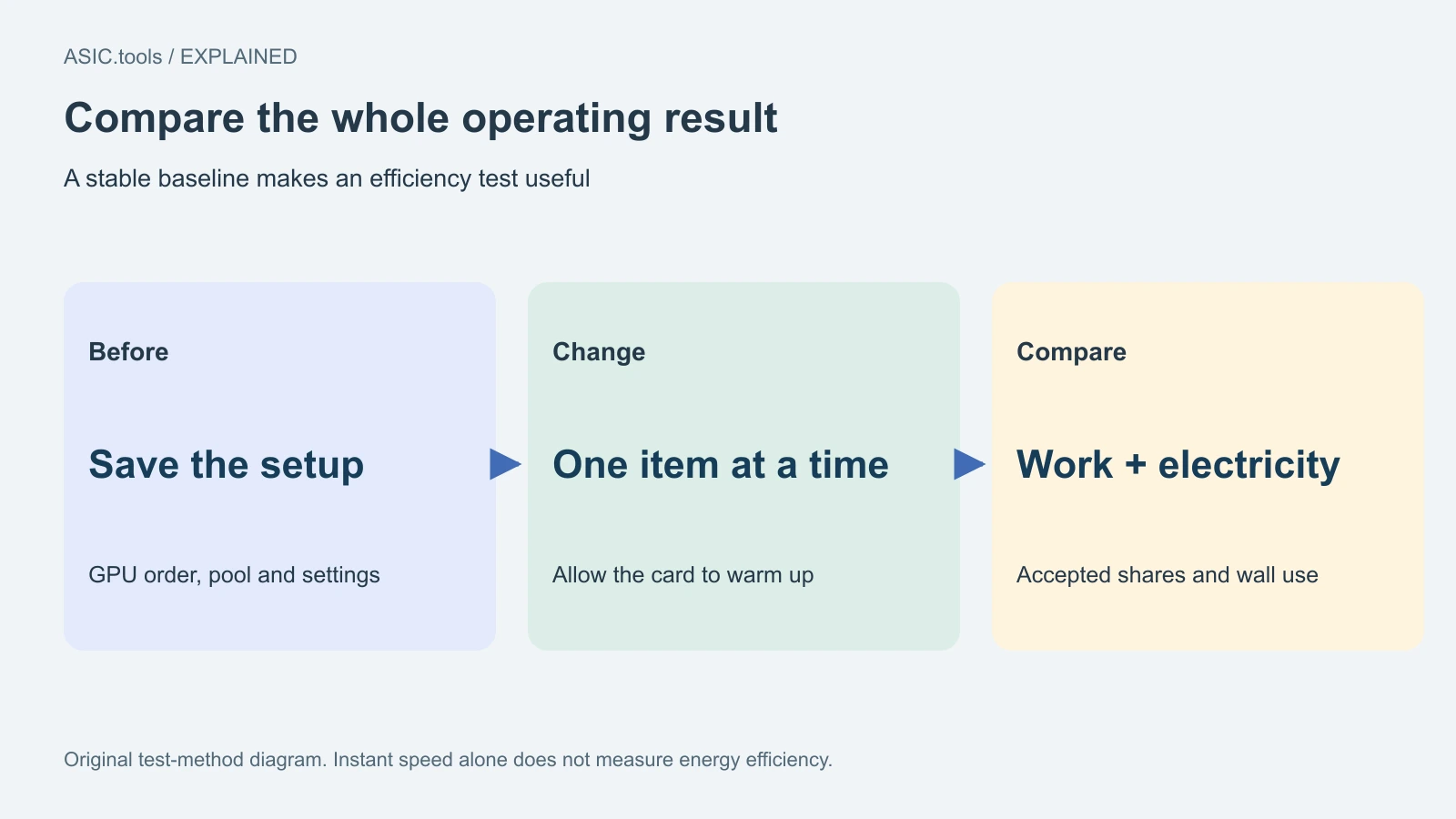
Keep the previous configuration and change one part of a test at a time. Compare after the card has warmed up and use the same pool and measurement window. Those steps make it possible to separate a software improvement from changed ambient temperature or a new clock setting. This is an evaluation method, not a recommendation for a particular voltage or memory clock on someone else’s hardware.
On a rig with several cards, the developer documentation says different per-GPU values must be matched to the devices selected with gpu-id. Keep that selection order with the saved configuration. A correct value applied to a different card is a different test, so identify devices before interpreting the result.
Packages and pool settings still need attention
The official release provides Windows and Linux archives and a separate custom-miner package for HiveOS. Its HiveOS instructions say algorithm, pool and wallet must be configured manually in the extra arguments. Installing a new binary does not choose the intended coin or payout address for an operator. Preserve the existing flight sheet or configuration and check those fields when selecting a different package.
After switching versions, confirm that the process stays running, that the pool receives and accepts work, and that the payout destination remains the one intended. The clearest immediate benefit in 3.8.9 is the specific Windows startup repair; efficiency and control changes need measurements on the actual rig. The update supplies no coin-price forecast or guarantee of higher daily profit, but gives affected operators a concrete new version to test against a known working baseline.
Source: SRBMiner-Multi ↗ · Developer parameter documentation, checked November 18 ↗ · Parameters retained at the 3.8.9 tag ↗ · Previous 3.8.8 release ↗
Mining calculator ↗