Pearl miners get two updates: KRminer cuts power use, BZMiner fixes Windows memory locks
Source report: 2026-11-19 · Editorial analysis published: 2026-11-19
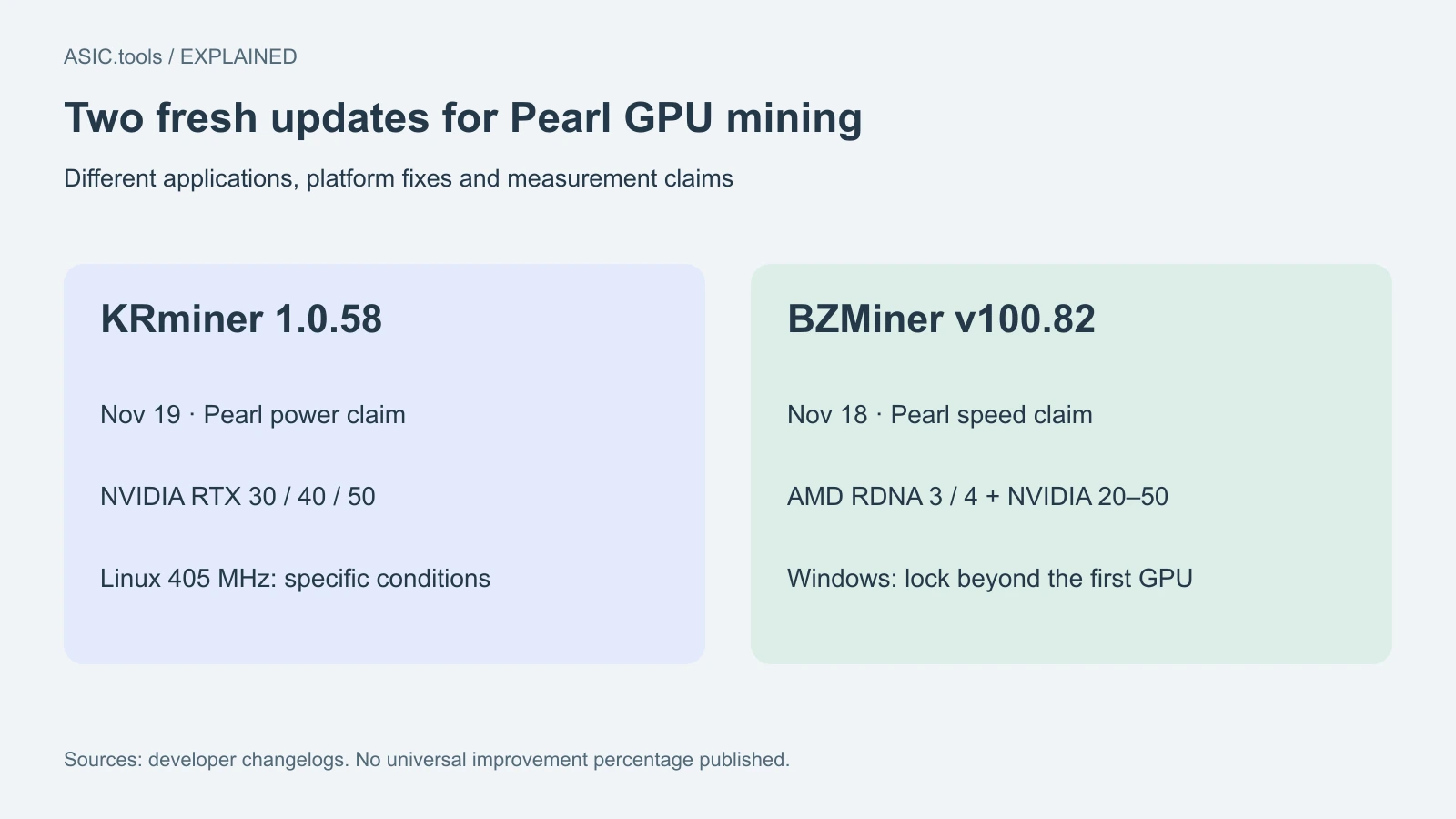
KRminer 1.0.58 arrived November 19; BZMiner v100.82 followed on November 18. Their Pearl changes cover different cards and systems, so check the applicable fix before comparing results.
Two changes for the same mining coin
Pearl miners using graphics cards (GPUs) have two fresh software options. KRminer released 1.0.58 on November 19, describing lower Pearl power use on NVIDIA RTX 30, 40 and 50 cards. BZMiner published stable v100.82 on November 18, reporting improved Pearl hashrate on AMD RDNA 3 and 4 and NVIDIA 20, 30, 40 and 50, plus a Windows memory-lock repair. The useful question is which change matches the rig, rather than which version number looks newer.
The releases target different parts of the operating result. One developer emphasizes power consumption; the other lists speed and startup improvements. Neither changelog supplies a universal improvement percentage for these changes. They therefore provide reasons to test a particular configuration, not a measured winner for every card. Both are mining applications running on a computer with GPUs; installing them does not update the firmware of a Bitcoin ASIC.
KRminer’s 405 MHz fix has specific conditions
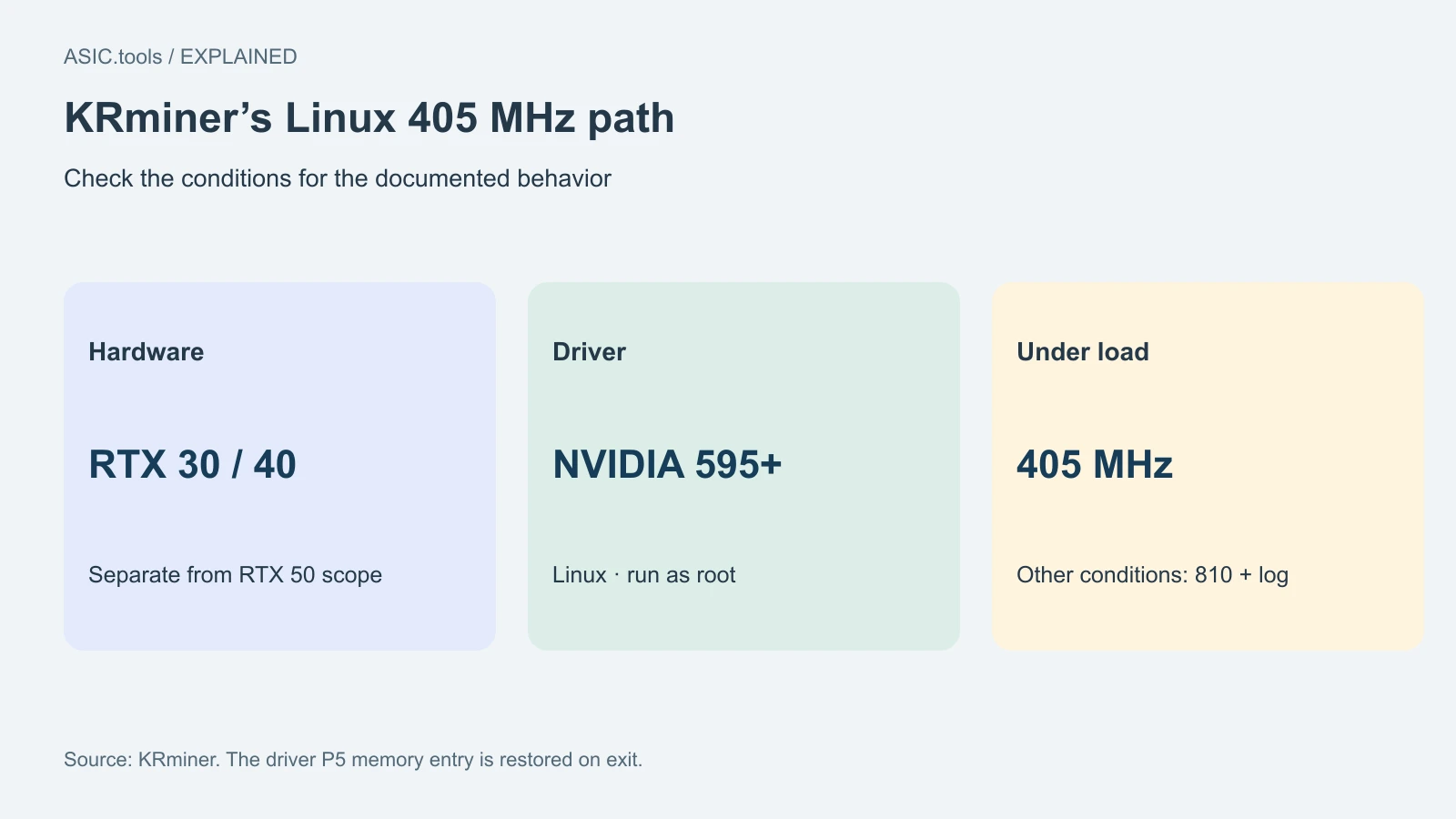
KRminer’s Linux fix makes the `--gpu-memory-clock 405` option hold 405 MHz under load on RTX 30 and 40 cards, when run as root, the Linux administrator, with NVIDIA driver 595 or newer. Memory clock is the operating frequency of the graphics memory, separate from the GPU core clock. The documentation says the application also changes the driver’s P5 memory entry and restores it on exit. An option written in a configuration file and a frequency actually held during mining are different observations.
Outside those conditions, the documented behavior is to lock 810 MHz and log the reason. The general claim of reduced Pearl power use includes RTX 50, while the detailed Linux 405 MHz mechanism is scoped to RTX 30 and 40. Keep those two scopes separate when reading the release. A Windows user or an RTX 50 owner should not interpret the Linux paragraph as a promise that the same 405 MHz path applies to that installation.
BZMiner addresses Windows rigs with several cards
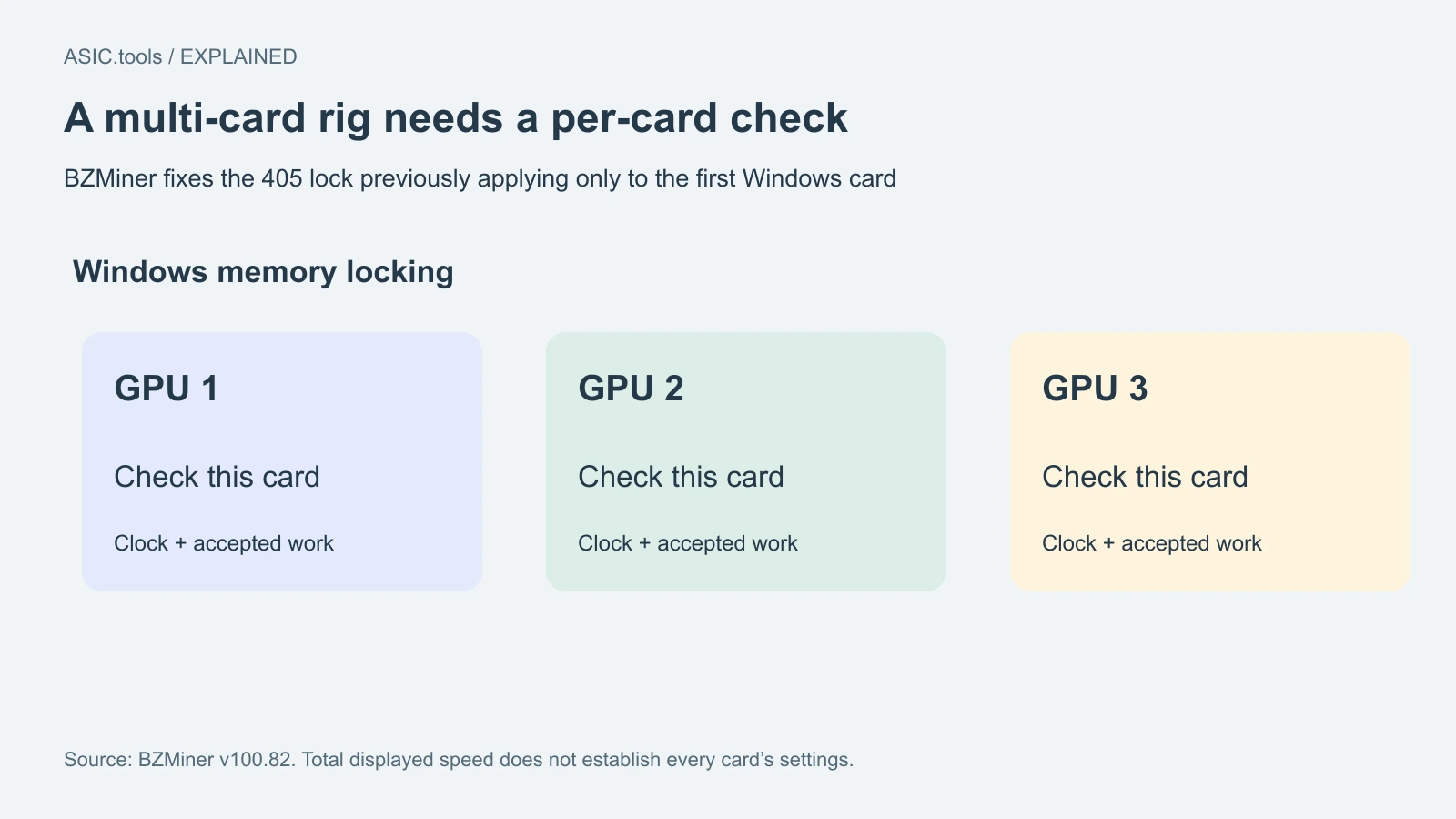
BZMiner v100.82 says the prior Windows behavior could apply the 405 memory lock only to the first card. Its repair matters when a multi-card rig appears to have one set of settings but the remaining cards run differently. After an update, check each device’s reported operating state and accepted work. A normal-looking total speed can hide a setting that only took effect on part of the rig.
The same release lists quicker startup into mining and improved Pearl speed for its named AMD and NVIDIA groups. These are developer statements without a published universal time saving or hashrate percentage. Startup is worth observing separately from a long steady run: time spent waiting after a restart affects delivered work, while the steady speed and electricity use describe what happens once the rig settles. Keep both in the comparison rather than treating the first displayed speed as the final result.
Read the build number beside benchmark rows
KRminer’s current Pearl table mixes measurements from different application versions. Its RTX 4070 Ti row is labeled 1.0.58 and reports 159.2 TH/s at 167 GPU watts; the RTX 3070 row, also 1.0.58, reports 77.2 TH/s at 121 GPU watts. Other Pearl rows still name 1.0.56. Those are the publisher’s examples at stated core clocks, not a controlled before-and-after test of this release.
The GPU-watt column also differs from a wall-meter reading for the whole computer. Fans, power conversion and the rest of the system contribute to the electricity bill. A fair local comparison uses the same cards, pool, algorithm and observation period, records wall consumption where available, and counts work the pool accepts. A terahash figure for Pearl cannot be compared with a Bitcoin ASIC’s figure as though they were interchangeable work on the same algorithm.
Preserve the configuration you intend to compare
Before evaluating an update, save the active pool address, receiving account or wallet, worker name and card-specific settings. The purpose is to compare the application while understanding what else changed. KRminer supports a device list and per-device power settings, including a placeholder to skip a card; that makes the actual GPU order relevant. BZMiner’s release also explains that command-line values take precedence over the corresponding configuration-file values.
Obtain the package for the correct operating system from the publisher’s own release route and compare its SHA-256 checksum with the published list. A matching checksum confirms agreement with that published file, rather than proving that the application suits every rig. There is no need to install both updates simultaneously to learn which one changed a result. One version at a time, with a saved baseline, gives the observation a clear cause.
The fee change was last week, not today
KRminer still lists a 1% developer fee for Pearl. Its reduction from 2% happened in 1.0.57 on November 12, which is a different event from today’s power and Linux clock changes. Likewise, BZMiner’s newly listed speed improvement should be checked together with the actual operating configuration and applicable fees. Electricity, accepted work and fees all contribute to the result that reaches the wallet.
These releases are useful because they identify concrete problems to check: Linux RTX 30/40 memory frequency under load, Windows memory locking beyond the first card, and Pearl’s speed or energy use on the named hardware. Test those outcomes on the equipment you operate, keep the developer claims attached to their scope, and choose from the measured result. The changelogs give a focused starting point without establishing a universal earnings gain.
Source: KRminer / BZMiner ↗ · BZMiner stable v100.82 release ↗ · KRminer 1.0.58 checksums ↗
Mining calculator ↗