Hammer BC08 v1.0.4 updates modes, skills and fan behavior
Source report: 2026-09-15 · Editorial analysis published: 2026-09-17
The official update is available in our local archive. How to verify its file and evaluate changes on one compatible device.
Analysis and practical implications
This section is our analysis and illustrative calculations, separate from the source report.
What changed in the release
HammerMiner published BC08 v1.0.4 on September 15. Notes rename Overclock to Performance Mode, adjust Skills registry/cache/runtime handling and remove proactive fan ramp-ahead. It is distinct from the earlier pool-compatibility release.
Find the exact local download
ASIC.tools archived the official 5,209,696-byte file and records SHA-256 24a721fd0b29 as its identifying prefix. The firmware page exposes the full checksum and original filename, bc08-1.0.4-20260914-update.bin, alongside a download button. Keep that filename and version in your maintenance record. A successful download establishes that you received a file; it does not establish compatibility with an arbitrary control board. Our archive also preserves three earlier BC08 versions so the release history can be compared without confusing files from another model.
Verify bytes before judging behavior
Compare the downloaded file’s full SHA-256 with the full value in the archive. A prefix is useful for identification but should not replace the complete comparison. Record the byte size too; matching size alone is not an integrity test. If the checksum differs, preserve the result and obtain a clean copy from the verified source before considering an installation. This is an archive-integrity procedure, not a claim that ASIC.tools has performed a hardware flashing test. We downloaded and verified the file bytes but did not install this version on a physical BC08.
A mode name is not a benchmark
A label change should be evaluated separately from any claimed performance change. For your own device, note the selected mode before and after, then compare accepted work, measured power and uptime over equivalent periods. Do not infer new hashrate or efficiency merely from a word in the interface. A hypothetical higher local reading can coexist with more rejected work or higher energy use; the operating comparison needs those records too. The release headline supplies no independently measured profitability result for this version.
Check runtime transitions
For a controlled interface test, write down the steps performed, the expected visible state and the observed result. Change one setting at a time, then check the mining connection separately from the auxiliary feature. Preserve timestamps and a short description of any stale display. A UI refreshing correctly is one observation; uninterrupted accepted work is another. Keep those outcomes in separate fields. This is our proposed evaluation method, not a reproduced test result or an assurance that every user configuration behaves identically.
Observe cooling at the operating boundary
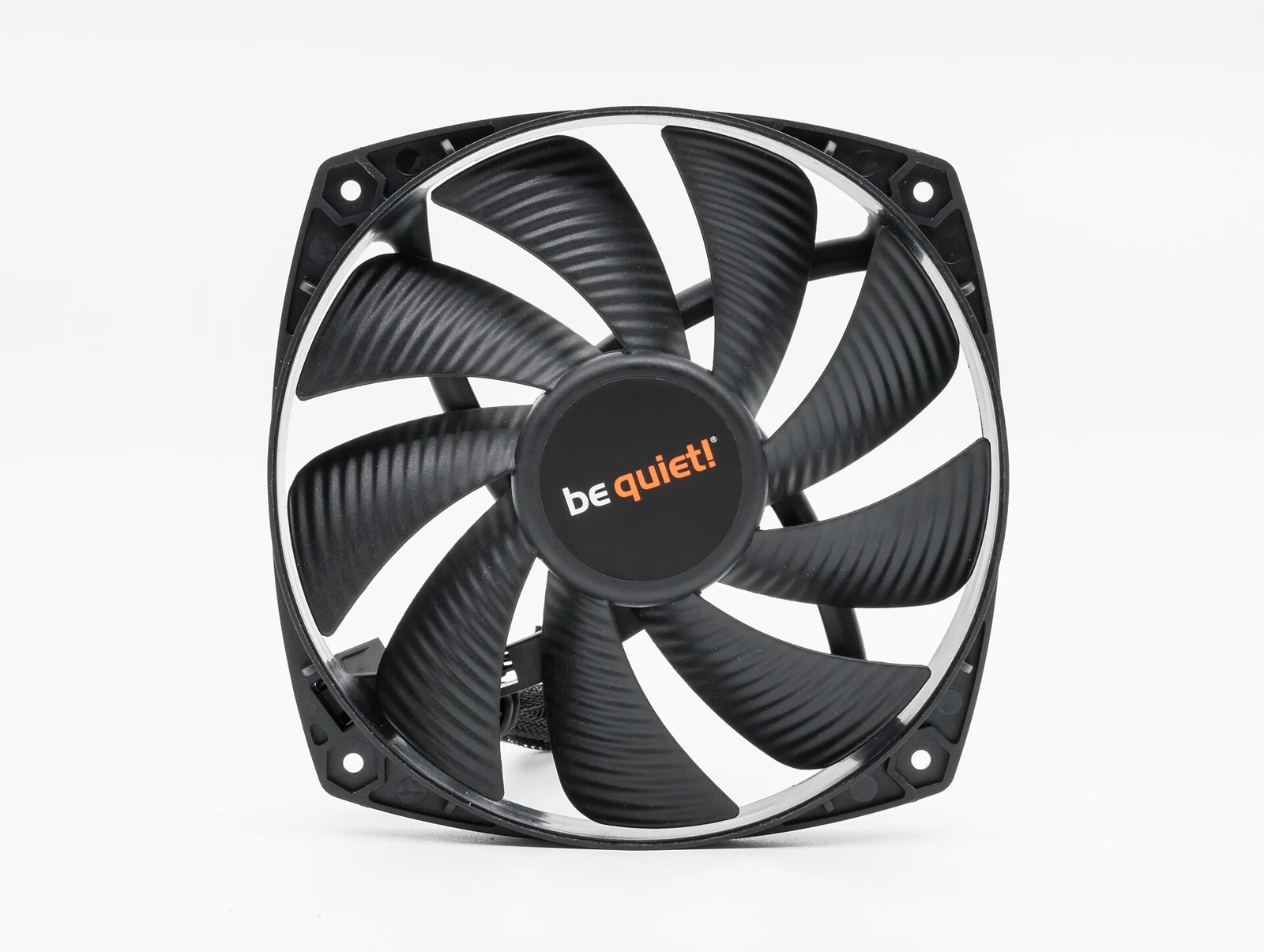
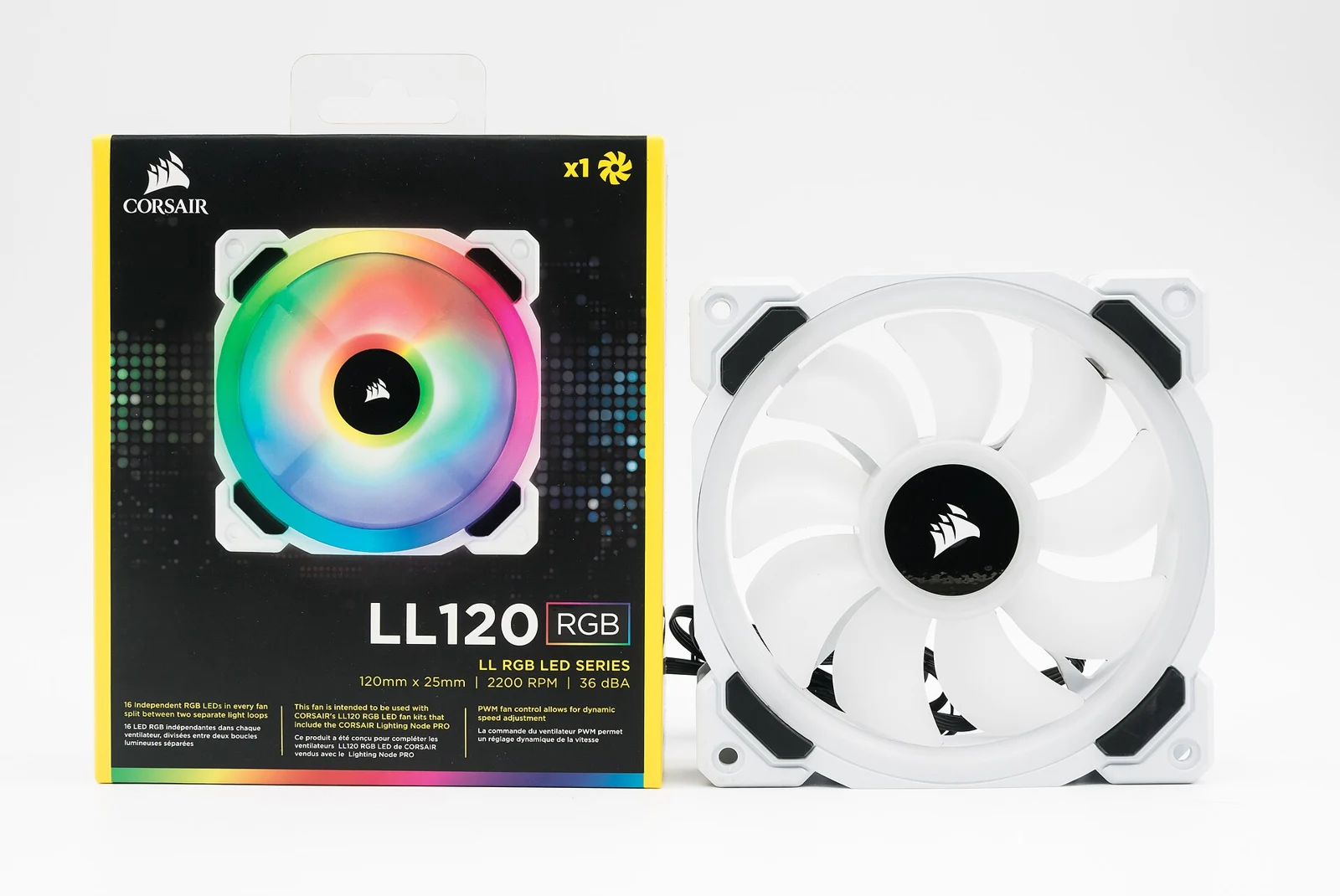
When assessing any control behavior change, preserve room conditions, chosen profile, fan readings and temperature observations. A quieter brief interval does not by itself demonstrate better thermal performance. Compare periods with comparable load and document changes in placement or ambient temperature. If a device-specific operating limit is required, use the applicable manufacturer instruction rather than inventing a generic threshold. The two fan photographs here show unrelated PC components as archive illustrations, not BC08 hardware or proof of the new version’s cooling performance.
Keep model and recovery information together
Before a maintenance decision, keep the exact model, control-board revision, current firmware and saved settings in one record. BC04 and BC08 are separate device identifiers; similar names should not be used to substitute files. Read the manufacturer’s procedure and identify what recovery documentation actually applies to your hardware. A previous archive version is a historical file, not an automatic promise that downgrade is supported. Confirm that procedure before relying on it in a maintenance plan. This article does not authorize an installation on an unspecified board.
Evaluate one compatible device first
A useful evaluation isolates one compatible device and establishes a baseline before changing it. Record the same operating profile, pool endpoint and measurement interval afterward. Compare local status, accepted work and metered power rather than only whether the update page says success. Preserve any error and the original file checksum. Expanding an update across a farm should follow a documented result, not the availability of a new tag alone. This is our operational assessment framework; no physical BC08 test was performed for this article.
Keep a concise support record
If a reproducible problem remains, send the maintainer a concise record: model, board, exact version, checksum, steps, timestamps and observed state. Exclude credentials and unrelated wallet details. Distinguish an interface symptom from a loss of accepted mining work. Preserve the response and any corrected release so the next review can determine what actually changed. The official notes establish the release scope; they do not replace operational evidence for your own device. Archive availability and physical test success remain separate statements.
Source: HammerMiner / GitHub ↗
Mining calculator ↗