ForgeMiner 2.0 cuts fees for Pearl, Quantus and NOID
Source report: 2026-11-13 · Editorial analysis published: 2026-11-14
The November 13 GPU miner release lowers the software fee from 2% to 1% on three coins, adds Zano and Compute Substrate, and separates core and memory temperature limits.
The fee changed for three coins
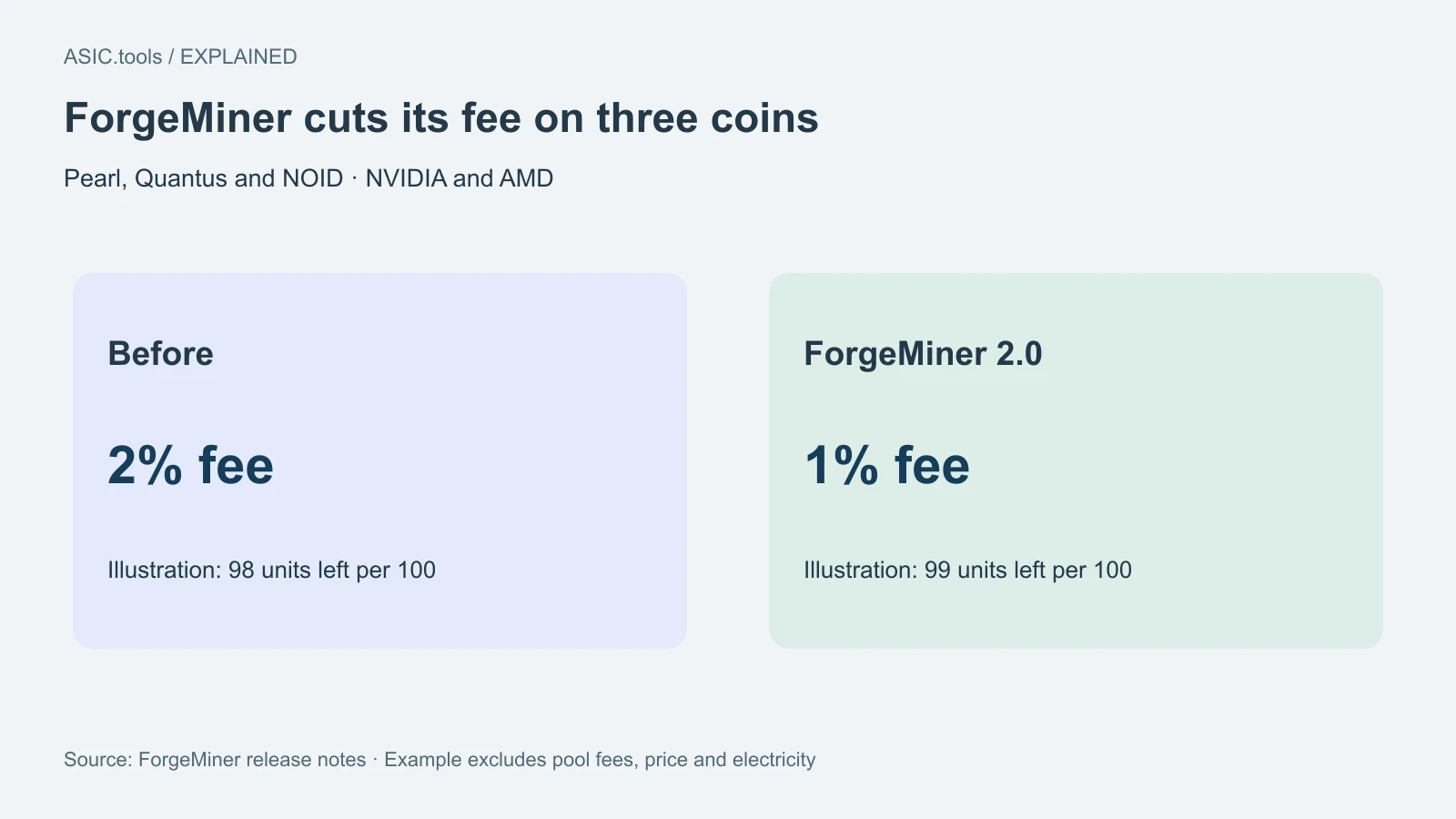
ForgeMiner released version 2.0.0 on November 13. On both NVIDIA and AMD cards the developer fee for Pearl, Quantus and NOID goes from 2% to 1%. The developer fee is the portion reserved for the software maker. It is separate from a pool fee and the energy bill, so a fee cut helps the same workload without halving the cost of mining.
If all other conditions stay fixed, the share left after the developer fee moves from 98 to 99 out of 100. That is an increase of about 1.02% relative to what was left before. Think of it as keeping one more unit for every hundred gross units in this simplified example. It does not account for pool fees, rejected work, price moves or any change in device speed.
For this release, keep the three reduced rates separate from the fees on newly added coins. If you alternate workloads, check the rate for each one in the release notes and record which job was active. An average made from several different jobs is not a reliable way to verify a fee on one coin.
What to make of the speed claims
The release notes cite a 14.7% Pearl gain at the same power on a Radeon RX 9060 XT and up to 1.5% on the tested GeForce RTX 30, 40 and 50 hardware, with 1.5% specifically on an RTX 5060 Ti. Those are the developer’s results, not a universal range for every rig. They are useful as a reason to test a card you own rather than as a promised increase in its payout.
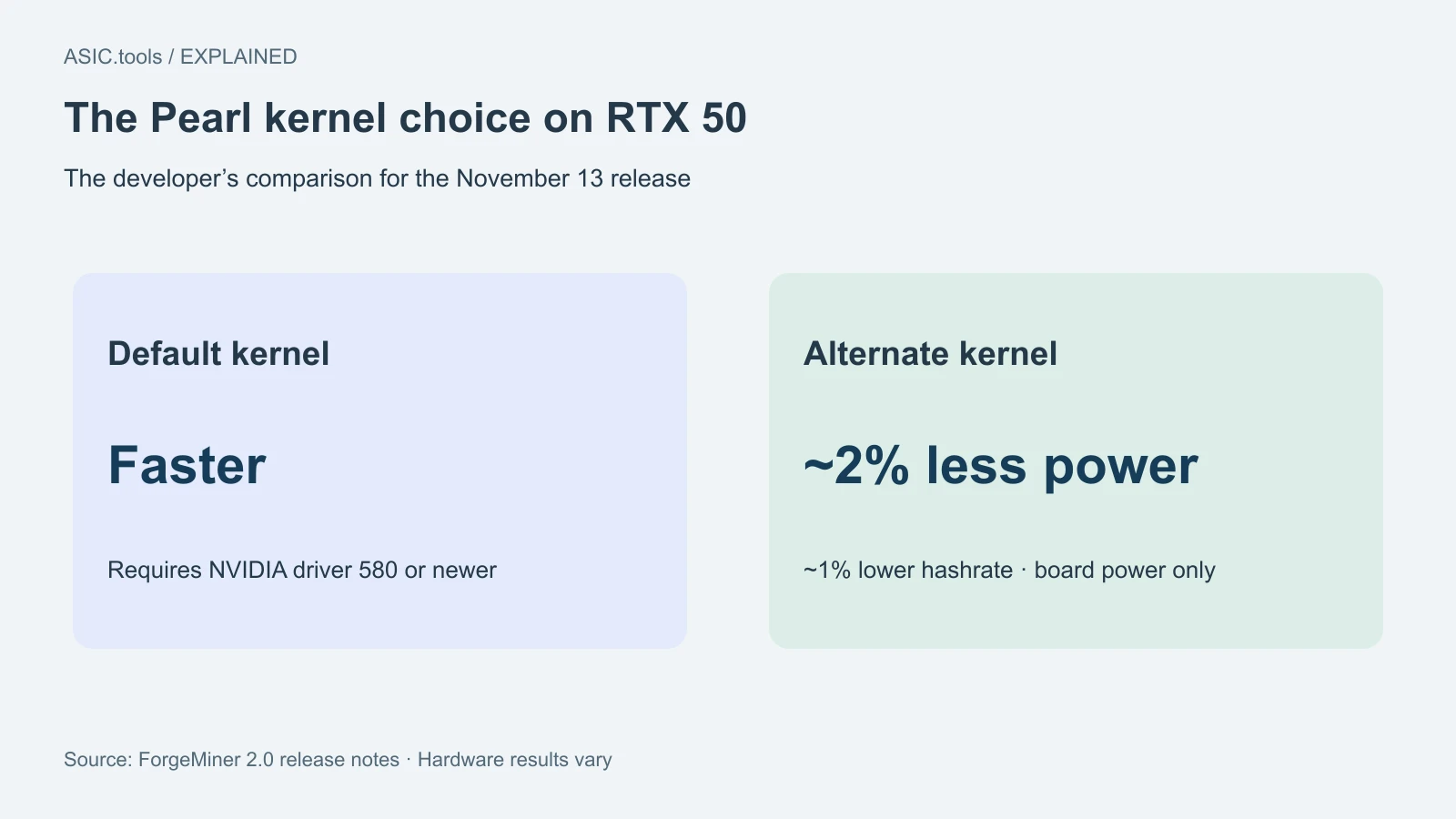
The same release says the faster Pearl kernel is now the default on RTX 50. A kernel is the code that does the repeated calculations on the card. The alternate kernel is described as using about 2% less board power with about 1% less hashrate. Both require NVIDIA driver 580 or newer on those cards. The RTX 30 and 40 series now use one Pearl kernel, so a copied kernel setting may no longer do what it did on an earlier version.
The alternate kernel’s power savings are quoted for the board rather than the whole computer. Fans, processor and power supply losses still contribute to the wall reading. Even if the quoted board power change appears on your card, the percentage change at the wall can differ. Use those two readings for different purposes.
New coins and more specific temperature controls
The release adds Zano and Compute Substrate on NVIDIA and AMD. It lists developer fees of 0.7% and 1% respectively. Support means the software can run the workloads. Before switching, check which pool and receiving wallet you will use and whether a short test produces accepted shares, the small proofs of work a pool counts.
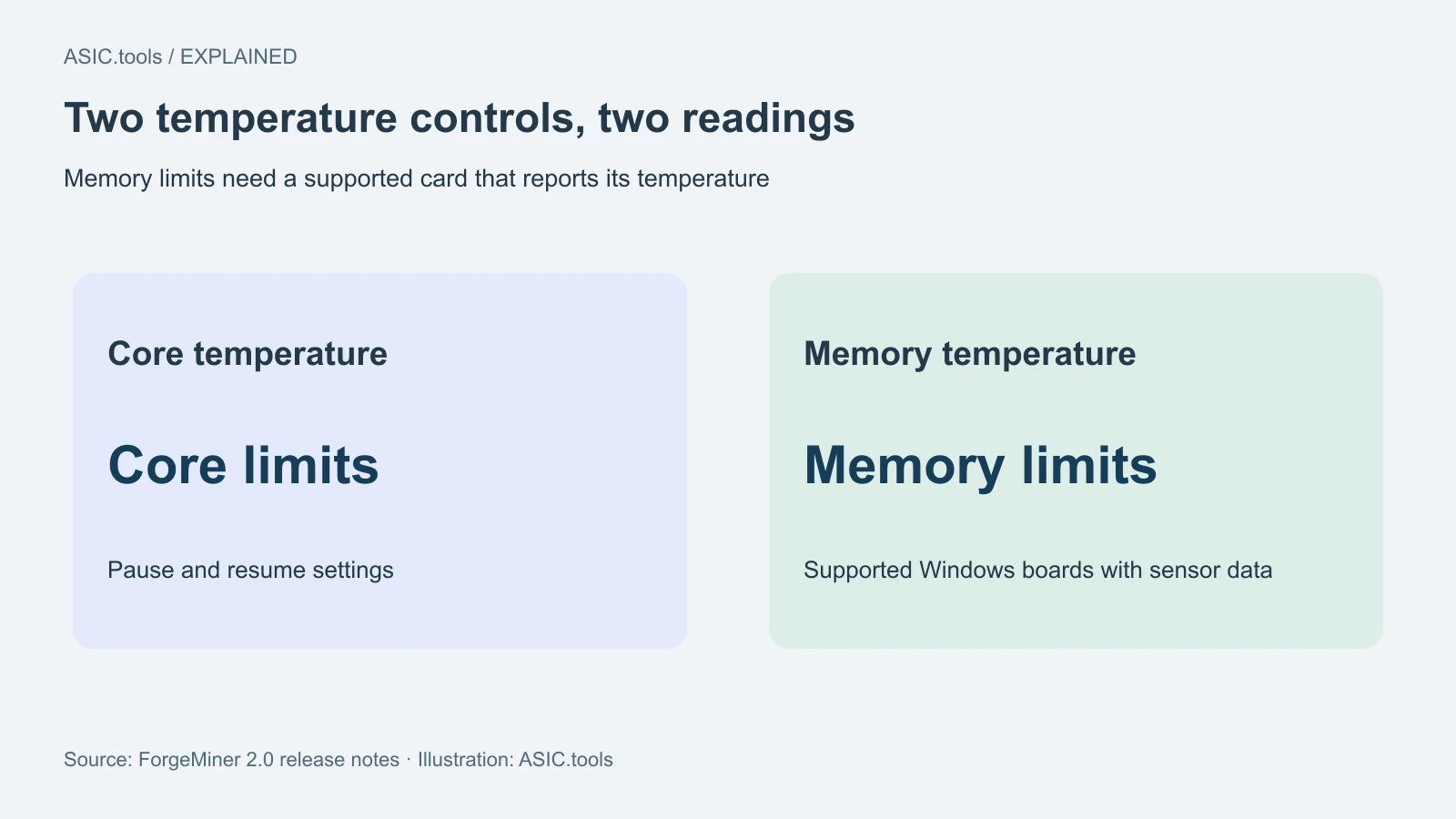
The core and memory controls now have separate limits and resume settings. The notes describe separate memory controls on Windows for cards that report the relevant reading, including supported GDDR6X and GDDR7 boards. One reading can be higher than the other. Check that the sensor is available before assuming a memory limit applies to your card. On Linux, the notes instead highlight live AMD core voltage and clock readings.
If you set two temperature limits, record which sensor caused a pause and whether the worker resumed after cooling. A stop followed by a drop in hashrate can be expected when a configured limit is reached. Before treating it as a software failure, check both temperatures and compare the time with the pool log.
Compare one card first
Use the release page to match your platform and verify the published SHA-256 checksum before running the package. Keep a copy of your previous settings. For an actual comparison, run one card in the same pool and operating mode long enough to compare accepted work, temperature and power at the wall. Board power is what the graphics card reports; the wall meter includes the rest of the machine.
If your card can run either kernel, check which setting gives more useful work per unit of energy in your setup. An extra display number is useful only if it helps you make a decision: fewer ignored results, lower sustained power, or steadier operation without a thermal stop. Leave the rest of the rig on the setting you already know until that first comparison is clear.
Keep a note of the driver, card and application version when comparing results. If you need to revert, use the saved package and configuration you already trust. Record the old result before running the update so a later reading has something useful to compare against.
Watch work accepted over a representative period, including any thermal pauses or reconnects. If notes claim a gain at the same power, reproduce the comparison with the same measurement point and time window; don’t compare one rig’s board sensor with another rig’s socket meter.
Source: ForgeMiner ↗ · ForgeMiner — prior version 1.9.2 ↗
Mining calculator ↗