Braiins OS 26.10 cuts unnecessary restarts and adds removal from the web interface
Source report: 2026-10-27 · Editorial analysis published: 2026-10-28
The October 27 release adds Russian and Chinese interface languages, fixes target-change restarts and improves thermal, power-supply and upgrade handling on supported Antminers.
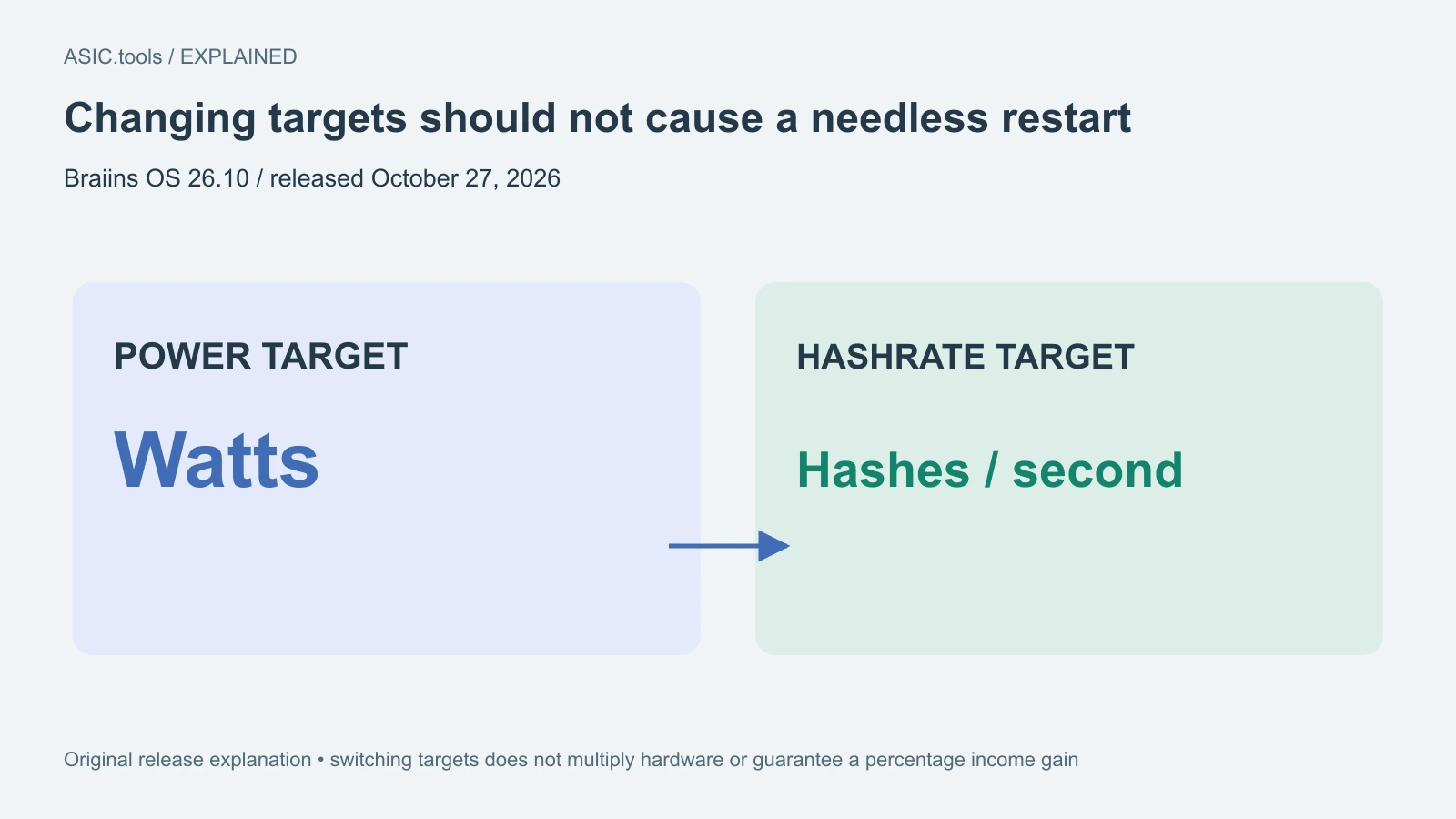
A small settings change should no longer interrupt mining
Braiins published OS 26.10 on October 27 with a practical change for people adjusting an Antminer: setting the same tuning target again, or switching between power and hashrate targets in the web interface, should no longer trigger an unnecessary bosminer restart. Bosminer is the part of the software that runs the mining work. Restarting it can interrupt accepted work even when the owner only intended to change a setting.
The release also adds Russian and Chinese interface languages and the ability to uninstall Braiins OS from the web interface. These are available release features, not a roadmap announcement. The build identifier contains October 19, but the release page dates publication October 27; the two dates describe different steps. The news is about control and reliability, with no published percentage increase in this release’s BTC output.
Power targets and hashrate targets ask the controller to prioritize different quantities. One sets an operating power goal; the other asks for a computing-rate goal. Switching between them is not a command to create extra electrical capacity or double the hardware. The specific fix removes an avoidable process restart during that change. Whether the selected target can be maintained depends on the actual setup, which is why pool work and measured consumption should be checked together. Saving a target, reaching it and maintaining it are separate observations.
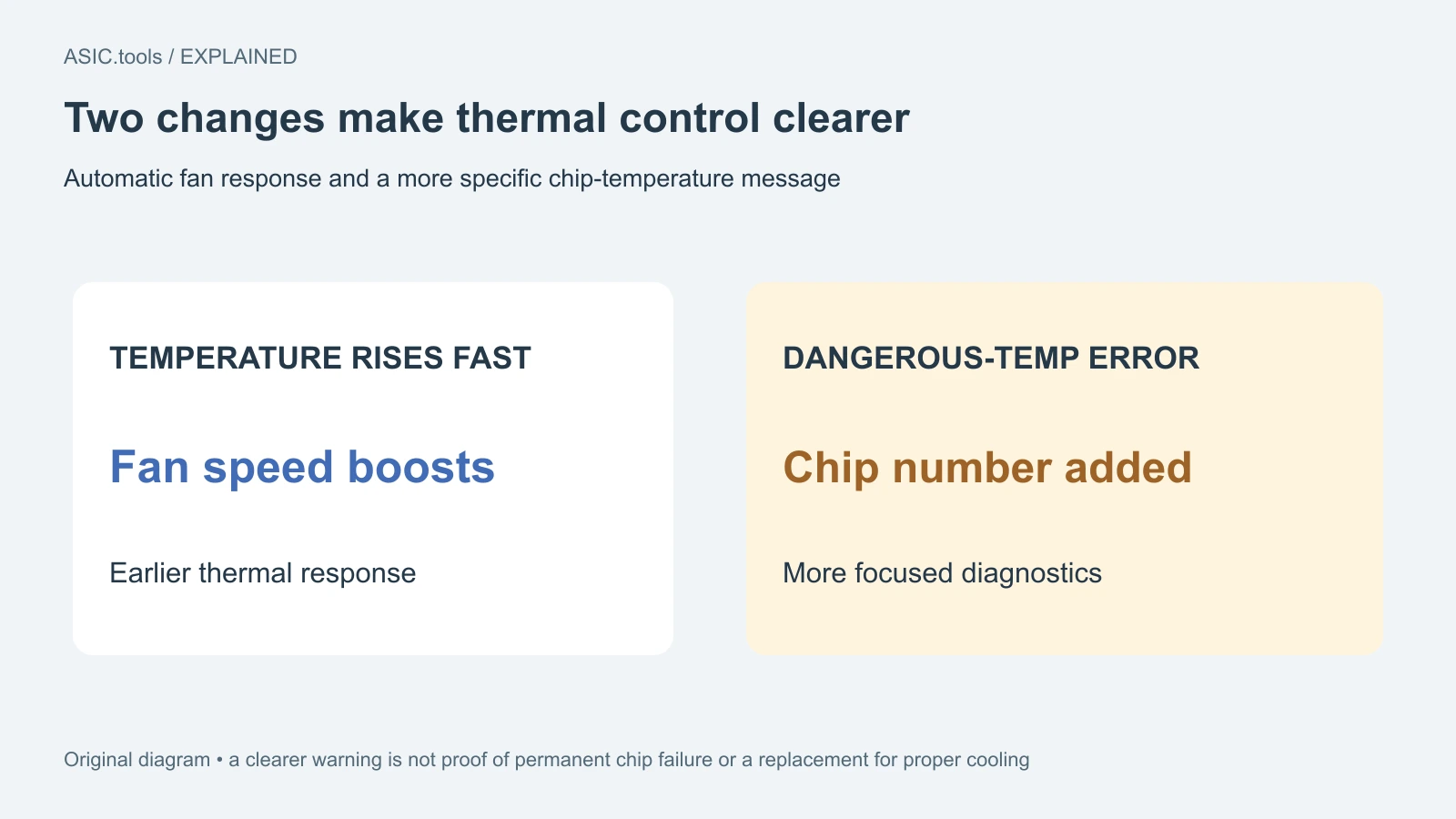
Fans react sooner and errors point to a chip
The new version automatically boosts fan speed when chip temperature climbs quickly. It also adds the chip number to a dangerous-internal-temperature message, helping an operator identify where the warning originated. This can make diagnosis more focused than treating every temperature alert as an unspecified problem somewhere inside the machine.
The advanced max_fan_efficiency_mode setting has been removed. An owner carrying an old configuration forward should therefore check the available controls after updating rather than expect every old option to remain. A faster fan response does not replace a suitable cooling setup, and a better error label does not establish that a reported chip has permanently failed. Both features improve what the controller can do and report.
Power-supply and hydro tuning fixes are specific
Braiins says it fixed stalled power-supply I2C communication on Zynq control boards. I2C is a local communication link used by components inside the miner. The notes also delay power-supply command-failure warnings until retries have been exhausted, reducing log noise. Fewer warning lines can make persistent faults easier to see; it is not proof that an old electrical problem has repaired itself.
For the Antminer S19 XP+ Hyd., the release fixes tuning that failed with a “PLL: requested frequency out of range” message when the water was hot. That is a named device and condition, not a blanket statement that every hydro model can run with hotter water. The release also unifies real-hashrate reporting on the dashboard and fixes a stale last-execution time in automatic-upgrade status.
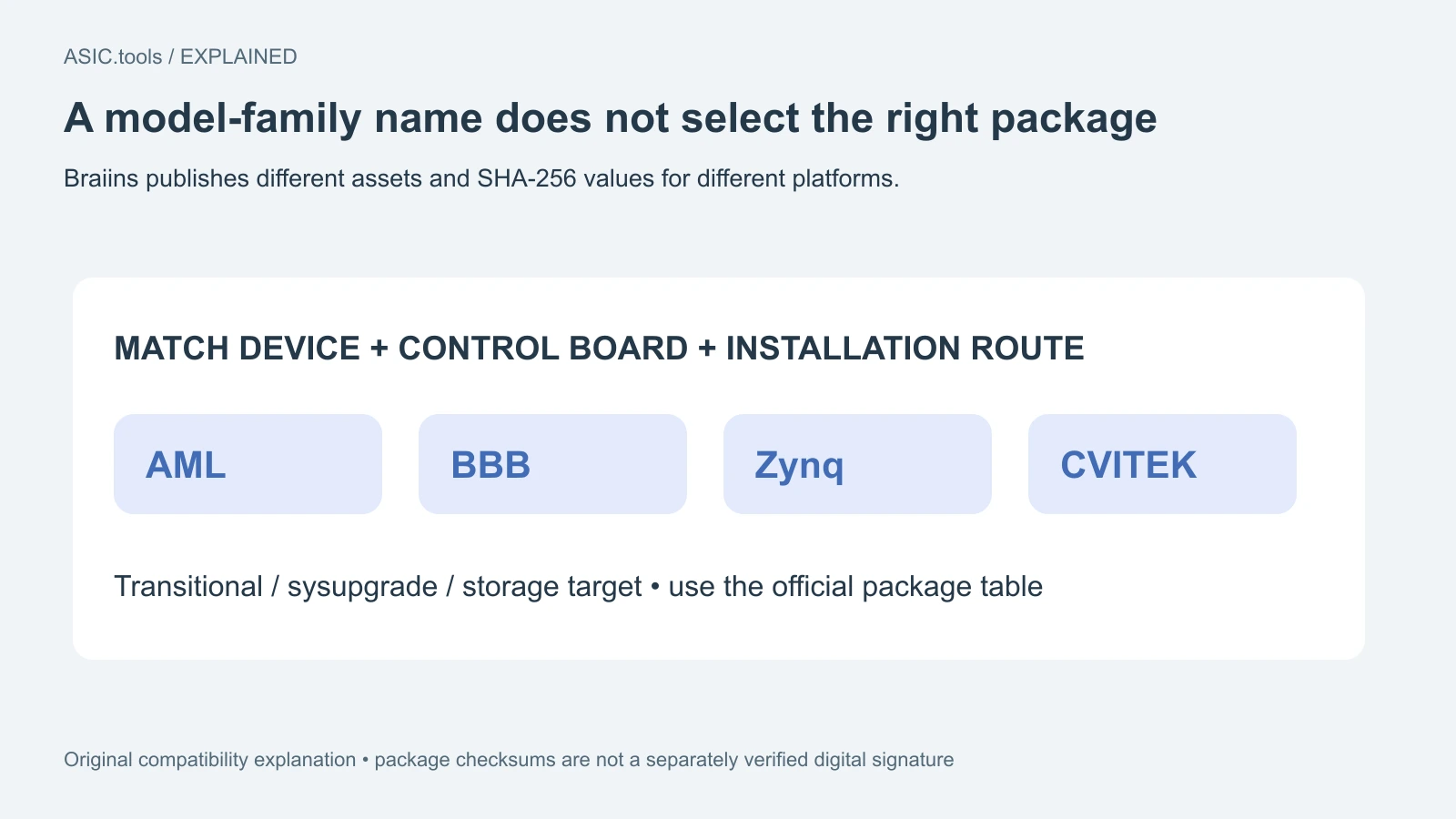
Choose the package by the actual control board
The supported-model list includes many S19 and S21 variants as well as listed T19, T21 and U3S21EXPH devices. A family name alone does not choose an installation file. The download table separates transitional and sysupgrade packages and names platforms including AML, BBB, Zynq and CVITEK, with different storage targets. Match the exact device, board and installation route to the official guidance.
Version 26.10 adds verification of update packages before upgrading on AML, BBB and CVITEK. The release table supplies SHA-256 checksums, which help check whether a downloaded file matches the published one; its signature column for the listed assets shows a dash. Do not call those checksums a separately verified signature. We read the documentation and release records without installing firmware or testing mining hardware.
What to look for after an update
For an existing owner, preserve the current configuration and identify the running board before choosing the official update route. Afterward, confirm the installed version, pool connection, accepted work and temperatures, then try the target-setting action that previously caused disruption. That gives a concrete before-and-after check without confusing a more stable settings screen with a guaranteed income gain.
The new uninstall control is useful when handing over a device or changing software, but its availability does not promise a particular factory image for every board. Follow the instructions for the actual machine. The result of this release is easier day-to-day management: fewer needless mining-process restarts, clearer thermal messages and fixes to identified communication and upgrade issues. Actual uptime and power use still need observation on the owner’s setup.
Source: Braiins ↗ · Official installation routes and board requirements ↗
Mining calculator ↗