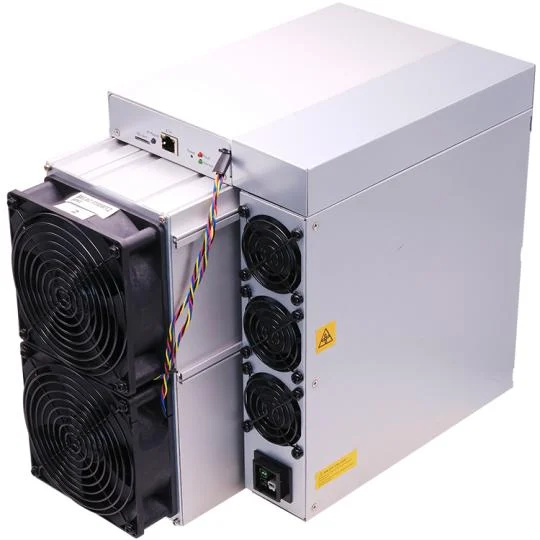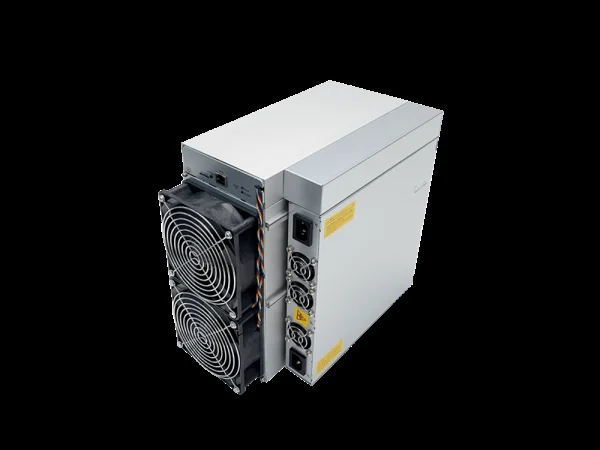
ASIC maintenance: cooling, firmware and fault diagnosis
Build a maintenance routine and investigate faults without hiding them through repeated restarts.
ASIC.tools · Reviewed

Record a healthy baseline
For each device, save the model, serial number, firmware, operating mode, measured power, temperatures and pool-side hashrate. Record inlet conditions as well as internal sensors: a warm intake can explain a change even when the room feels cool. Monitor trends and alerts, not only a green status icon. A gradual rise in temperature or fan speed at the same workload deserves inspection before it becomes an outage.
Keep cooling appropriate to the model
Separate cool intake from hot exhaust and keep ducts and filters from restricting airflow. Do not use one temperature threshold for every ASIC: inlet, board and chip readings are different quantities. Follow the exact model limits. For liquid systems, use the specified coolant, flow, pressure and maintenance procedure; an air-cooled machine is not automatically suitable for immersion simply because its fans can be removed.
Clean with power isolated
Shut the device down and disconnect all power inputs before maintenance, following the manufacturer's waiting and handling instructions. Inspect dust buildup and clean using the model's approved procedure and suitable tools. Do not wash electronics or introduce moisture as a shortcut. Frequency depends on the environment and observed accumulation. Opening a PSU or repairing live circuits is specialist work; do not treat an external dust-cleaning guide as permission to do either.
Update firmware deliberately
Use the manufacturer's or chosen firmware vendor's official distribution and verify exact hardware compatibility. Read release notes, back up settings and ensure stable power before starting. Do not interrupt the documented update process. Afterward, confirm the version, pool addresses, operating mode and temperatures. Test changes on one device before a larger fleet rollout; a newer file is not automatically appropriate for every control board or hardware revision.
Diagnose one change at a time
When hashrate falls, save logs first and check power, cooling, network and pool connectivity in order. Note which boards are detected and whether the problem began after a specific change. Do not disable temperature or fan protection to force operation. Keep a service log with symptoms, actions and results; contact support with the serial number and relevant logs, removing passwords or other secrets before sharing them.