First ASIC startup: power, network and the first shares
A practical sequence from unpacking to a stable pool connection.
ASIC.tools · Reviewed

Inspect before applying power
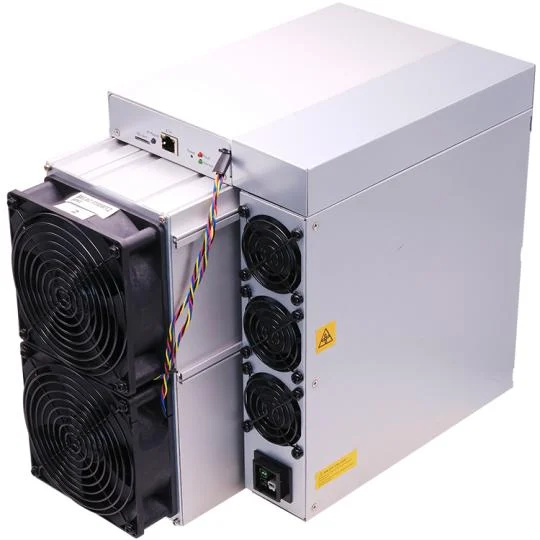
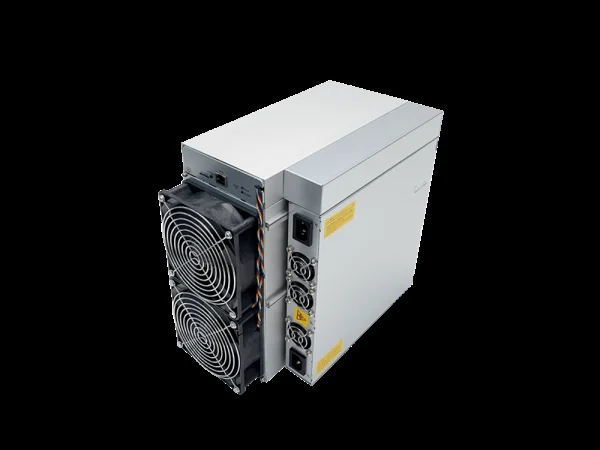
Record the model, serial number and delivered configuration. Check the enclosure, fans and visible connectors for shipping damage, loose parts or moisture. Let cold equipment reach a dry, suitable ambient condition before startup; do not energise a wet device. Read the exact model manual, because air-cooled, hydro and immersion equipment do not share one universal startup procedure.
Prepare power and cooling
Have the circuit, grounding, protective devices and continuous load checked by a qualified electrician. Match voltage, phase, PSU and cables to the manufacturer's requirements; do not assume an ordinary extension lead is adequate. Keep air inlets and outlets unobstructed and prevent hot exhaust from returning to the intake. Hydro equipment needs the specified cooling loop operating correctly before mining starts.
Find the device on your own network
Connect Ethernet to your local router or switch and follow the manual's power-up sequence. Find the assigned address in the router's DHCP client list or with the manufacturer's discovery utility. Match the device by MAC address or its identification function. Open the local management page and change the initial password. Do not expose the management interface directly to the public internet through port forwarding.
Configure the pool and protect the account
Copy the pool's current server address, port and worker naming format from its own documentation. Choose an endpoint compatible with the device's algorithm and firmware. Give each miner a distinct worker name; configure backup endpoints only as the manual allows. Protect the pool account with available two-factor authentication and withdrawal safeguards. A pool connection never requires entering your wallet seed phrase into the miner.
Verify a stable baseline
After warm-up, check that expected boards and fans are detected, temperatures remain within the model's limits and accepted shares appear at the pool. Compare over a meaningful interval rather than one instant. Save the firmware version, settings, wall power and pool result as a baseline. If you see smoke, a burning smell, damaged connectors or abnormal operation, stop use and arrange inspection rather than repeatedly restarting.