Updating ASIC firmware without disrupting the whole farm
Plan compatibility checks, a pilot update and recovery before changing production equipment.
ASIC.tools · Reviewed
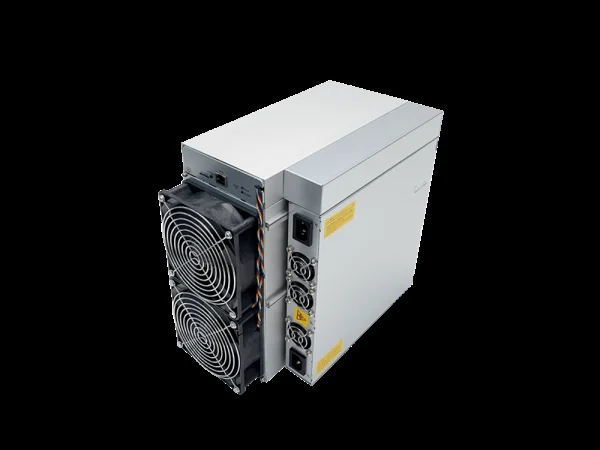
Identify the exact hardware
Record the full model, control board revision, installed firmware version and current operating profile. Devices sold under a similar family name may require different files. Use the manufacturer or firmware vendor’s official download route and read compatibility notes. A newer publication date alone is not evidence that a file fits your miner. Confirm whether the selected file is an ordinary update or a recovery image.
Save a recovery record
Export settings when the device supports it and separately record pool addresses, worker names and network configuration. Store backups with restricted access because they may contain credentials. Download the documented recovery instructions before beginning. Check whether configuration retention and downgrade are supported. Do not assume that a saved configuration from another firmware family can be restored safely or that a downgrade is always permitted.
Choose a suitable maintenance window
Avoid updating during unstable power or active hardware faults. Ensure an authorized person can reach the equipment if remote access fails. Begin with one representative device, rather than every unit sharing a network range. Tell the operator which miner is being changed and what evidence will determine success. An update is not a substitute for repairing an overheating connector or a failed cooling system.
Apply only the supported procedure
Use the documented interface and package format. Do not unpack, rename internally or modify a signed image unless the vendor explicitly requires it. Keep power stable and let the process finish; a temporarily unavailable web page does not by itself mean failure. If the update stalls beyond the documented behavior, collect the available status and follow the vendor recovery path instead of improvising repeated power cycles.
Verify before expanding the rollout
Confirm the new version, pool destination, detected boards, fan behavior and accepted work. Compare measured power and sustained hashrate with the previous baseline under similar conditions. Keep the pilot running through an appropriate observation window before updating more devices in small batches. Record the result and preserve the previous evidence. Stop the rollout if multiple units develop the same new fault or the expected benefit is absent.