SRBMiner 3.8.4 brings its GPU efficiency tuner to Windows
Source report: 2026-11-05 · Editorial analysis published: 2026-11-07
The new release lets NVIDIA miners set a different hashrate-loss allowance for each selected card. The developer calls the Windows tuner very experimental and reports testing on Windows 10.
Windows gets an efficiency fine-tuner
SRBMiner-Multi 3.8.4 extends its efficiency fine-tuner to Windows. The November 5 release also improves the tuner and lets users assign a separate hashrate-loss allowance to each selected GPU. For a home miner with several NVIDIA cards, that gives each device its own setting when looking for a lower-energy operating point.
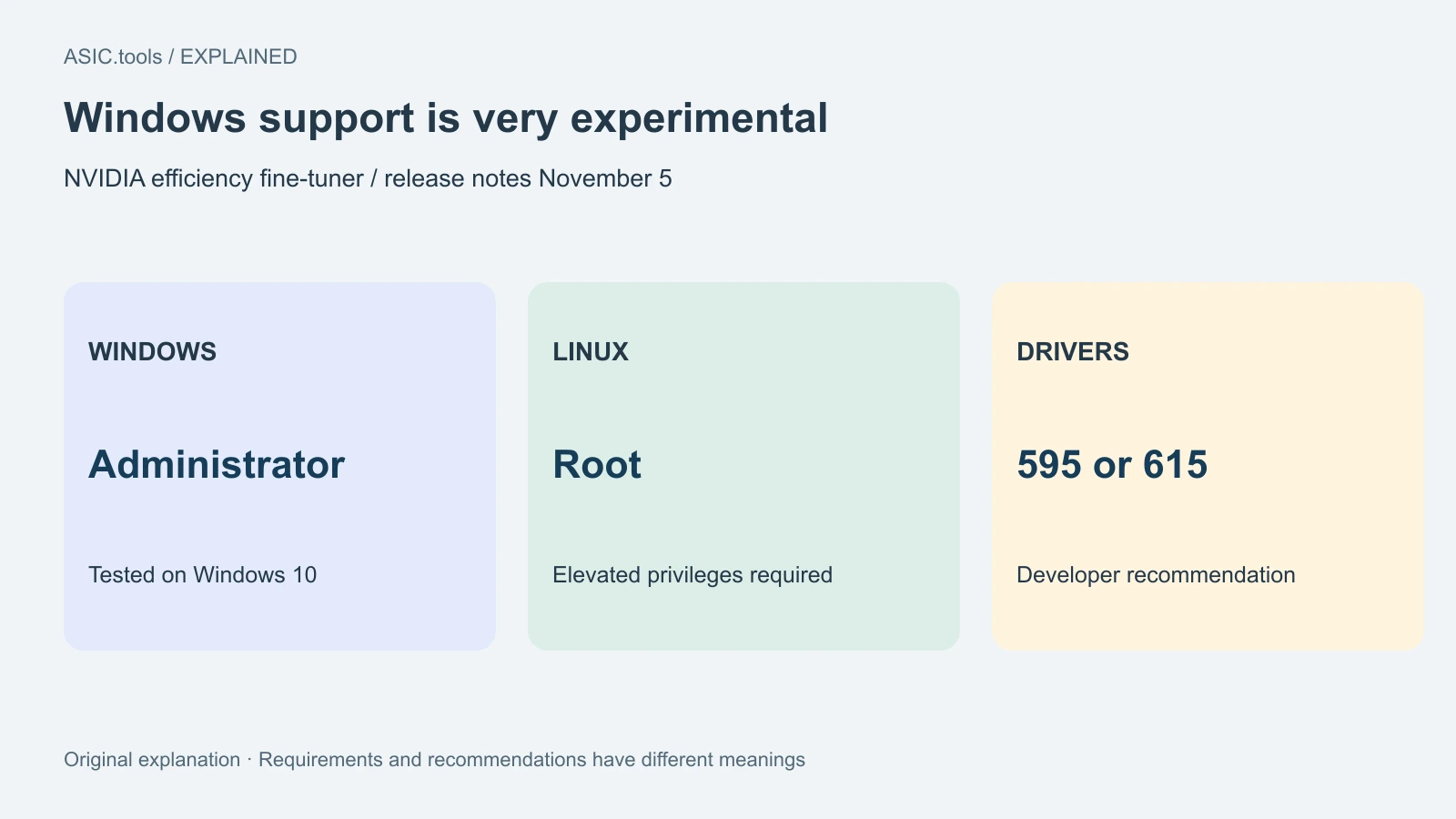
The developer describes the Windows support as very experimental and says it was tested on Windows 10. The NVIDIA feature requires administrator privileges on Windows or root on Linux. Driver versions 595 or 615 are recommended in the release notes.
Efficiency here is useful work relative to energy. A small reduction in hashrate may be worthwhile if electricity use falls far enough, while a loss of accepted work can offset the benefit. The release introduces controls for exploring that trade-off. It gives no universal electricity-saving percentage for all NVIDIA cards.
One allowance for each selected card
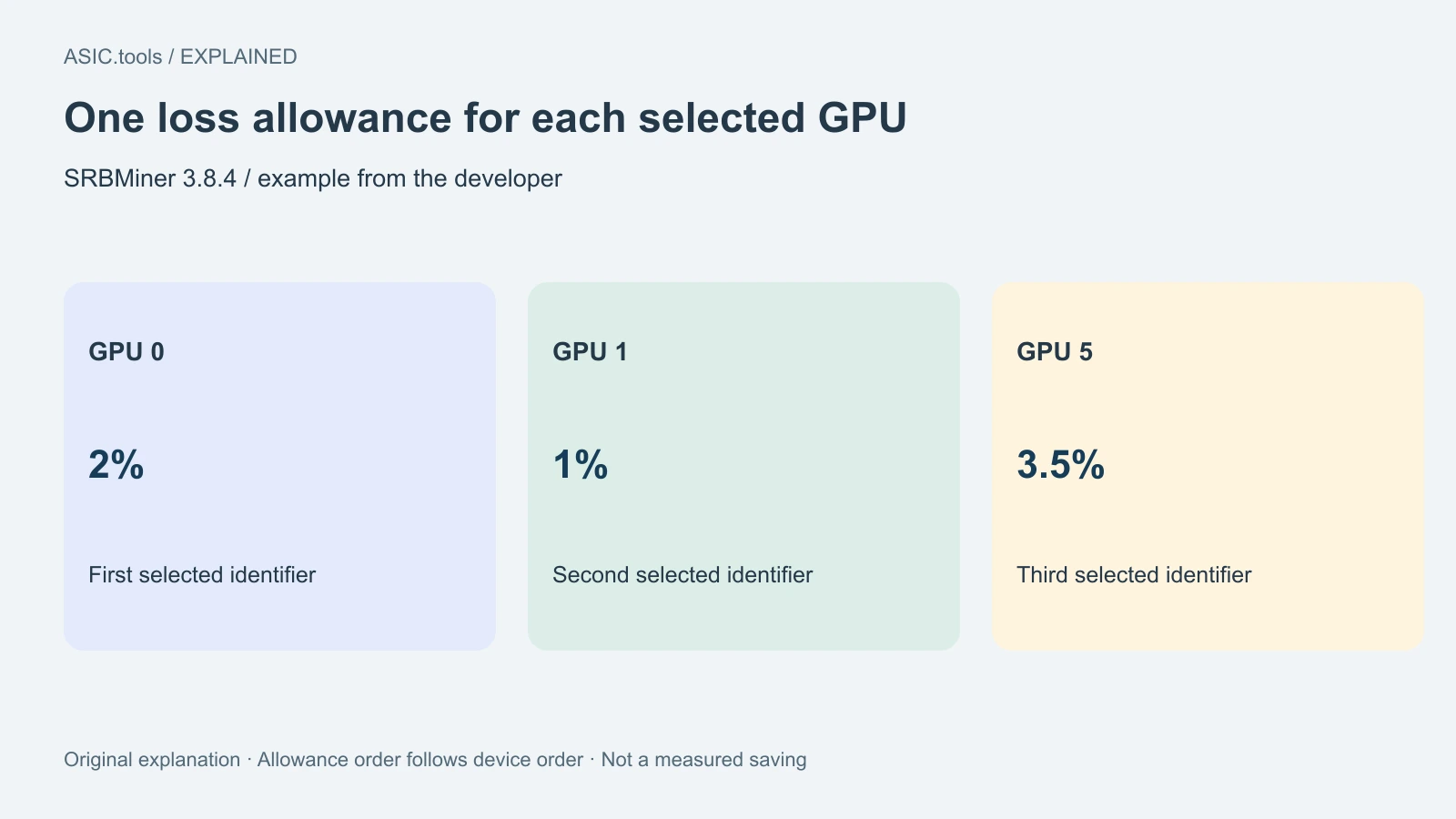
The loss option can now take a list of values when the tuner receives an explicit list of GPU identifiers. The developer's example selects cards 0, 1 and 5, then assigns loss allowances of 2%, 1% and 3.5% in the same order. Card identifiers refer to the miner's device numbering, which an operator can match to the device list.
The order matters when a rig contains several models or cards with different cooling. The first value goes with the first selected identifier. Recording that pairing next to the result makes it easier to see which configuration was actually tested. The allowance concerns the tuner's hashrate trade-off.
The developer says outcomes vary even between cards of the same model and with the same overclock because chips differ. A setting that works on one device therefore needs its own observation on another. Comparing the accepted work, device temperature and energy over the same interval helps show how each card responds.
Start with a card you can identify
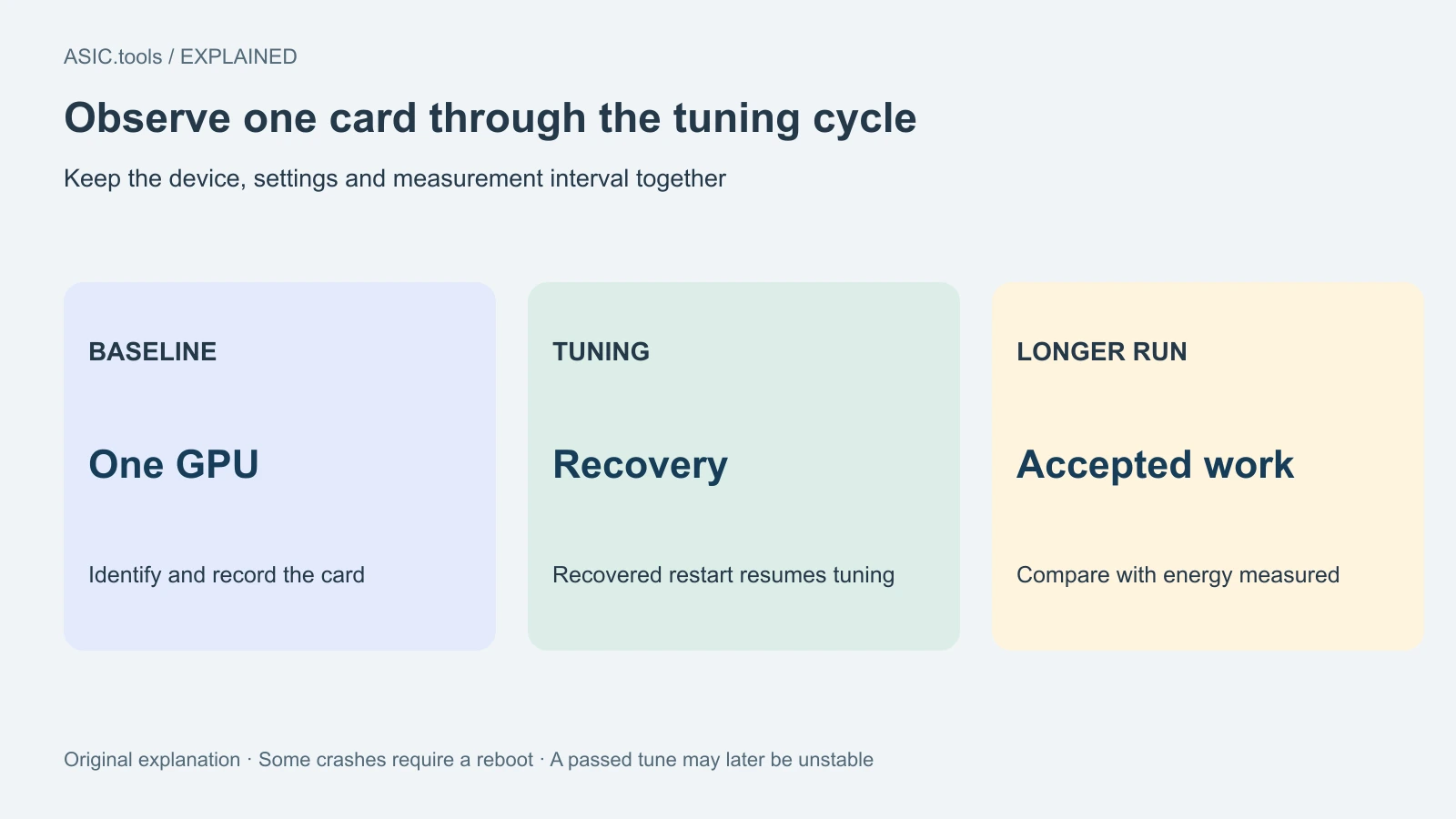
The release recommends tuning one GPU at a time. A crash on one card can affect others within the same miner process, making the cause harder to locate. A per-card run leaves a clearer link between the setting, the device and the log entry when something changes.
The program can restart automatically when it recovers a GPU, and tuning resumes after that restart. The notes say repeated recoverable restarts during tuning are expected. Some failures leave the card in a state that requires a full computer reboot. Even a tuning result that initially passes can fail during a longer mining run.
The developer recommends setting overclock values through the miner and including its reset-overclock option when using the tuner. That gives the program a defined configuration to manage during recovery. An operator can keep the old configuration and the new test record together to understand which values were active before and after a restart.
A separate control locks memory at 405 MHz
Version 3.8.4 also adds a 405 MHz NVIDIA memory-clock lock. The notes identify algorithms that rely mainly on the GPU core, including Quantus and NOID, and Pearlhash on RTX 3000, 4000 and 5000 series. The usefulness of that setting depends on the workload and hardware.
Core-heavy work can have different memory needs from an algorithm that frequently moves data through video memory. For a local comparison, keep the algorithm and intended pool constant and inspect whether the pool receives the same useful work. A lower memory clock by itself supplies only one part of that comparison.
The machine's electricity meter includes other components as well as the GPU. CPU, fans and power-supply losses remain part of the bill. Per-card telemetry helps identify a change, while the whole-rig reading shows its effect at the connection. Keep both measurement scopes with the result.
Use the package that matches the environment
The official page provides Windows and Linux archives and a dedicated HiveOS Custom miner package. For that Custom setup, the developer says to specify the algorithm, pool and wallet manually in the extra configuration arguments. Saving those fields with the version number makes a later comparison easier to repeat.
The page also publishes archive MD5 values. Checking a download against the publisher's listed value can identify a different or damaged file. This report reviews the release documentation and its stated operating limits. No software was installed or tuned for the article.
Keep the archive filename, release URL and the matching operating-system package with the test record. A checksum comparison applies to that particular download. It does not test the stability of the overclock, the identity of the receiving wallet or the amount of accepted work. In the HiveOS Custom fields, use the intended pool and your own receiving address; those are separate from choosing a tuner setting. This keeps a later comparison tied to the actual program and destination used.
Source: SRBMiner-Multi release notes ↗ · Official release metadata ↗
Mining calculator ↗