OneZeroMiner 1.8.7 opens Pearl mining to more older NVIDIA cards
Source report: 2026-11-27 · Editorial analysis published: 2026-11-27
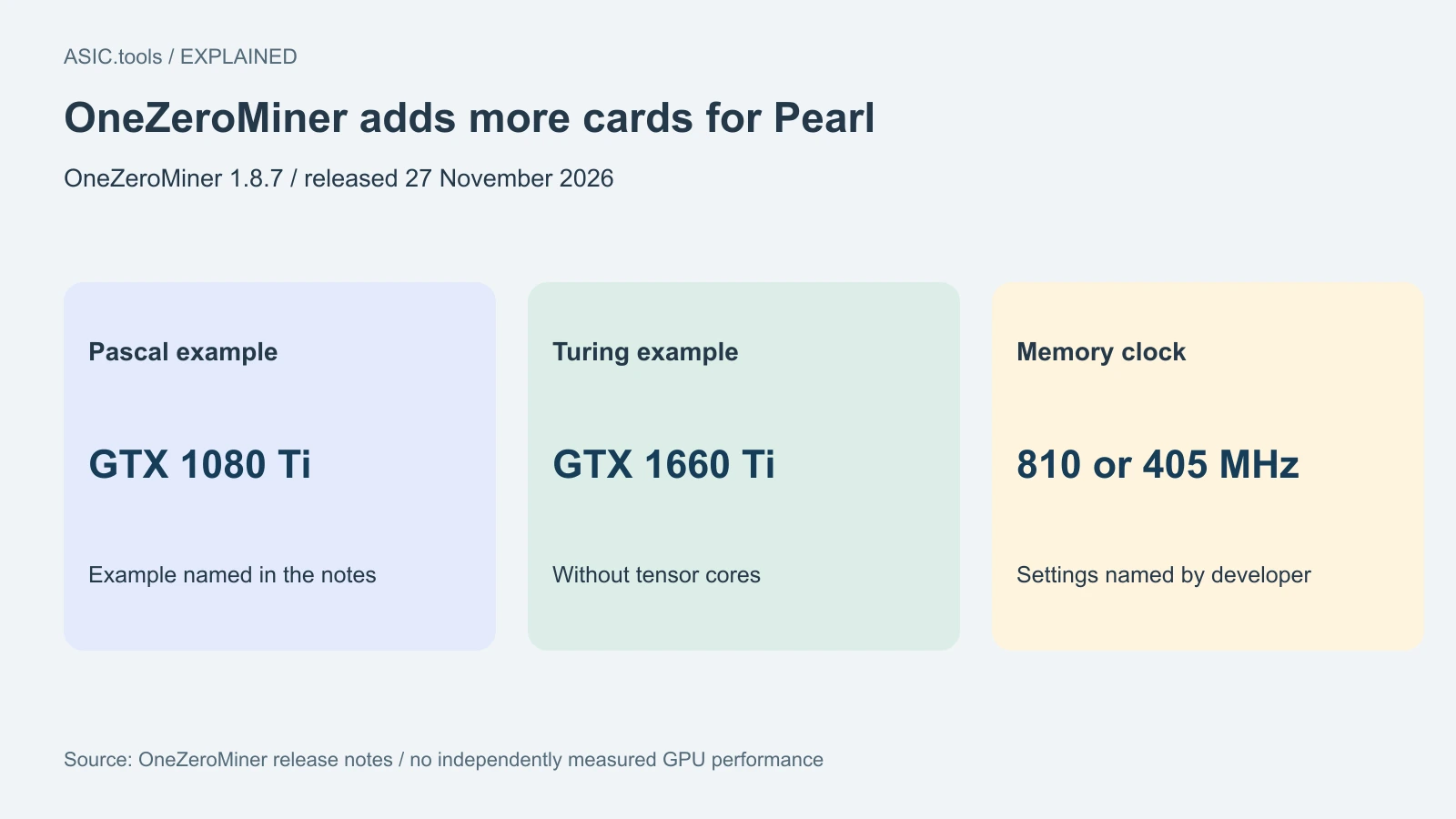
The November 27 release names the GTX 1080 Ti and GTX 1660 Ti as examples. It also reports accepted work through its monitoring interface, giving miners a second reading to compare with the speed shown on the rig.
More cards can try Pearl
On November 27, the developer of OneZeroMiner added Pearlhash support for Pascal and Turing graphics cards without tensor cores. The notes name the GTX 1080 Ti and GTX 1660 Ti as examples. That gives someone who already owns one of these cards a new way to test mining Pearl. Electricity use and work accepted by the pool will determine how useful it is on a given machine.
Tensor cores are special circuits for certain types of matrix arithmetic, the work Pearl uses to secure its blockchain. A GTX 1080 Ti belongs to the Pascal generation. A GTX 1660 Ti is a Turing card without tensor cores. The support announcement gives those two families a way to participate in this miner release. The developer mentions locking memory at 810 or 405 MHz. Those settings are release guidance and results can vary with the card and driver.
Efficiency still needs a meter
The developer also reports better Pearlhash efficiency for NVIDIA 20, 30, 40 and 50 series cards, a power-saving fix on drivers in the 620 series and above, and improved power saving on lower-end 50 series models including the 5070 and below. The listed improvements come without a percentage for each model. Someone using a current rig can compare a representative card with the previous software version at the same settings and under similar cooling conditions.
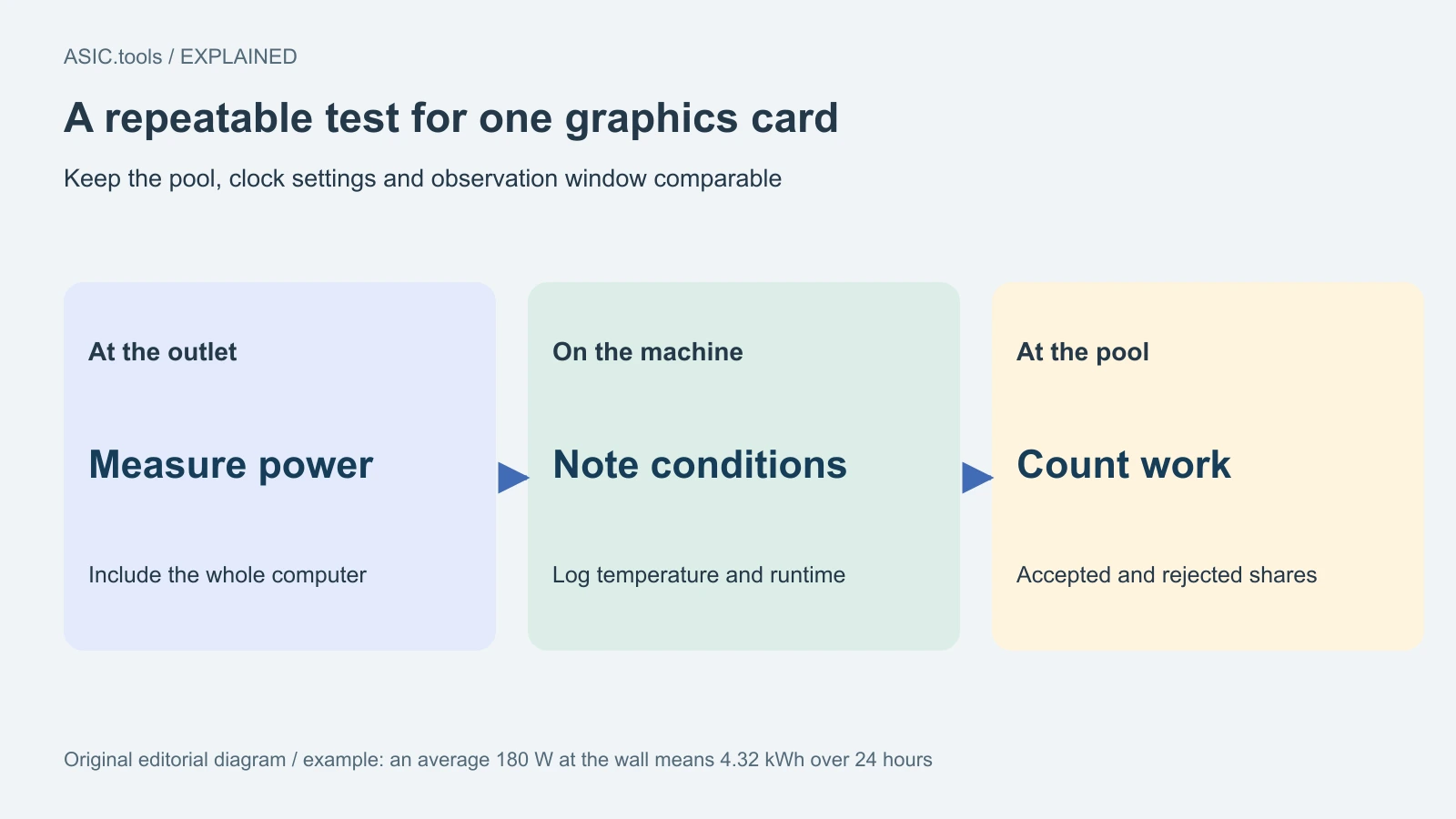
Start with one machine and leave its frequency, power limit and pool unchanged long enough to gather comparable readings. Card telemetry is handy for spotting a change. A wall meter adds the power used by the rest of the computer and losses at its power supply. For example, a hypothetical rig that draws 180 watts from the wall uses 4.32 kilowatt-hours over 24 hours. The income and tariff decide whether a given reading pays for that day.
Think about cooling and rejected work when the wattage falls. A lower power reading can look promising while a card is also submitting fewer accepted shares. Record the stable temperature, run length and accepted work together. If the test is interrupted, start a fresh comparison window and label the interruption so you can explain the readings later.
Two speeds with different uses
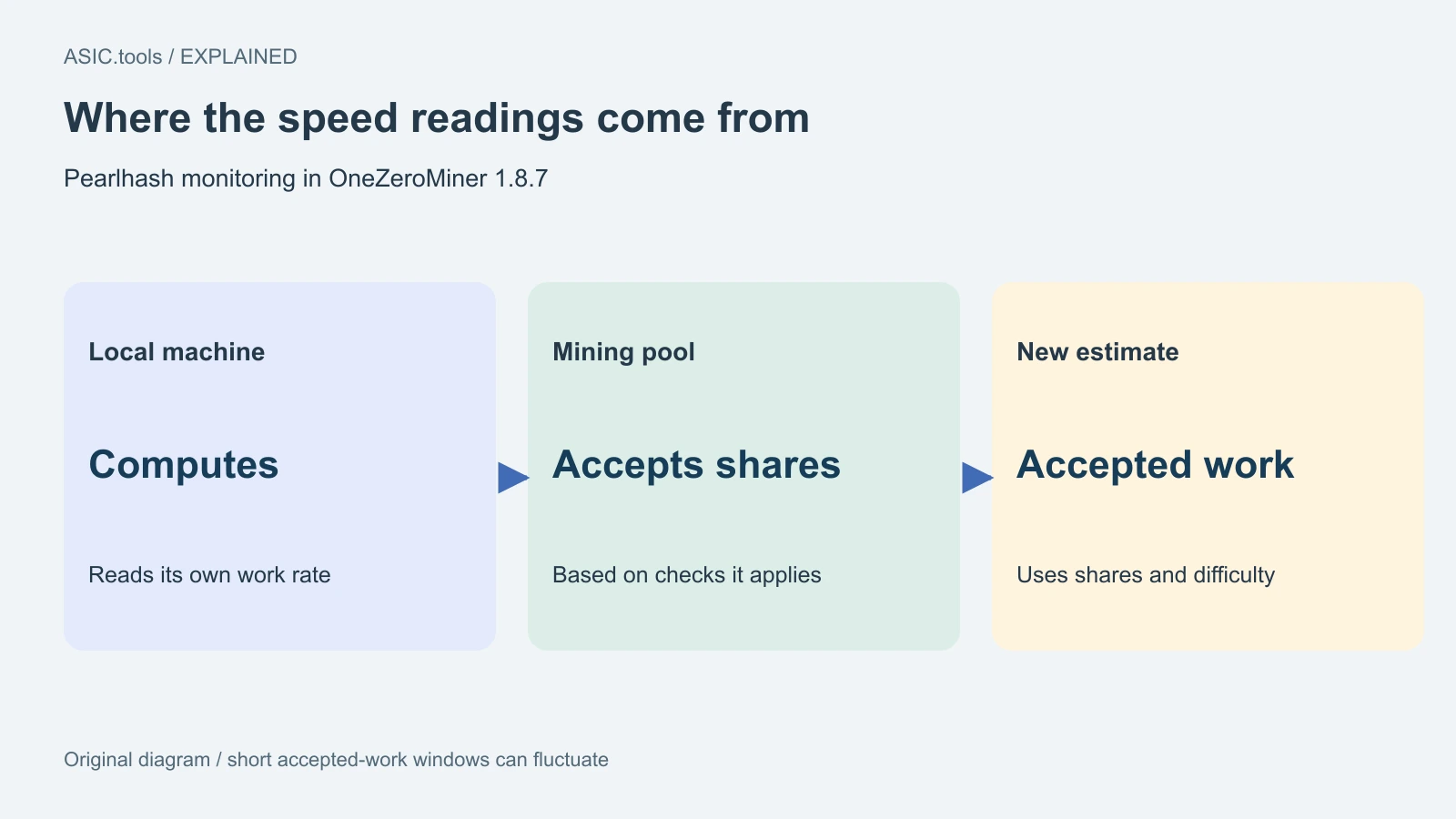
The new monitoring interface exposes an estimate based on accepted shares and their difficulty. A share is a small proof that a miner is doing work for the pool. The speed on the machine tells you how quickly it is computing; the estimate produced from accepted work tells you how much made it through. Accepted shares arrive at irregular times, so a short observation can look fast or slow by chance.
When comparing two versions, write down the test window, accepted and rejected shares, the speed shown by the rig and measured power. Check that pool and rig are measuring the same worker. If numbers disagree for a sustained period, connection stability, rejected work and the length of the averaging window are places to look. A single screenshot immediately after start gives little evidence about which version delivers more accepted work per kilowatt-hour.
Two readings from the same worker can use different units. Convert them before calculating a gap, and compare the same algorithm. Save a short note alongside the numbers with the coin, software version and miner identifier. That makes a useful baseline if the machine changes pools or the dashboard format changes later.
Pausing from software is now an option
The monitoring interface also gained controls for pausing, resuming and exiting. These commands require the operator to enable them. That can help a shared computer switch between mining and another task. Keeping control local or inside a trusted network limits who can stop the worker. Someone interested only in monitoring can leave the controls disabled.
The release gives owners of older cards something concrete to test and existing operators more data to compare. A good first check is how much accepted work the machine delivers over a repeatable period and what the meter records while it does it. A card becoming compatible answers whether you can try. The measurement answers whether you want to keep it running.
Source: OneZeroMiner ↗ · Pearl Research Labs mining documentation ↗ · OneZeroMiner repository ↗
Mining calculator ↗