NerdQAxe 1.1.3 test build improves fan readings and wired networking
Source report: 2026-11-25 · Editorial analysis published: 2026-11-25
The release candidate adds clearer fan readings for compatible boards and three Ethernet fixes. The maintainer is moving new development to the Rust edition.
A clearer view of the fans
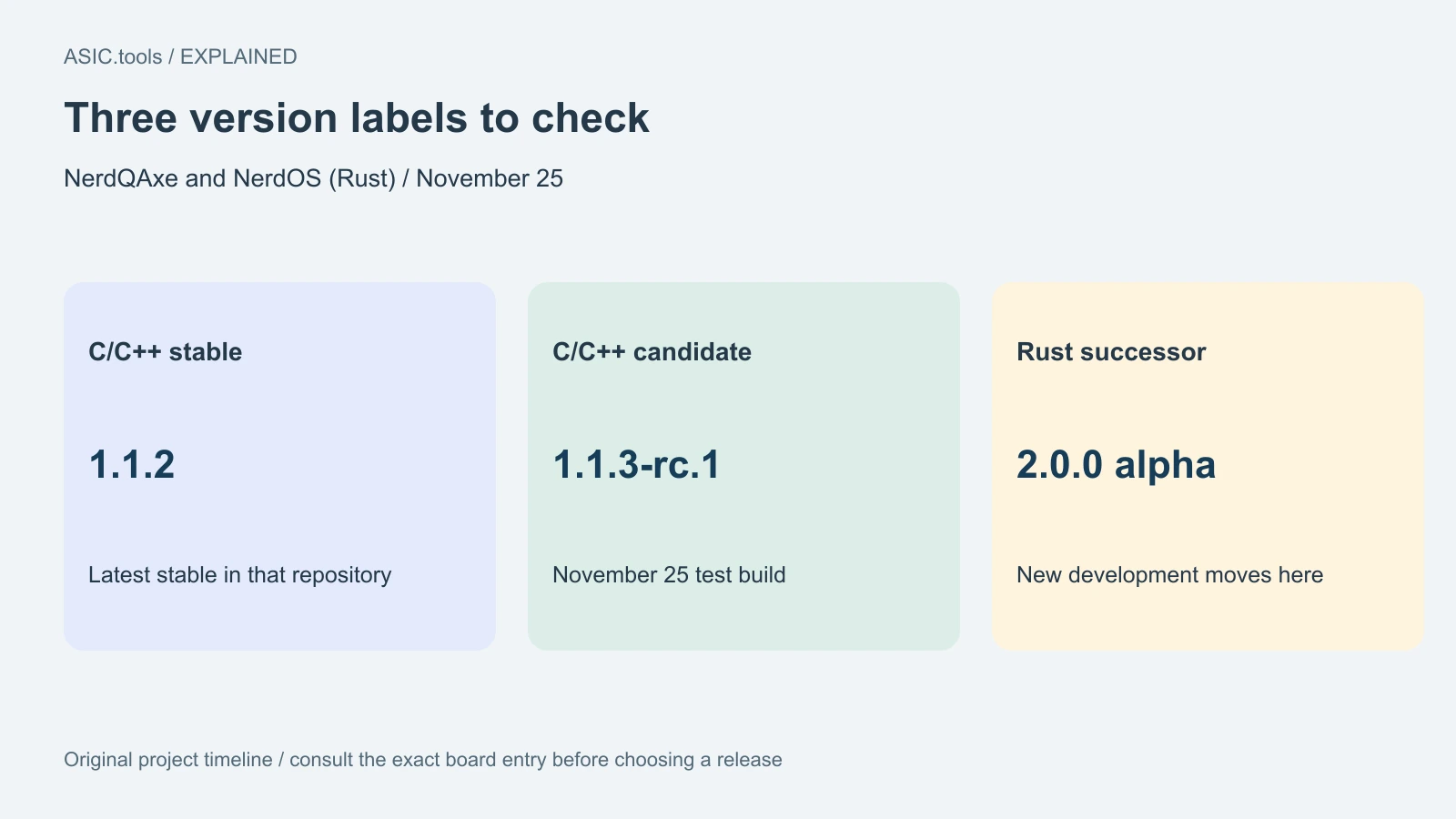
The NerdQAxe firmware maintainer published version 1.1.3-rc.1 early on November 25. The release candidate is a build offered for testing ahead of a possible stable release. It brings separate fan readings to both Gaia interface themes and changes how supported Ethernet boards keep their display and network working together. GitHub still lists 1.1.2 as the latest stable release of this firmware line at the time of writing. Firmware is the software on the miner’s controller that manages its chips, cooling and connection to a pool.
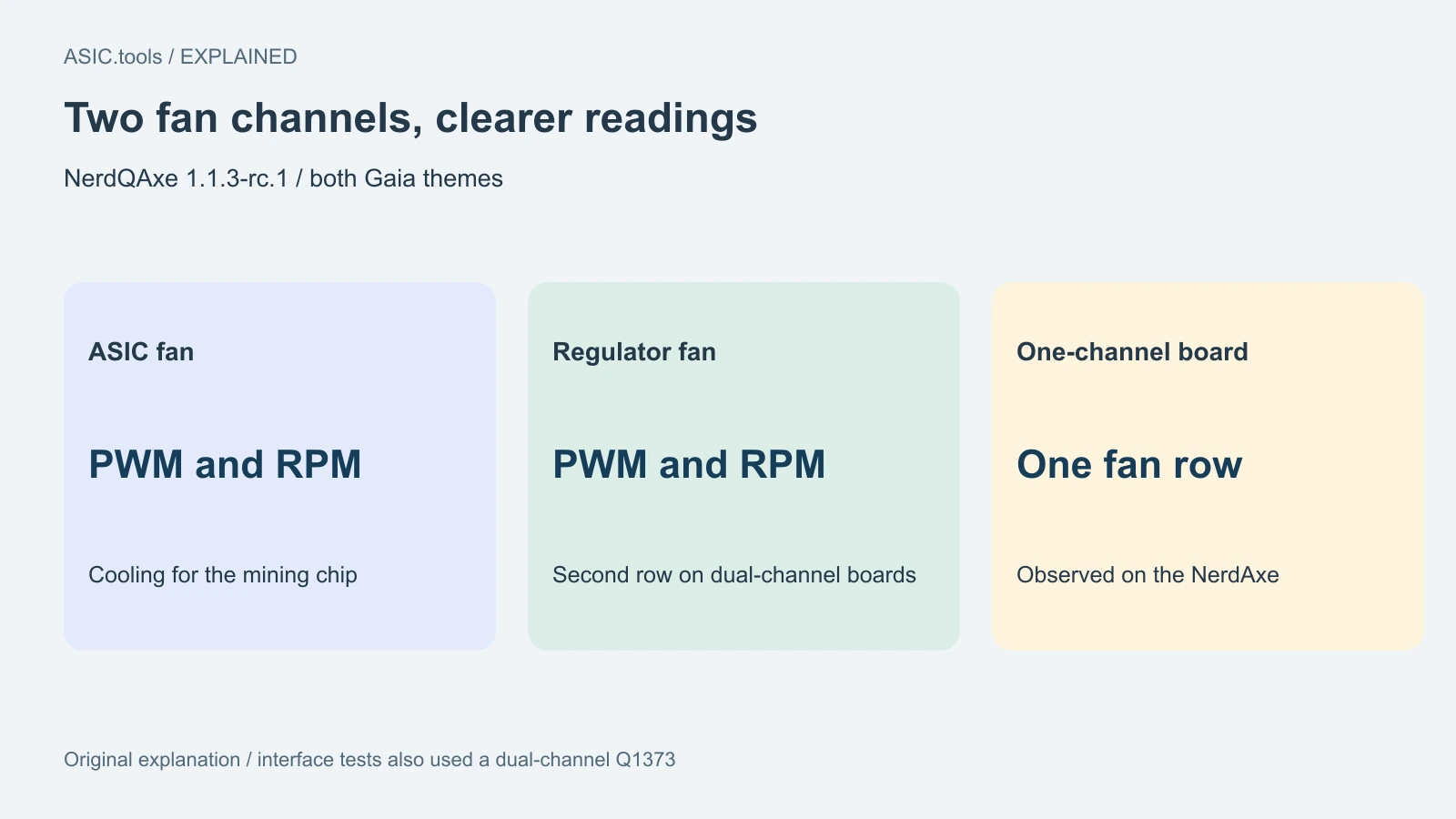
Boards with two fan channels can display the fan for the mining chip and the one for the voltage regulator. The regulator supplies the voltages components need. The interface shows the control signal as a percentage, or PWM, and the sensed speed in revolutions per minute, or RPM. One reading shows what the controller is asking for. The other tells you how the fan is actually spinning. Having both on the same screen makes it easier to see which fan to check when its sound or speed changes.
The project published the previous 1.1.3 alpha on November 17. The changelog for the November 25 candidate compares directly with that alpha and points readers to the merged changes. That makes it possible to distinguish work already in the test line from what appears in the new build. The separate 1.1.2 stable page describes earlier certificate and telemetry work. Owners who are reading those older notes should check the version at the top of the page before looking for the new fan settings.
The development note records browser checks of both Gaia themes. A single-channel NerdAxe showed one fan row without a spare empty row. A Q1373 with two channels displayed both. That is evidence about how the dashboard presents the available readings on those boards. The change does not add a second fan connector to a board. Use the board label and its actual connectors to work out which rows to expect.
Three changes for wired mining
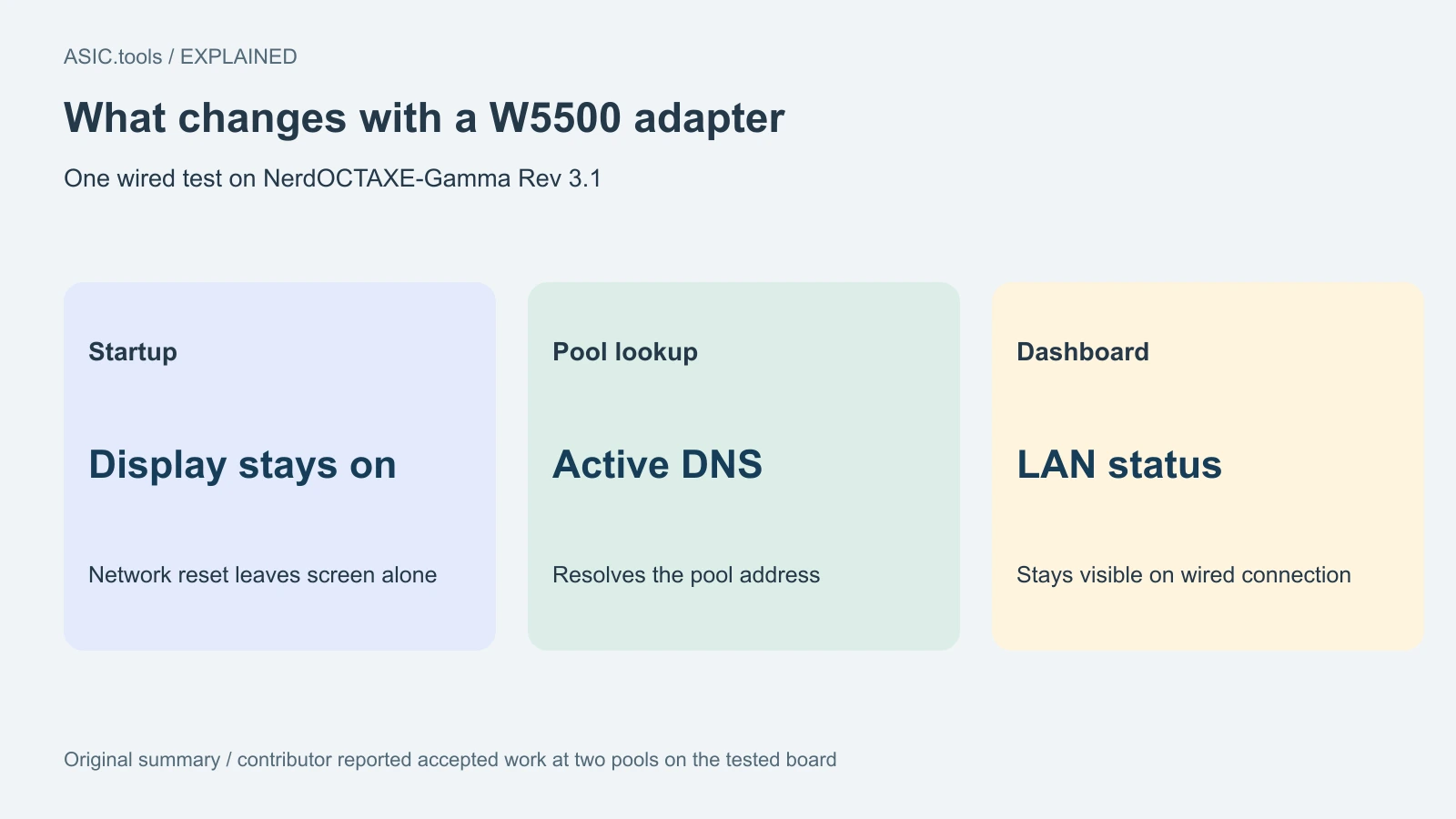
The Ethernet changes address the W5500, a wired network controller used on certain boards and adapters. The test patch prevents its startup reset from interrupting the display. It also makes the miner use the active connection’s DNS settings. DNS translates a pool name into the network address the miner needs. Finally, the dashboard keeps its wired connection status while background Wi-Fi retries continue. The three changes affect different parts of the experience, from the screen powering up to the miner finding the pool to the status the owner sees afterward.
The Ethernet fix was merged on November 21 and reaches users in this candidate on November 25. Its author checked both pools with a wired adapter, while the dashboard test for the fan rows checked browser rendering. These are two different sorts of tests. The first tests a live connection and accepted work, and the second tests whether the screen displays the readings that are available. Neither result is a new rating for the board’s output.
The contributor tested this on a NerdOCTAXE-Gamma Rev 3.1 with a Jabitaxe/W5500 adapter. The board’s display stayed usable, the dashboard showed LAN connected and both pools accepted work. This is a concrete result for one hardware combination. A successful share means the pool acknowledged a piece of mining work. On another revision, check the local status and accepted work after a change instead of treating a network link light as proof the miner is submitting.
Where future NerdOS features will go
The maintainer also put this C/C++ line in a feature freeze. That means new features move to NerdOS in Rust and this line is kept for security fixes. The Rust project describes its current 2.0.0 builds as alpha, an earlier stage of testing. It says a stable release is planned. The two families have different release pages, so it helps to note which firmware line a device is on before looking for its next version.
The candidate has factory images for 12 boards as well as board-specific update files and a separate web interface file. For example, its list names NerdAxe Gaia, NerdQAxe++ and Q1373 individually. Files for initial installation and files for updating an existing installation have different roles. A shared family name on the enclosure is a starting point, and the exact board entry and intended update method determine which file applies.
The Rust project says the two lines use the same storage layout and settings and provides a USB web flasher for switching. Save the pool and connection settings separately before experimenting so you can restore them if a test does not go as expected. Choose the exact board and firmware line from the project documentation. On a miner you depend on, use the stable build for routine operation or test a candidate first on one compatible device, then check fan readings, network status and the pool’s record of accepted work.
Source: NerdQAxe / GitHub ↗ · Dual fan readings in both themes ↗ · W5500 Ethernet fixes and board test ↗ · Maintainer notice on the firmware transition ↗ · NerdOS Rust project and supported boards ↗ · Stable release 1.1.2 ↗
Mining calculator ↗