BzMiner 100.83 claims 4–10% better Pearl efficiency on three RTX generations
Source report: 2026-11-24 · Editorial analysis published: 2026-11-25
The November 24 release covers RTX 30, 40 and 50 cards. It adds pool-requested Stratum compression and makes the two benchmark options behave alike.
What the efficiency claim means
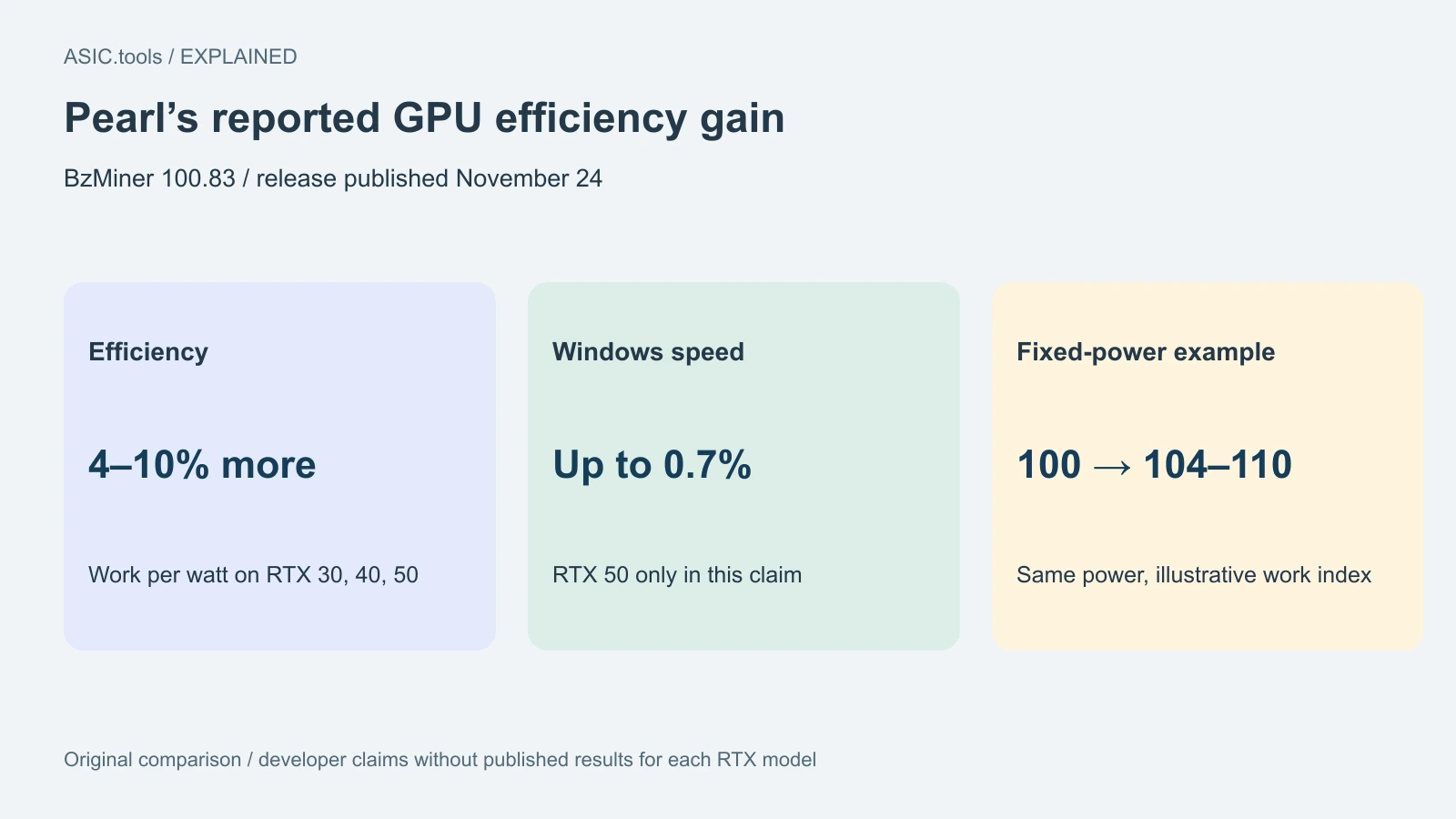
BzMiner published v100.83 on November 24 and reported that Pearl mining does 4–10% more work per watt on NVIDIA RTX 30, 40 and 50 cards. Pearl is a cryptocurrency that uses its own mining algorithm, and this update concerns the GPU software used to mine it. The developer separately reported up to 0.7% more speed on RTX 50 cards under Windows. That second figure covers a particular operating system and card family.
The 4–10% claim uses TH/W, or the amount of mining computation for each watt of power. If a test held power fixed, an index of 100 units of work would become 104–110 at the claimed gain. In an actual test both the speed and power draw can change. Read the two metrics as different ways of looking at the same device. An efficiency improvement by itself does not tell you how many more shares a pool will accept or how your electricity bill changes.
The release does not give a per-card result for every RTX model. A rig with mixed cards should track each model rather than assign the high end of the range to the whole machine. Software can show power for an individual card. A wall meter captures the rest of the rig, including its power supply and fans. Use the same measurement point for each comparison so the numbers have a common basis.
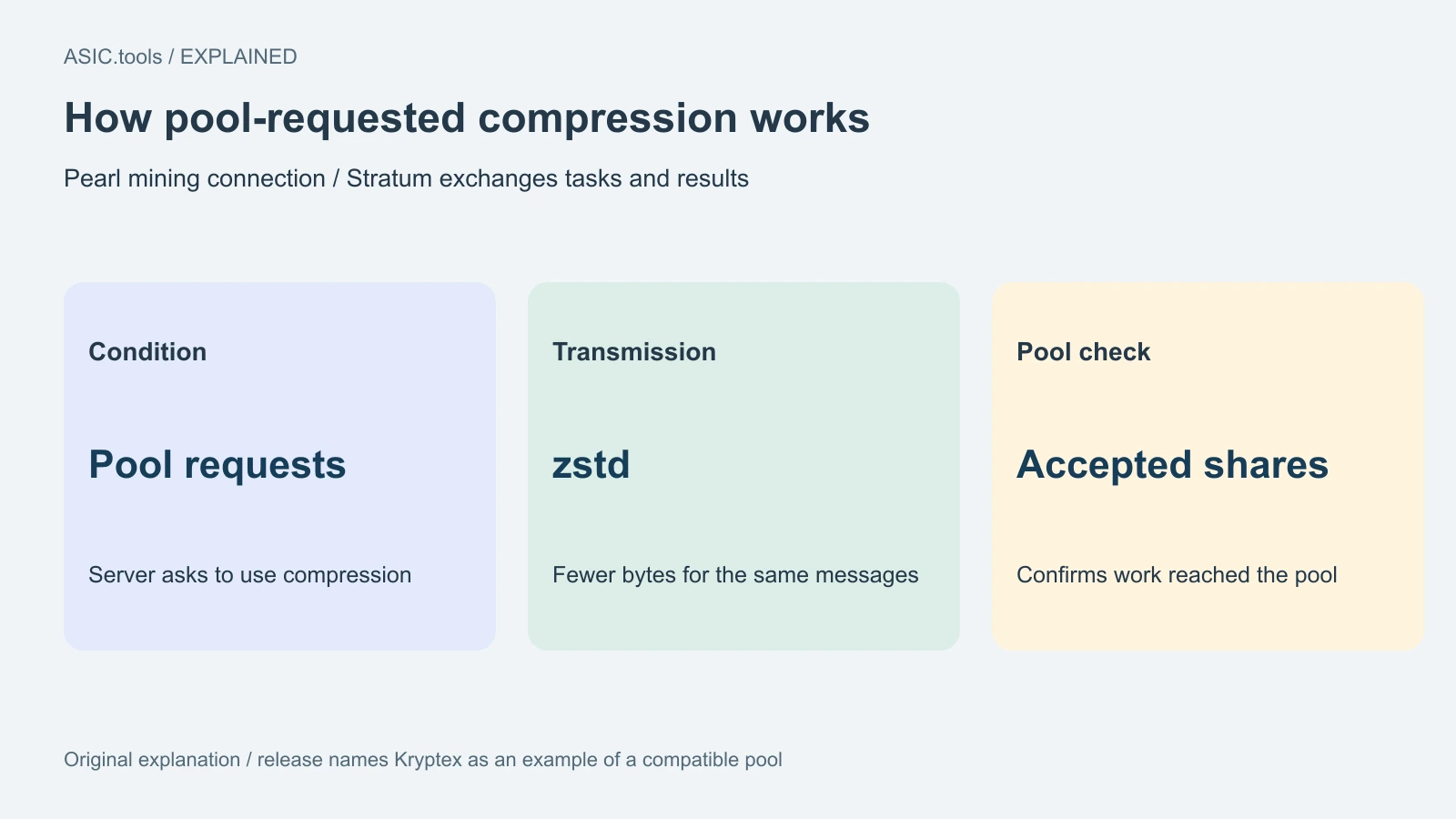
A pool can ask for smaller mining messages
The same update adds zstd compression to Pearl’s Stratum connection when the pool asks for it. Stratum is the way miner and pool exchange assignments and results. Zstd is a method that packs data into fewer bytes and then restores it on the receiving side. The release gives Kryptex as an example of a pool that can request it. Kryptex’s documentation already lists BzMiner for Pearl connections.
Compression affects the exchange of messages on a compatible connection. It does not change Pearl’s mining calculation. Since the pool has to request the option, a rig connected to a different server can continue with its usual traffic even after the miner is updated. To see an effect, compare network use on the same pool and connection while keeping the hardware and work comparable. The developer did not give a traffic saving percentage for a particular line or server.
A network link and an accepted share answer different questions. A share is a piece of work that meets the pool’s target and that it can count toward a payout. If the program starts, check that the pool is seeing the worker and accepting work as expected. When comparing totals from two intervals, keep the pool and its share difficulty comparable. Difficulty determines how much work a share represents, so a simple count can be misleading if the pool changes that target.
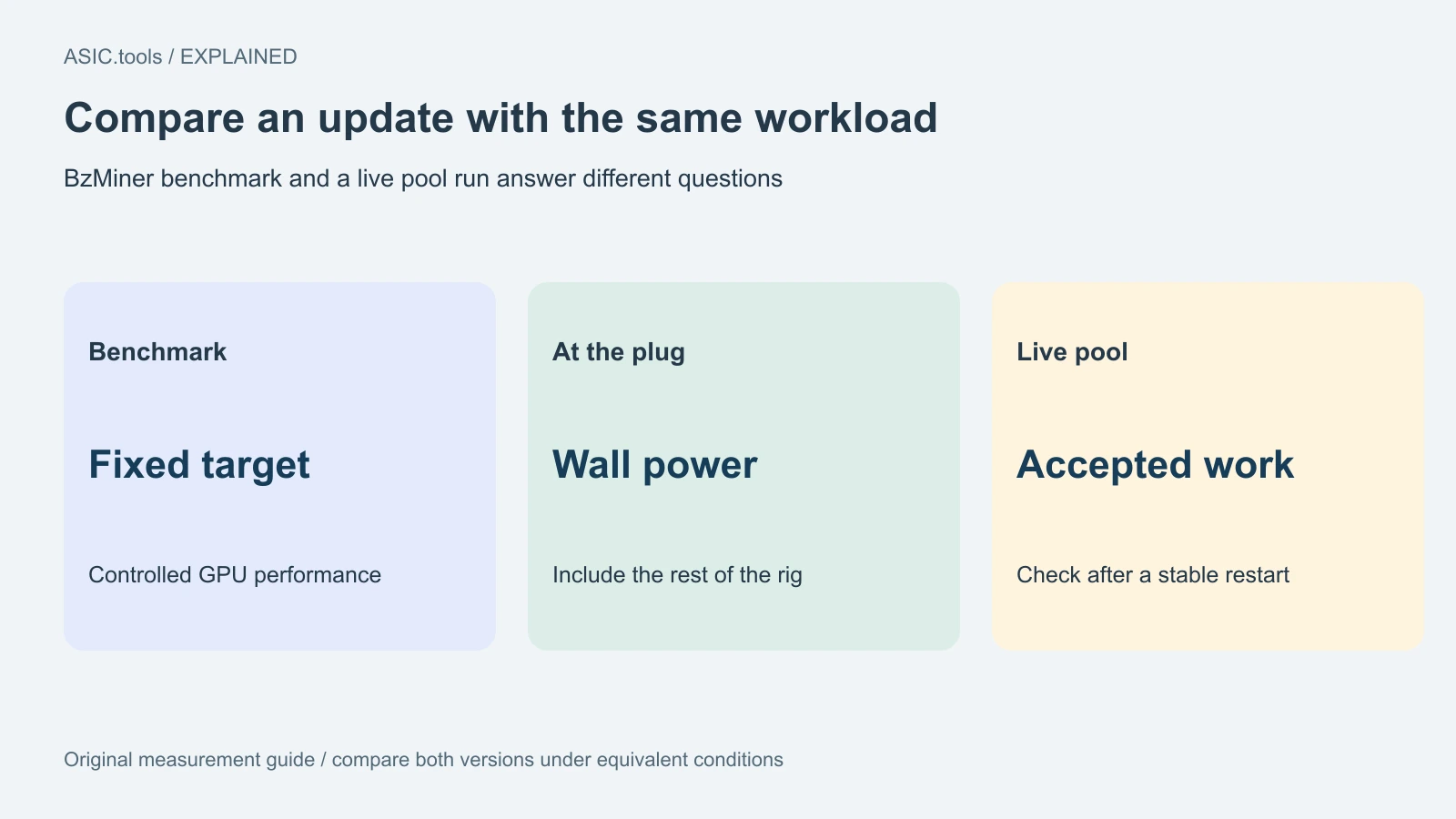
A more useful comparison before switching rigs
The release says the two benchmark switches now run the same test and use the appropriate difficulty for each algorithm. A benchmark measures performance under controlled work. The developer’s guide describes using a fixed test difficulty and separately judging live results by accepted shares. A benchmark can show what a GPU does with standard work, then a longer pool run shows how the same settings behave in normal use.
For a practical check, use the same machine, power limit and drivers in both runs, and give the rig time to warm up. Compare reported speed, power at the same meter and pool-accepted work over similar periods. Keep rejected and late results visible in your notes. If room temperature, pool target or driver version changes during the comparison, mark it so you can tell what else may have influenced the outcome.
The same release adds a way to reserve CPU threads, the execution slots a processor can run in parallel. In the developer’s example, a machine with 32 threads can keep four free and use 28 for CPU mining. That is helpful if the computer also has other jobs. This setting is separate from the Pearl efficiency result on GPUs. For a mixed machine, keep the CPU workload the same in both runs if you want to isolate the GPU update’s effect at the wall.
The dashboard also gains Processes and System pages, with optional controls for ending a process or rebooting the rig. These are operational changes. If the goal is to compare earnings or power, give any restarted rig time to resume accepting work before starting the observation window. That keeps a brief reboot from looking like a lasting difference in mining speed.
The release provides separate Windows and Linux packages and publishes SHA-256 file checksums. A checksum is a fingerprint for checking that the downloaded file matches the published one. Test the update on one rig first if downtime matters. The release figures explain what to look for. Your own readings show whether the measured improvement is worth using across a fleet.
Source: BzMiner / GitHub ↗ · Developer’s guide to Pearl and its benchmark ↗ · Kryptex Pearl pool and miner documentation ↗
Mining calculator ↗