Your Antminer L7 may not be offline: Braiins fixes a monitoring mistake
Source report: 2026-10-21 · Editorial analysis published: 2026-10-23
Manager Agent 4.13.1 corrects L7 status after 4.13.0, redetects miners moved away from MARA firmware and repairs missing device readings. It is a monitoring-agent update, not a new miner firmware.
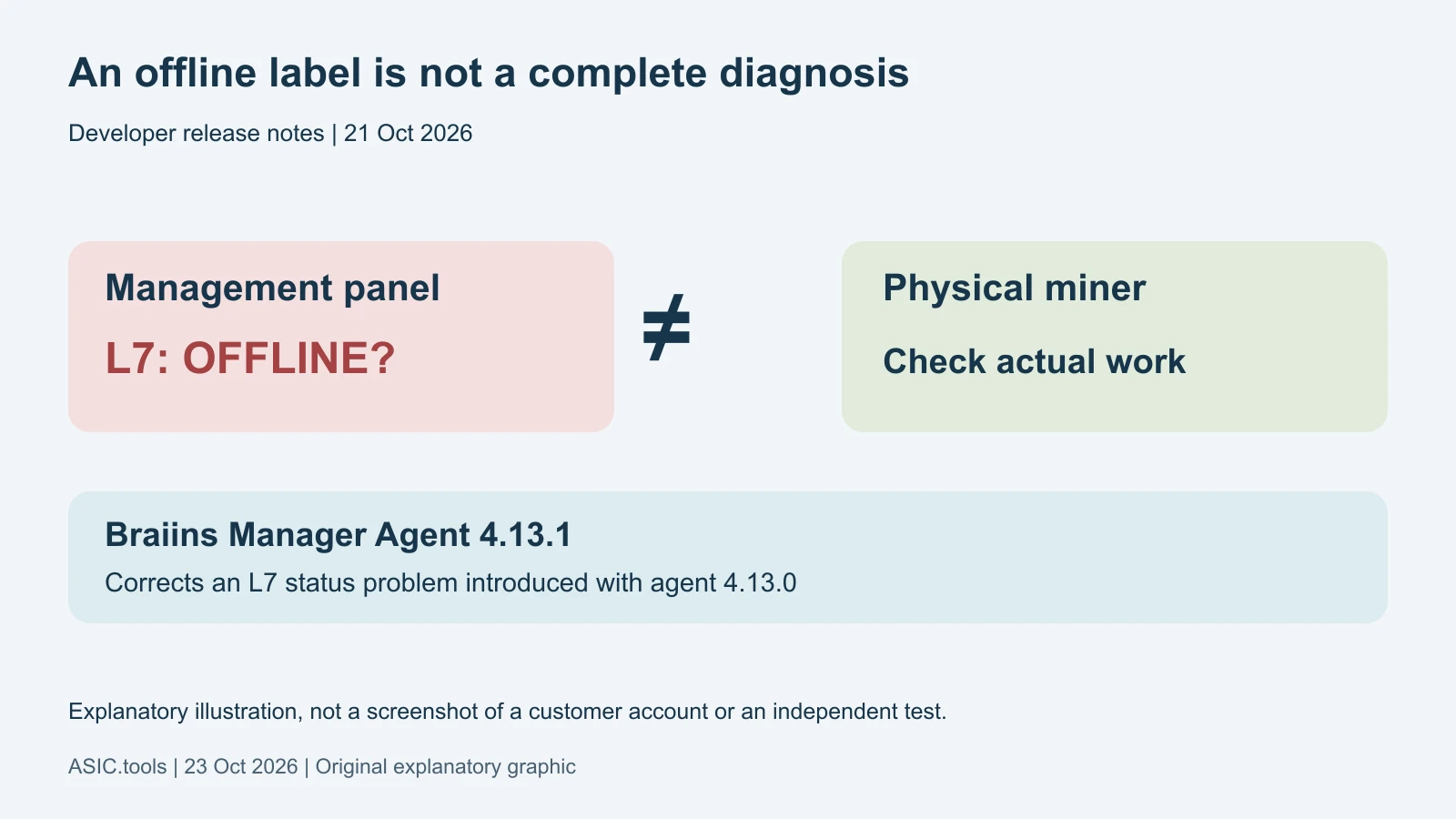
An offline label can send you looking for the wrong fault
Braiins released Manager Agent 4.13.1 on October 21 to fix, among other problems, Antminer L7 machines appearing offline after the 4.13.0 update. For an owner, the practical lesson is simple: a red status in the management panel does not by itself establish that the miner has stopped doing work.
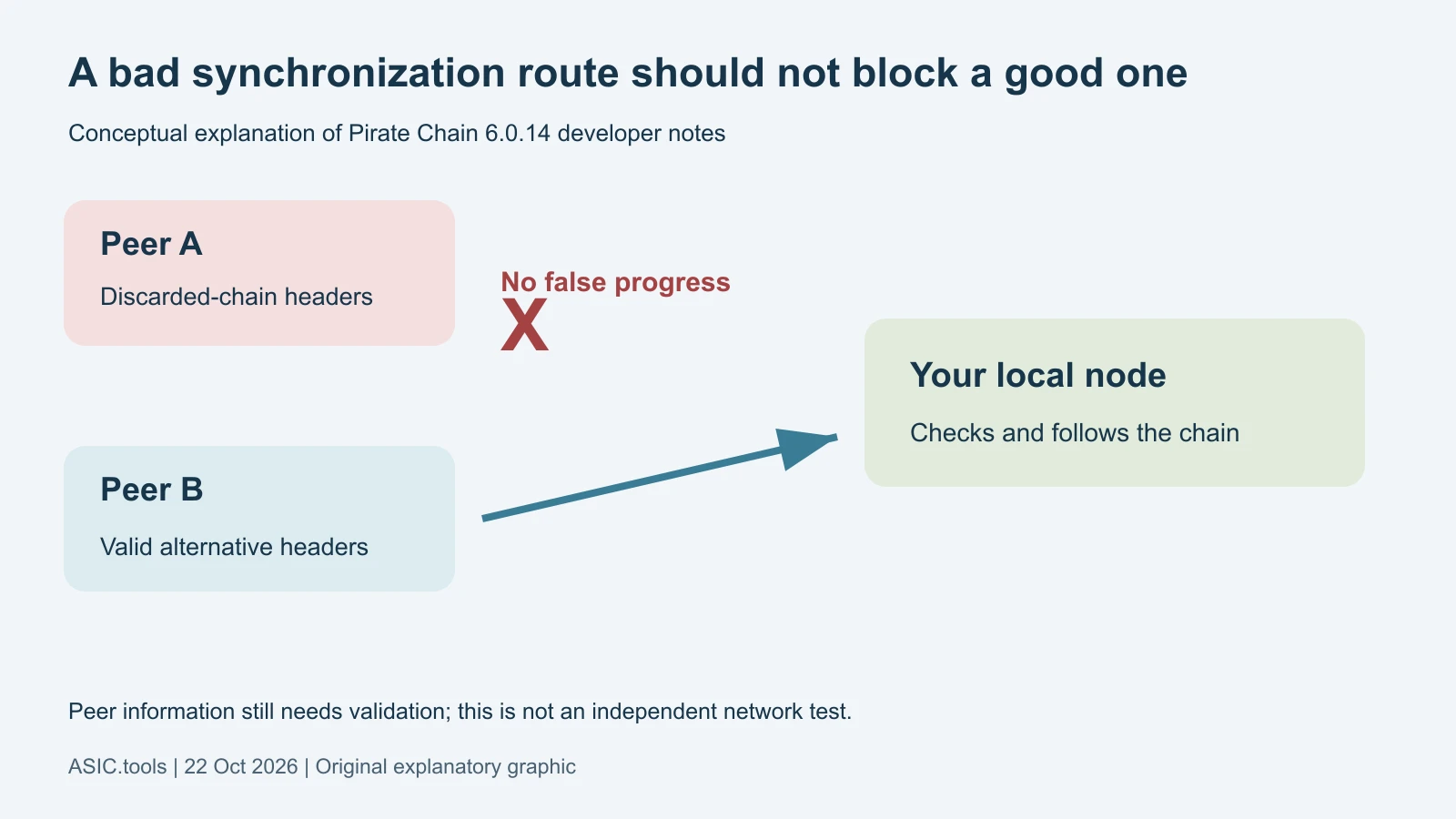
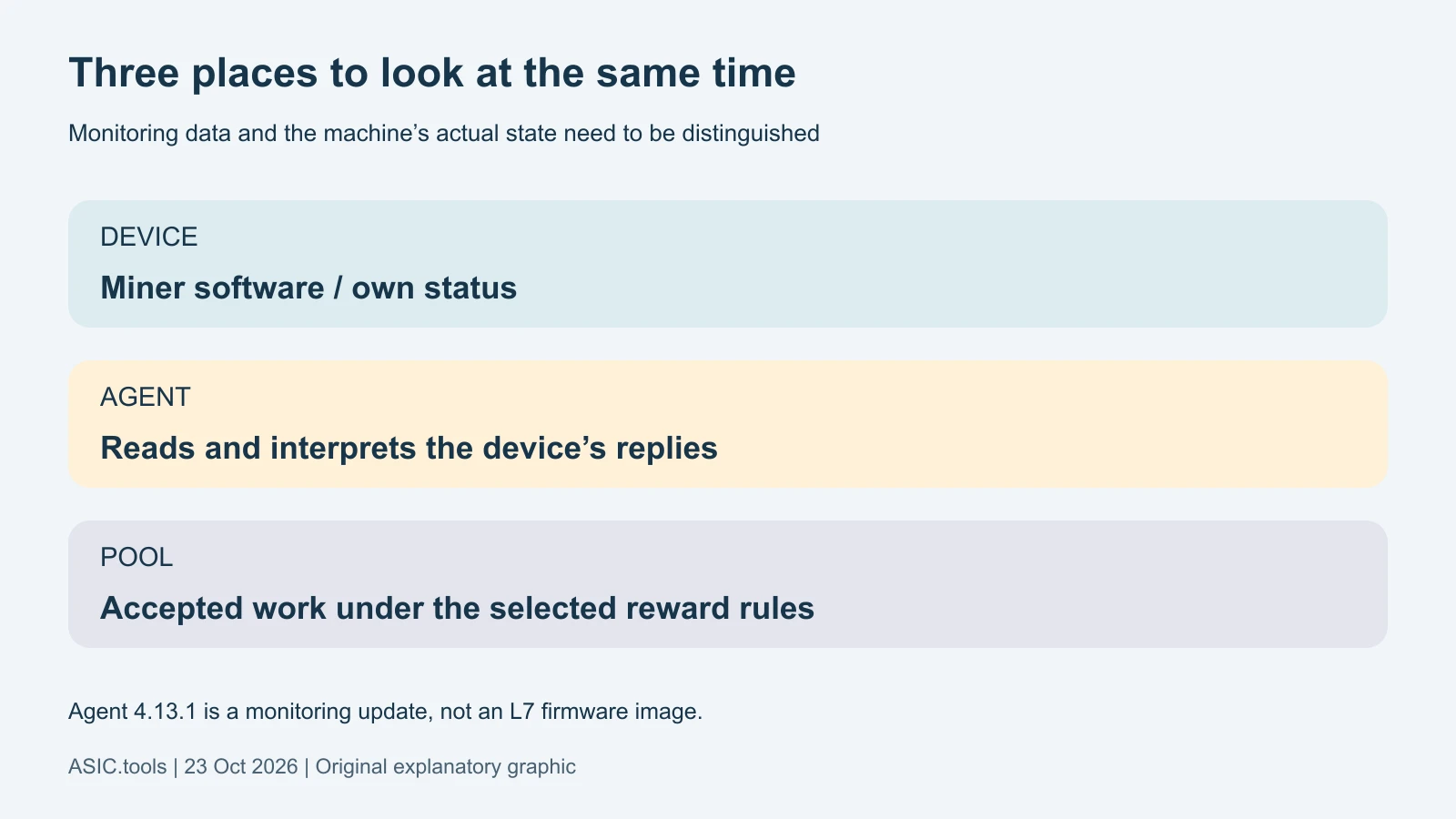
The affected software is the agent used by Braiins Manager to communicate with miners. Think of it as an interpreter between the equipment and the central dashboard. If that interpreter fails to read a reply, the screen can lose sight of a machine even though its physical condition needs to be checked separately.
The agent and the miner’s firmware are different things
Firmware is the software running on the miner’s own control board. The Manager Agent is part of the monitoring and management path. Version 4.13.1 is an agent release, so its version number should not be treated as an L7 firmware image to install on the miner.
Before taking action, identify which component is installed and what version it reports. The release page provides Linux and Windows agent packages. Choosing an operating-system package is a different task from selecting device firmware. This distinction helps avoid replacing working miner software when the announced problem concerns visibility in the dashboard.
What else disappeared from the screen
The developers also fixed monitoring after a machine was reflashed from MARA firmware to stock firmware or Braiins OS. The agent should now detect that change. Reflashing means replacing the miner’s own software; a monitoring tool must recognize the new type before it can interpret its replies correctly.
For Antminers, the notes describe missing readings or failed network configuration with empty hostnames or MAC addresses, unusual fan values and custom statistics formats. For WhatsMiner, they list missing speed, power and temperature readings in non-standard power modes, plus absent hashboard information on some newer firmware. A hashboard is the board carrying the mining chips.
A missing reading is not a zero reading
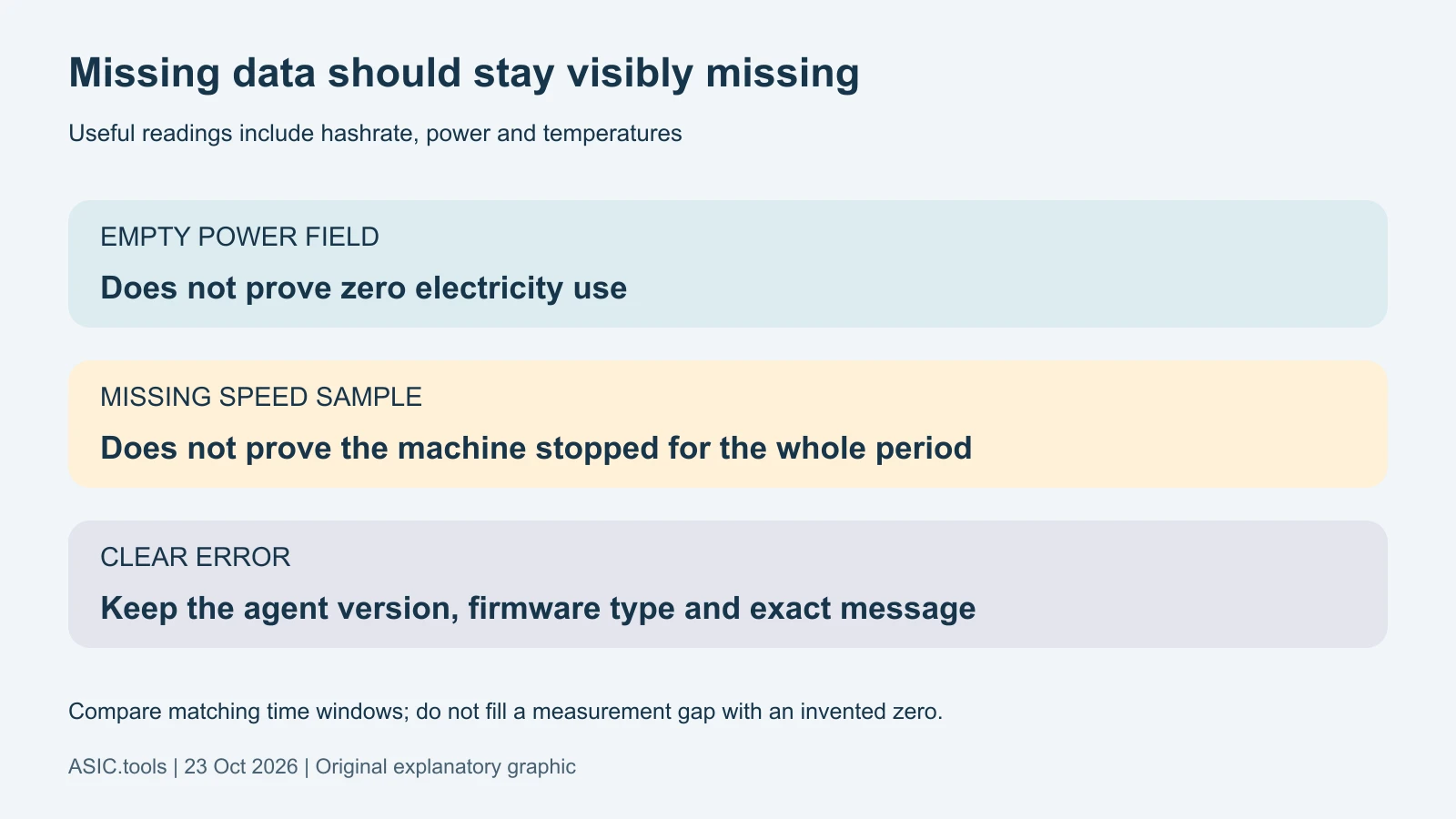
Telemetry simply means measurements sent by the equipment: speed, temperature, power and related status. The update makes agents that cannot read a miner report an error instead of submitting empty data. An explicit error gives the operator something to investigate, rather than a blank value that could be mistaken for no consumption or no work.
For checking earnings or electricity use, that difference matters. A gap in reported watts cannot prove that the machine used no energy, and a missing speed sample cannot establish a complete shutdown. Keep the device’s own view, pool-side accepted work and any independent electricity measurement as distinct observations instead of treating one screen as the whole history.
The notes identify unrecognized firmware and a miner-type mismatch as reasons the agent may be unable to poll a machine. Preserve that distinction when reporting a problem to support. The relevant question is which device and software combination failed to provide readable data, rather than whether an empty field can be substituted with zero in a revenue calculation.
Small management fixes can prevent unnecessary repeated commands
On MARA firmware, asking an already paused miner to pause, or an already running miner to resume, should no longer appear as a failed command. That correction is about reporting the current state accurately. It is not a promise of more hashrate or less electricity for the same mining work.
Collecting support logs also works when a busy agent’s archive would otherwise be too large: the oldest log files are omitted until the upload fits. Logs are a record of software events. If a problem spans an older period, remember that the generated archive may no longer contain every old entry. On Linux, starting the graphical interface without a display now produces an error message instead of a crash.
How to check whether the correction helped
Use the official release page, select the agent package for your system and follow Braiins’ installation instructions. Its published SHA-256 value is a file fingerprint that helps check the downloaded package; it is unrelated to a request for wallet secrets. A sensible first check is a small set of affected devices before applying the same change across a larger fleet.
Afterward, compare the reported status and measurements with the miner and pool over the same time interval. If a machine truly has no network connection or no accepted work, a monitoring update does not repair every possible physical fault. The useful result of 4.13.1 is a clearer view of equipment, not proof of extra production. These are the developer’s documented fixes; we have not independently tested every supported device.
One useful check is whether readings resume consistently, rather than whether a single sample looks healthy. Match time windows before comparing the panel and the pool; they are different observations, not necessarily identical instantaneous counters. If something is still missing, keep the agent version, miner firmware and exact error together for support instead of repeating commands without knowing the state.
Source: Braiins ↗
Mining calculator ↗