KRminer 1.0.57 cuts its developer fee from 2% to 1%
Source report: 2026-11-12 · Editorial analysis published: 2026-11-12
The November 12 release lowers the fee on all three supported NVIDIA algorithms. The previous day’s Pearl speed changes are a separate update.
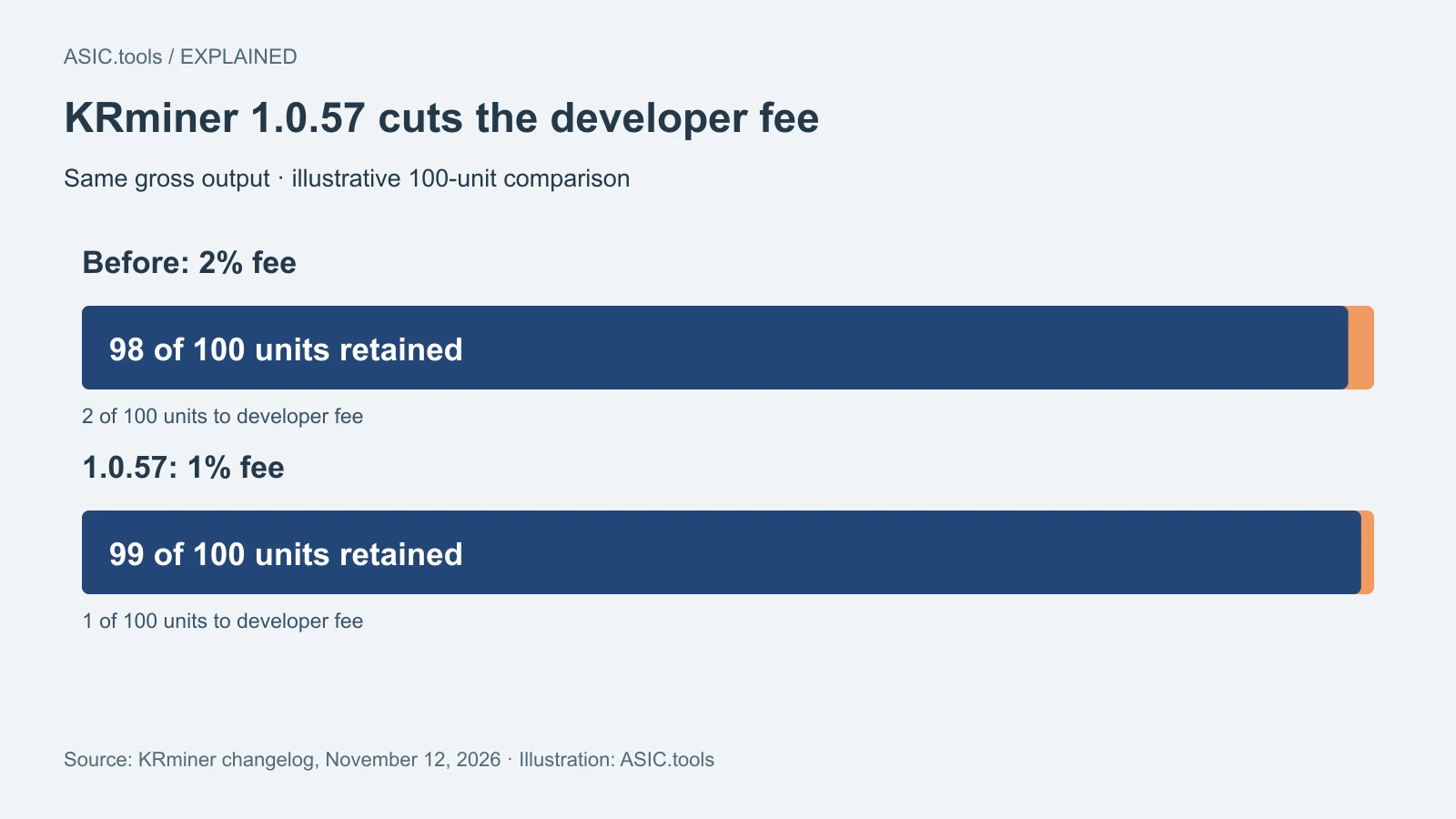
A smaller cut on the same work
KRminer 1.0.57, released on November 12, lowers the fee its developer takes from 2% to 1%. The official site lists the new rate for all three algorithms available on supported NVIDIA cards: pearlhash for Pearl (PRL), Poseidon2 for Quantus (QTC) and Poseidon2b for Parano1d (NOID).
The change matters most to someone who already runs the software and wants to keep a little more of the work their graphics cards do. It applies to this GPU miner. A Bitcoin ASIC runs specialized hardware and does not gain anything from installing a program designed for NVIDIA cards.
How much of a difference is one point?
Think of 100 units of mining output before the developer’s fee. At 2%, 98 units would be left; at 1%, 99 would be left. With everything else held constant, that is one additional unit, or about 1.02% more than the old 98. It is an illustration of the fee difference, not a prediction of the coins a pool will pay.
A pool joins the work of many miners and distributes rewards under its own rules. Its fee is separate, and the pool may also have a minimum payout. A lower software fee changes neither the pool’s rules nor the electricity bill. If a rig was close to breaking even, those costs are still worth checking.
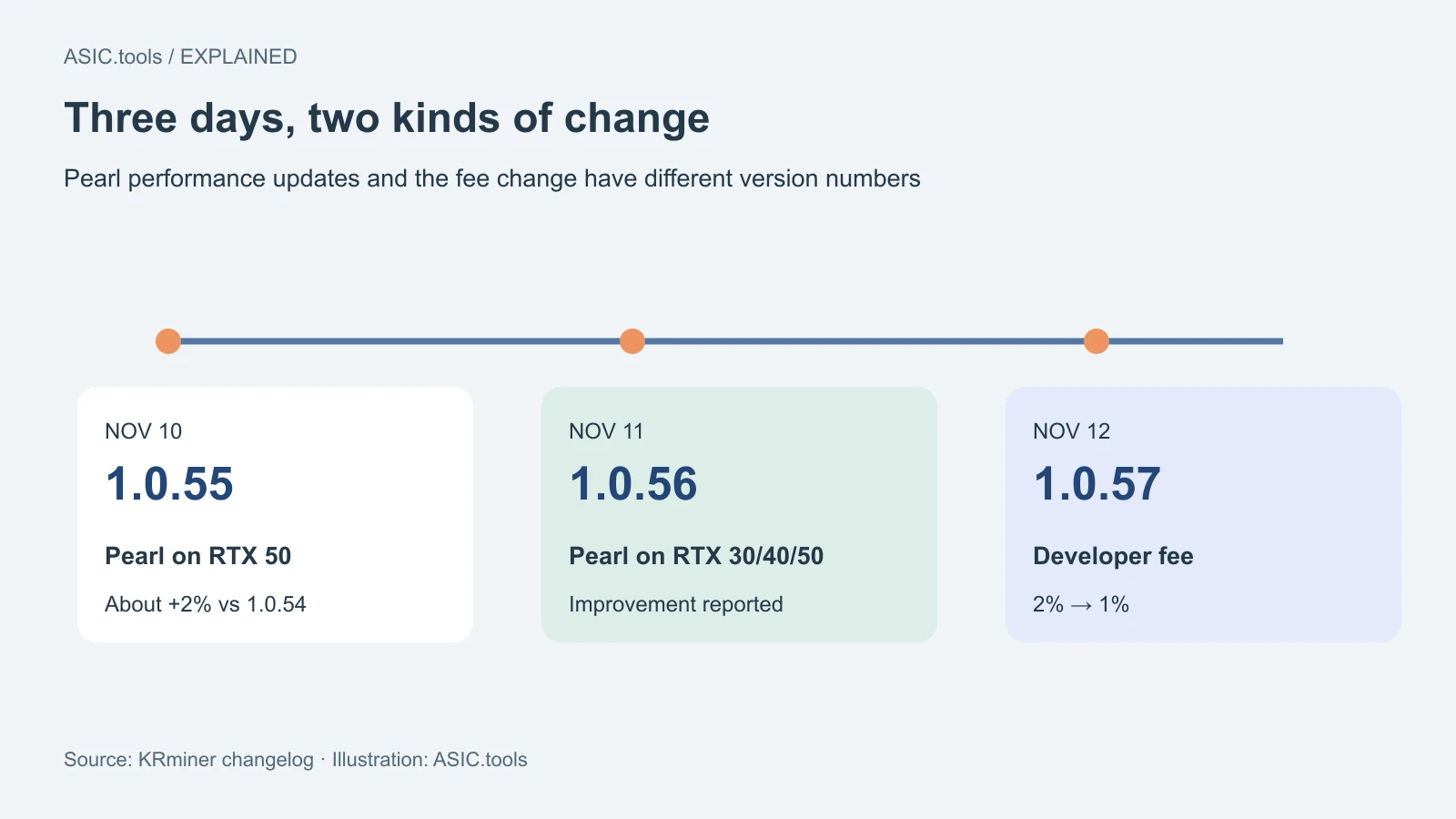
Pearl got a separate update on November 11
Version 1.0.56 lists a Pearl performance improvement on RTX 30, 40 and 50 cards. The developer does not state a single percentage for those three generations. The roughly 2% figure on the same changelog belongs to version 1.0.55, specifically an RTX 50 Pearl test relative to 1.0.54.
The project's Pearl benchmark table identifies 1.0.56 as the tested build. For example, it shows an RTX 5080 at 230.5 TH/s and 221 W of GPU power. That is the developer’s result at its listed clock, not a promise about the speed or total power draw of a rig at the wall.
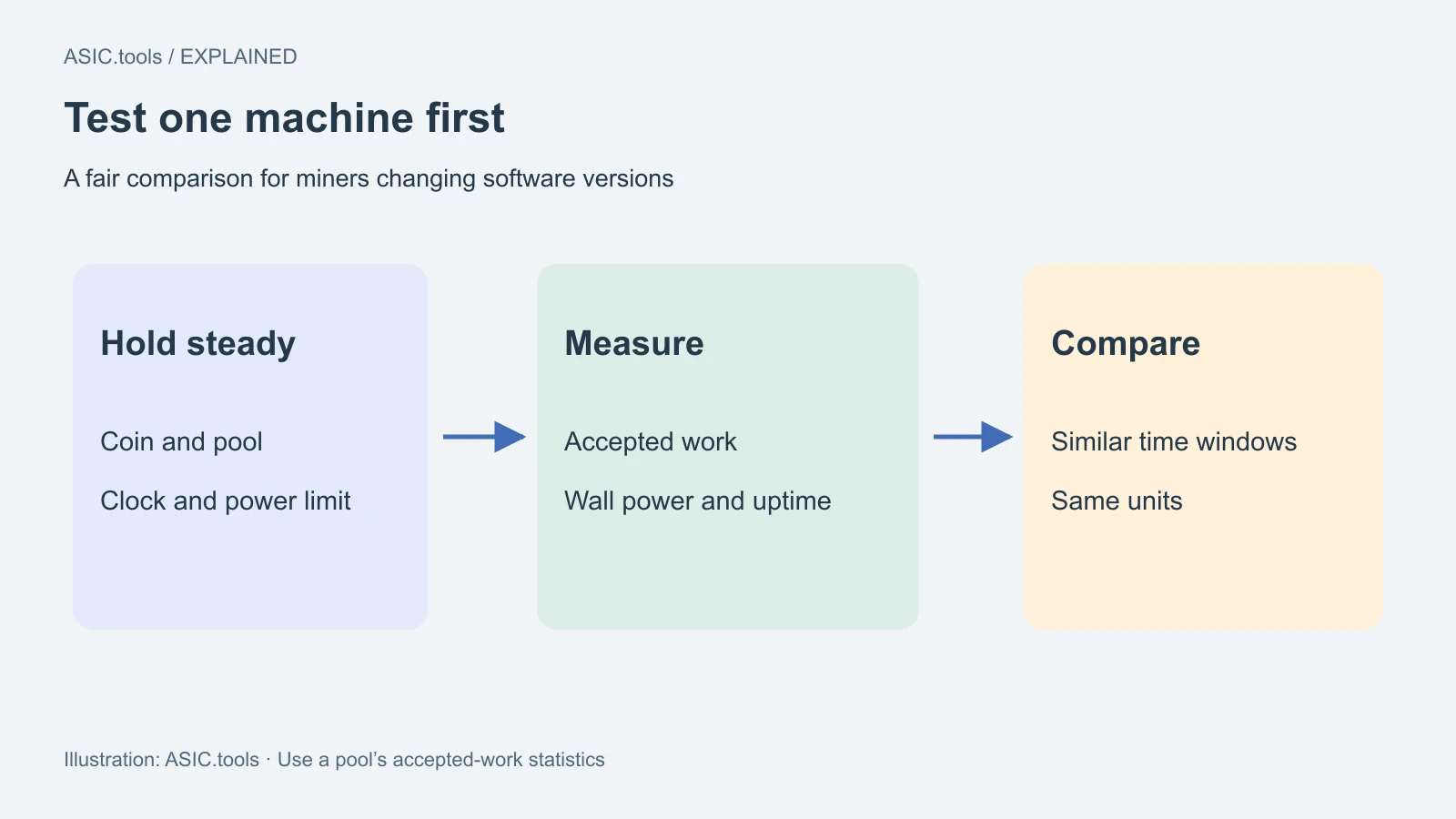
Compare what the pool accepts
If you want to see how an update affects your rig, start with one card or worker. Keep the coin, pool, clocks and power settings the same. Give both runs a similar amount of time and compare the work accepted by the pool. Those accepted submissions, called shares, matter more to a payout than the highest number flashed on the miner’s screen.
For a fee-only comparison, use 1.0.56 as the starting point if that is the build you already run. Comparing 1.0.54 with 1.0.57 on Pearl would also include the intervening performance changes. Record the version beside each result so you can explain what changed.
Watch for rejected work and interruptions as well as speed. A single payout can reflect luck or the pool’s payment schedule. Comparing longer periods and reading wall power under the same conditions helps separate a software change from a noisy day or a change in the rest of the rig.
If the pool adjusts the difficulty of each share, compare its effective hashrate or the total difficulty of accepted work rather than simply counting submissions. A pool can ask for fewer, harder shares without getting less computing work.
Where to get the update
The project lists downloads for HiveOS, Linux x86-64 and 64-bit Windows. Its support list names the RTX 30, 40 and 50 series. For RTX 50, it calls for an NVIDIA driver version 570 or newer. Check those requirements on the system you plan to update; a matching card alone does not tell you whether the installed driver is ready.
Use the release links and SHA-256 checksums from the developer. A checksum lets you check that the file you obtained matches the one the developer listed; it does not independently establish that a program is safe. Keep a copy of the current settings and a way to go back before changing every machine in a farm.
Source: KRminer ↗
Mining calculator ↗