EMCD adds a Zcash pool: the fee, payout threshold and hardware you need
Source report: 2026-10-15 · Editorial analysis published: 2026-10-20
EMCD lists a 1.5% pool fee, PPLNS rewards and payouts from 0.001 ZEC to an external transparent address. Here is what those terms mean in practice.
Another choice for Zcash miners
EMCD has added Zcash mining to its pool. Its official announcement is dated October 15, with the conditions checked again on October 20. Owners of compatible Equihash ASICs gain another place to direct their machines and receive ZEC, the network’s coin. A mining pool combines work from many devices so participants can share the rewards of blocks it finds.
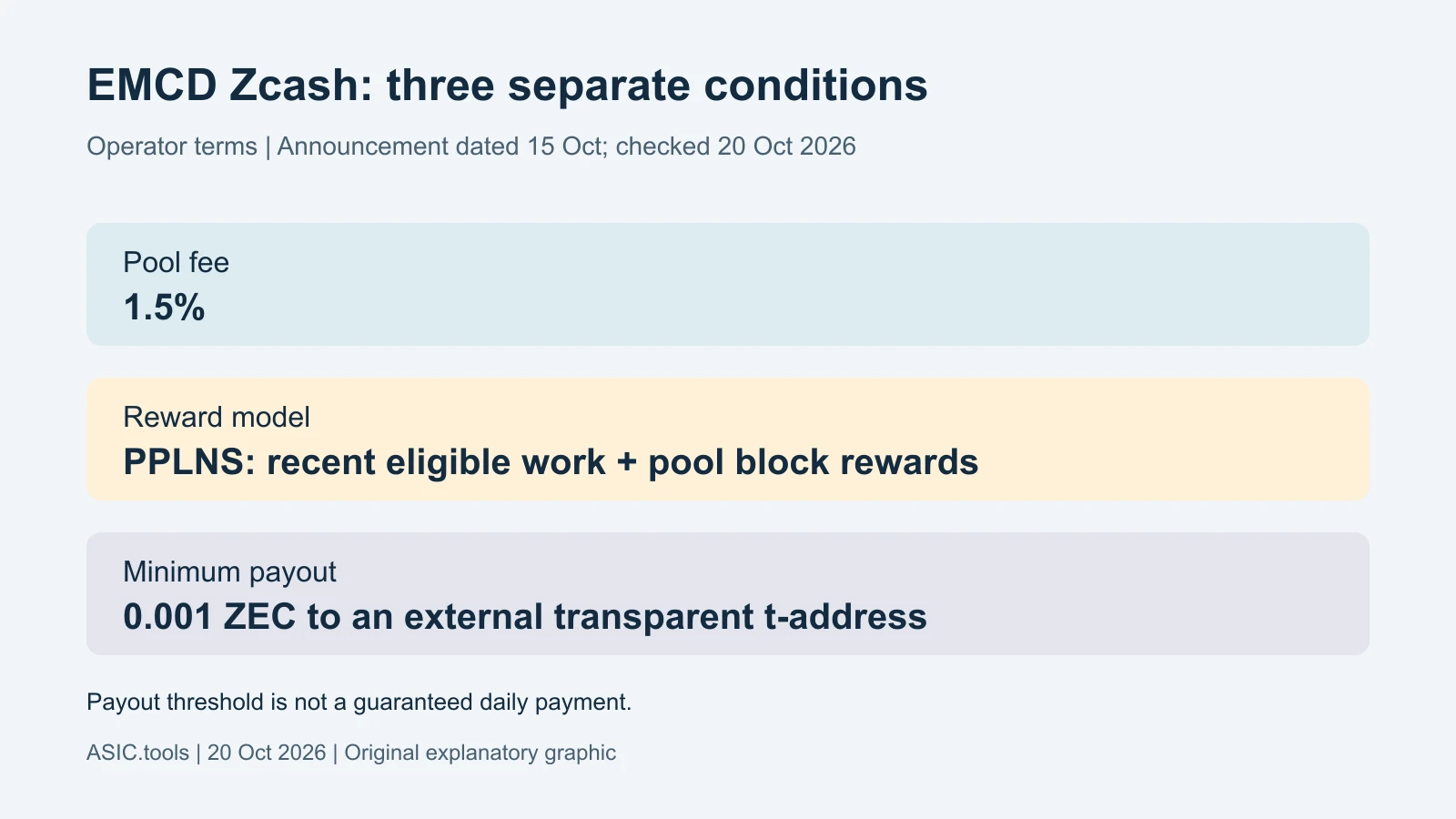
The practical news is the published setup: a 1.5% pool fee, the PPLNS reward method, a minimum payout of 0.001 ZEC and transfers to an external transparent Zcash address. These details matter more to a small operator than a headline about a coin’s recent rally. They determine how work becomes an account balance and when that balance reaches a wallet.
The machine must match the algorithm
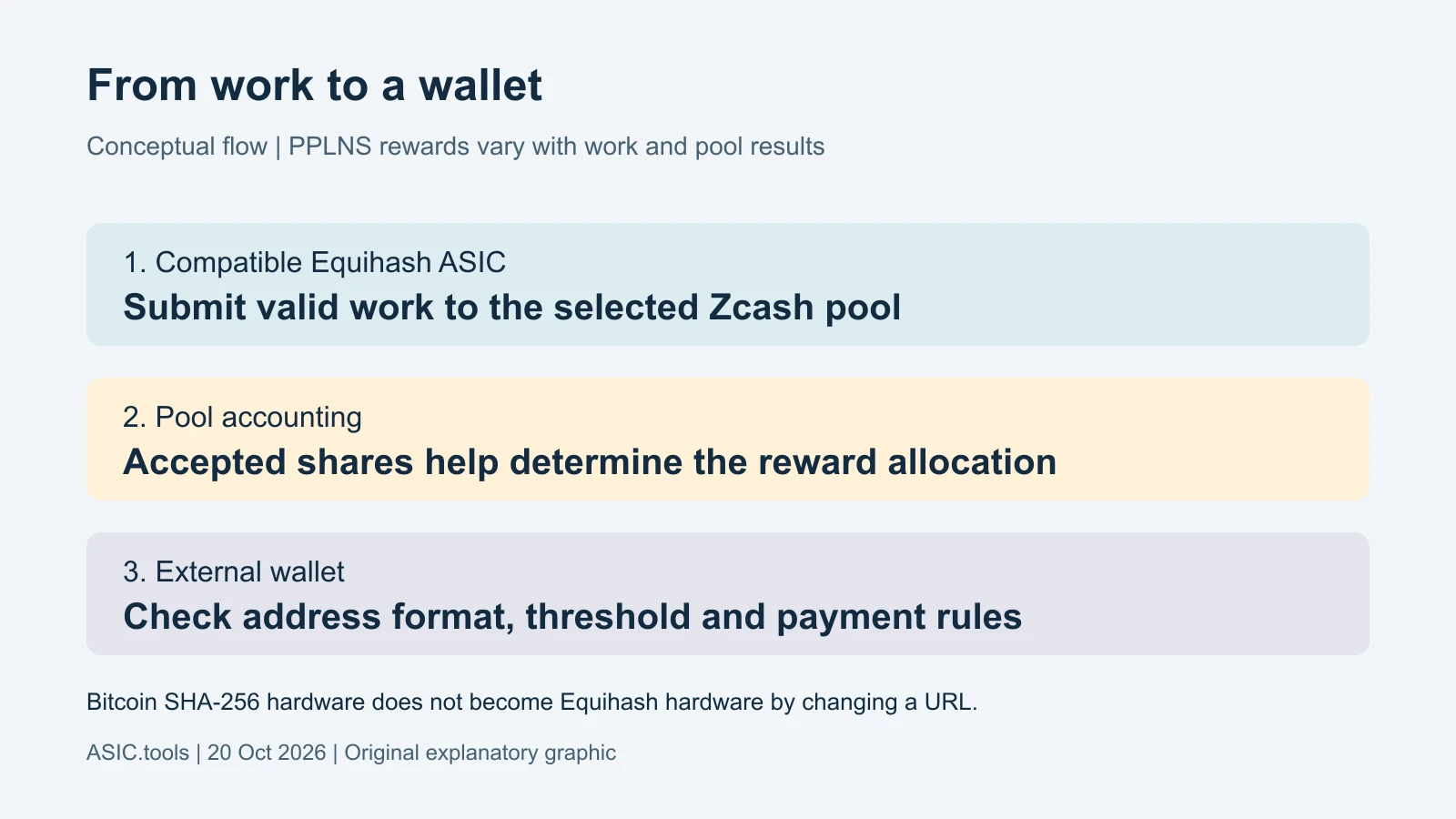
Equihash is the calculation method used to mine Zcash. An ASIC is a specialised computer built for a particular mining task. A Bitcoin machine designed for SHA-256 cannot become a Zcash miner merely by changing its pool address, just as a different destination does not turn a train into an aeroplane.
EMCD describes this as a connection option for existing compatible hardware. It is not a new miner or a firmware upgrade. A buyer should check the exact algorithm supported by the device, its power consumption and its available cooling before comparing advertised revenue. A familiar brand name on the case does not establish compatibility.
Why PPLNS payments can move around
PPLNS means Pay Per Last N Shares. A share is a small proof that a miner has been doing valid work. Under this method, recent eligible shares help determine a participant’s portion when the pool earns block rewards. The timing and short-term outcome therefore depend on the pool finding blocks as well as on the work submitted.
Think of a group sharing the catch from a fishing trip: effort matters, but each hour does not produce an identical catch. PPLNS should not be read as a fixed wage for every hour online. Compare several representative periods, accepted work and actual credited rewards; a brief lucky or unlucky run is a poor basis for choosing a pool.
The fee and the wallet are separate checks
The published 1.5% is the pool fee, not the total cost of running the machine. Electricity, cooling, downtime and any later exchange or wallet costs still affect the result. For a simple illustration, deducting 1.5% from a hypothetical one-ZEC reward leaves 0.985 ZEC before any other costs. That is arithmetic, not a daily production forecast.
The 0.001 ZEC figure is a minimum payout threshold, not a promised payment every day. EMCD specifies an external transparent t-address. Zcash has different address types, so having a ZEC wallet alone is not enough: the receiving address must match the pool’s requirements. Its setup guide also says adding a new payout address pauses payments for 24 hours.
A sensible first connection
The operator’s instructions are to select Zcash, obtain the pool connection details, enter them in the ASIC and check workers, hashrate and rewards in the dashboard. A worker is simply the name used to identify one machine. Copy connection details from the official account interface rather than an old screenshot or an unsolicited message.
For a farm, trying one device first makes the result easier to judge. Check that accepted work appears under the intended account, compare the pool’s measured hashrate over time and confirm the payout address before moving more machines. Pool-side readings fluctuate and need not match the device display at every instant. Keep previous settings available if the connection fails.
What changes in the profitability calculation
Another pool gives miners more choice, but does not make the network issue extra coins for their particular devices. The useful comparison is the ZEC actually credited for comparable work and time, followed by the cost of electricity and other running expenses. A higher coin price can help revenue while greater competition for blocks pushes in the opposite direction.
EMCD says availability can depend on jurisdiction, so check access in the account before planning a move. The service terms above come from the operator, not an independent ASIC.tools mining test. Our calculator and farm tools can help organise the cost assumptions; enter measured consumption and a current income estimate rather than treating the fee or payout threshold as a profit guarantee.
Source: EMCD ↗ · EMCD Zcash setup guide ↗
Mining calculator ↗