Finding a miner on your network: DHCP, IP and DNS
A step-by-step route from an unknown device address to a working pool connection.
ASIC.tools · Reviewed
Start at the Ethernet connection
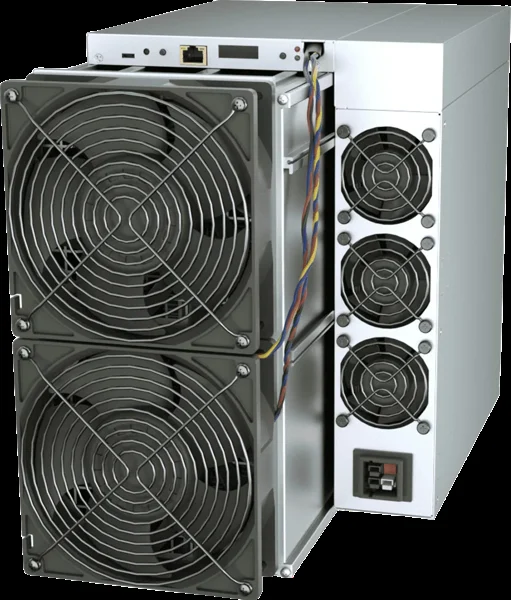
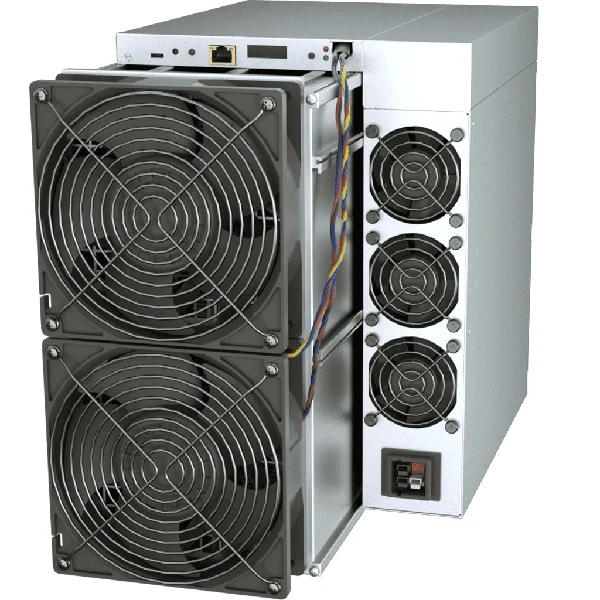
Check that the miner has completed its normal startup and that its Ethernet port shows a link. Inspect the cable and switch port before changing settings. Connect your administration computer to the authorized mining network. An illuminated port confirms a physical connection, but does not prove that DHCP, DNS or internet access works. Record what changed immediately before the device disappeared.
Identify the correct device
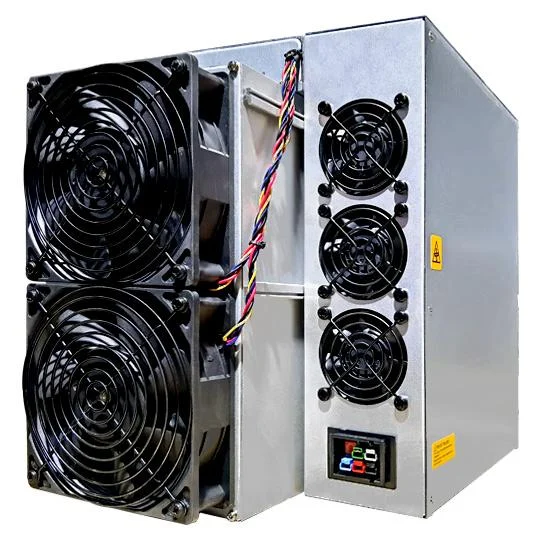
Open the router or DHCP server lease table and match the device MAC address with your inventory. On supported ANTMINER models, the official IP Reporter can help identify the unit on the same network segment. Follow the model instructions for its identification button; do not confuse that button with a factory reset. Label the rack position after confirming the address.
Keep addresses predictable
A DHCP reservation associates a known address with a device MAC address while keeping network settings centrally managed. If a static address is required, coordinate it with the network administrator, avoid the dynamic allocation range, and document its subnet, gateway and DNS. Copying one static configuration to several miners creates duplicate addresses and intermittent failures that can look like defective hardware.
Separate local access from pool access
First confirm that the administration page opens locally. Next check the configured gateway and name resolution using the supported diagnostic interface. Verify the exact pool hostname, protocol and port against the pool documentation. A successful ping does not confirm a working mining connection, and a blocked ping does not prove that the pool is unavailable. Look for accepted work in the pool dashboard.
Recover without losing evidence
If the miner remains unreachable, test one known-good cable and port, then check whether other devices on the same segment are affected. Save the network map before considering a reset. A factory reset may remove credentials and pool settings and should follow the exact model procedure. Success means stable local access, a unique address and accepted pool submissions after a normal restart.